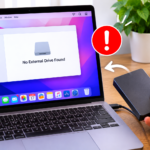
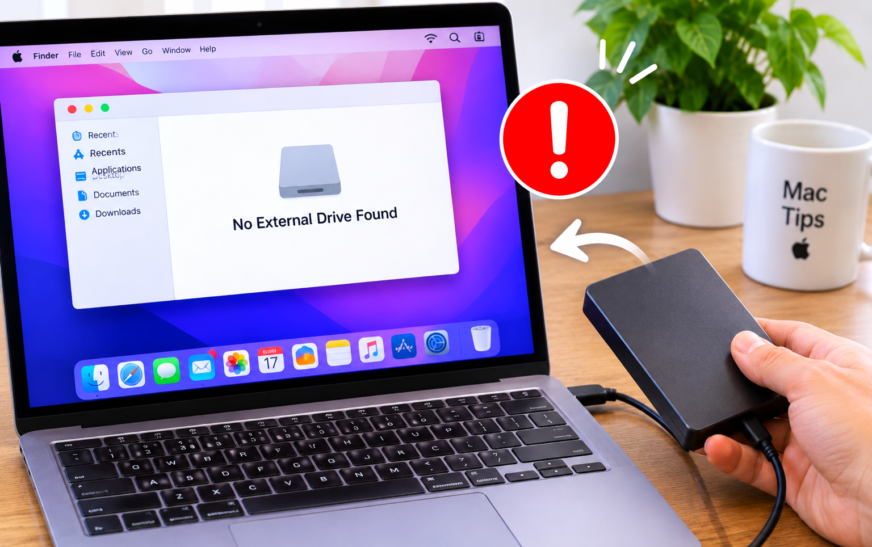
How to Fix an External Drive Not Showing Up on Mac

✅ Quick Answer When an external drive isn’t showing up on Mac, first check Finder → Settings (or Preferences) → General and make sure “External disks” is ticked — if this box is unchecked, drives connect fine but never appear on the desktop or in the sidebar. If that setting
About Me
Hello ! I am KD Sharma
founder, writer, and video creator at Crazy Errors. I help Mac, iPhone, and Windows users fix tech problems with simple, step-by-step guides.