
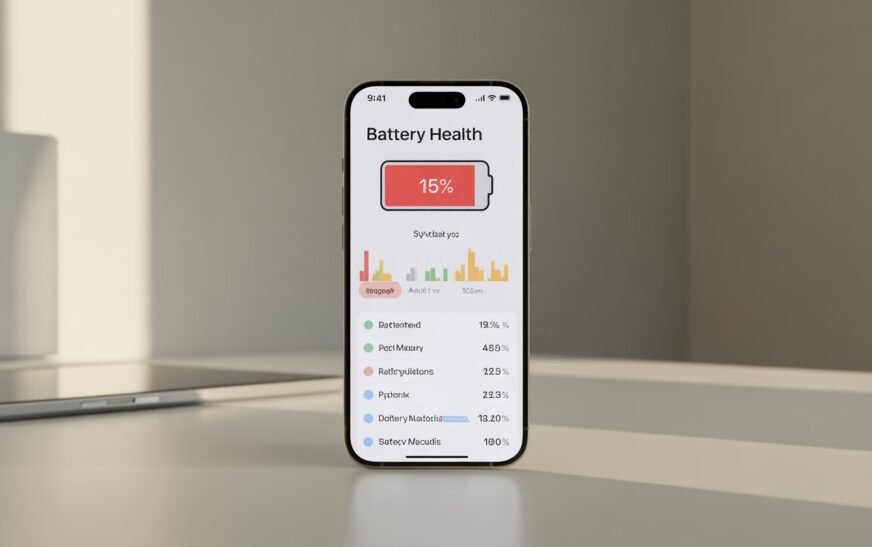
iPhone Battery Draining Fast After iOS 26? Real Fixes That Actually Work
✅ Quick Answer iPhone Battery draining fast after iOS 26 is normal for the first 24–72
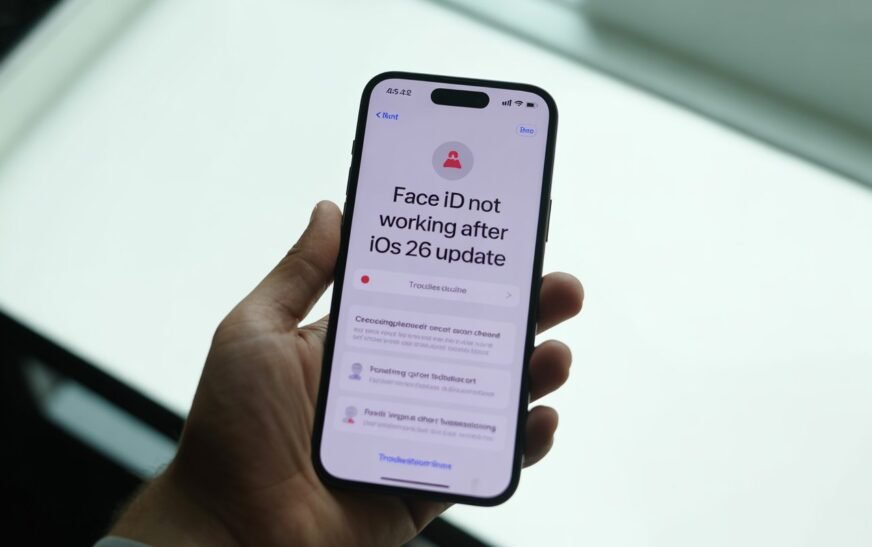
Face ID Not Working After iOS 26 Update — Complete Fix Guide
✅ Quick Answer Face ID stopping after an iOS 26 update is a known post-update issue.
About Me
Recent Article
How to Turn Off Notifications on MacBook
How to Delete or Uninstall Apps on
Video Sent via iCloud Not Loading –
Subscribe To Our Newsletter
No spam, notifications only about new stories and updates
Tags Cloud
airplay not showing up on mac airplay not working mac airplay not working mac to apple tv apfs volume hash mismatch error disk utility hash mismatch fix photos library mac 2026 fix time machine mac fix touch id mac after update fsck_apfs hash mismatch mac airplay to tv fix mac file sharing not working mac file sharing setup macos tahoe bluetooth dropping macos tahoe bluetooth wifi breaking macos tahoe compatibility macos tahoe connectivity fix macos tahoe not showing up macos tahoe spotlight fix macos tahoe wifi keeps disconnecting mac photos library not loading mac photos won't open mac safari running slow mac spotlight search not working mac time machine backup failed mac touch id not available mac to windows file sharing mac volume hash mismatch mac volume hash mismatch fix mac wifi unstable after update photos library damaged mac photos spinning wheel mac rebuild spotlight index mac safari crashing mac safari high cpu mac safari slow after macos update smb not working mac software update not showing macos tahoe spotlight not finding files mac spotlight not working mac time machine backup disk full time machine backup not completing time machine preparing backup stuck touch id not working mac touch id not working macos tahoe touch id recognition failed mac