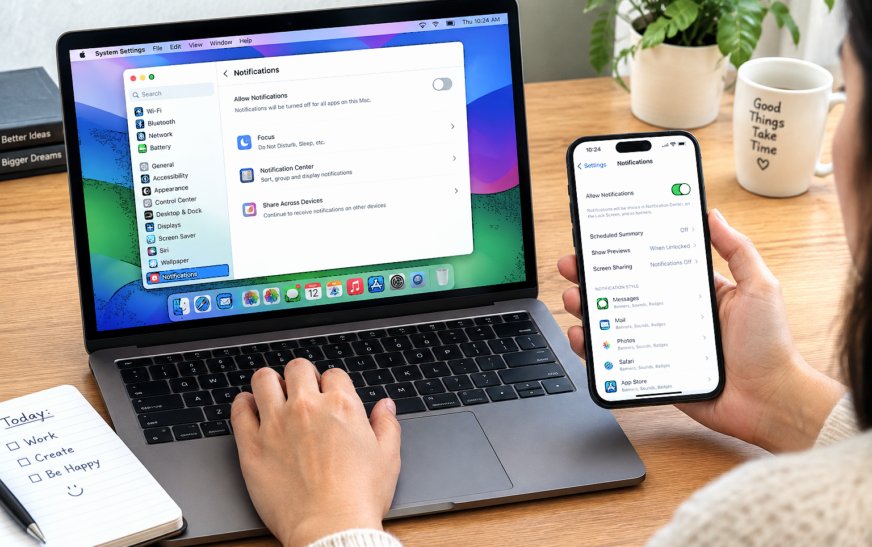
How to Turn Off Notifications on MacBook but Not iPhone

✅ Quick Answer To turn off notifications on MacBook but not iPhone, use Do Not Disturb — but you must disable Focus syncing first, or it will silence your iPhone too. On your Mac: click the Control Center icon (top-right menu bar) → Focus → Do Not Disturb to enable
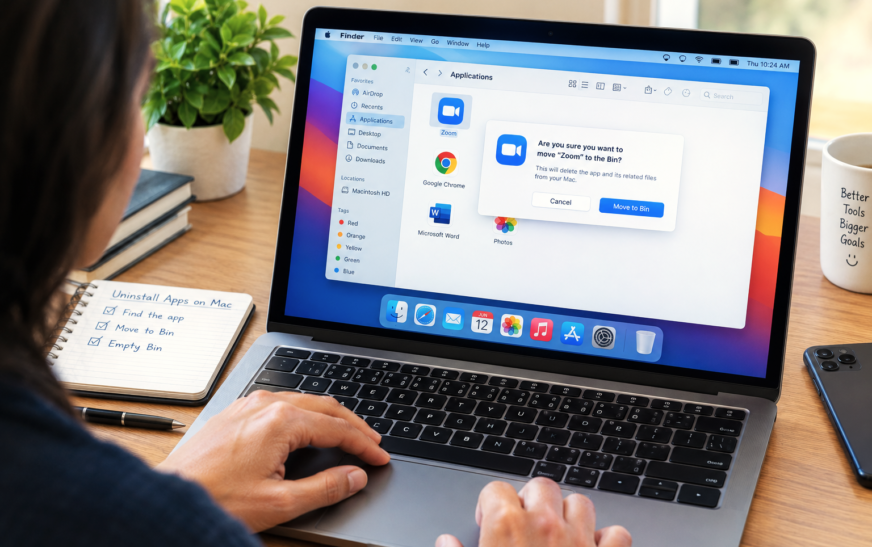
How to Delete or Uninstall Apps on Mac – 8 Proven Methods for a Complete Clean Removal
✅ Quick Answer To delete or uninstall apps on Mac, the fastest methods are: open Launchpad, click and hold any app icon until they wiggle, then click the X on the app you want to remove (works for App Store apps); or open Finder → Applications, right-click the app, and
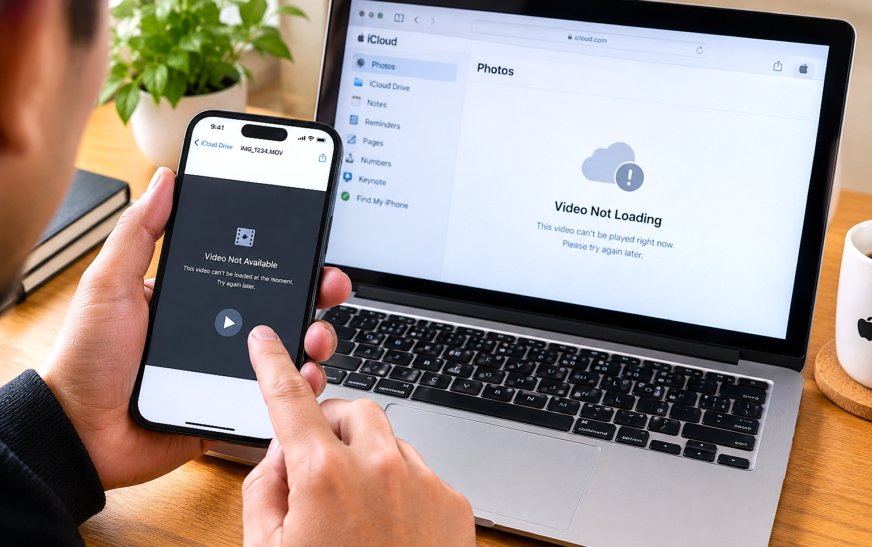
Video Sent via iCloud Not Loading – 12 Proven Fixes to Finally Watch Your Shared Videos
✅ Quick Answer When a video sent via iCloud is not loading, the issue is almost always one of three things: a weak or unstable internet connection preventing the download from completing, the sender’s iCloud storage being full so the video never actually uploaded, or the iCloud link having expired
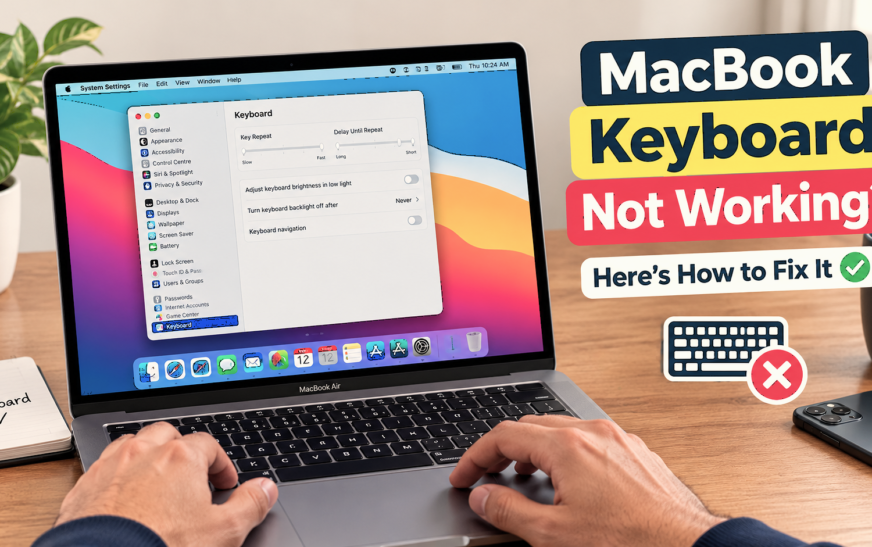
How to Unlock a MacBook Keyboard is Not Working -12 Proven Fixes to Instantly Regain Access
✅ Quick Answer To unlock a MacBook when the keyboard is not working, the fastest method is to use Touch ID — press the fingerprint sensor at the top-right of the keyboard (or in the Touch Bar) to bypass the password screen entirely. If your MacBook doesn’t have Touch ID
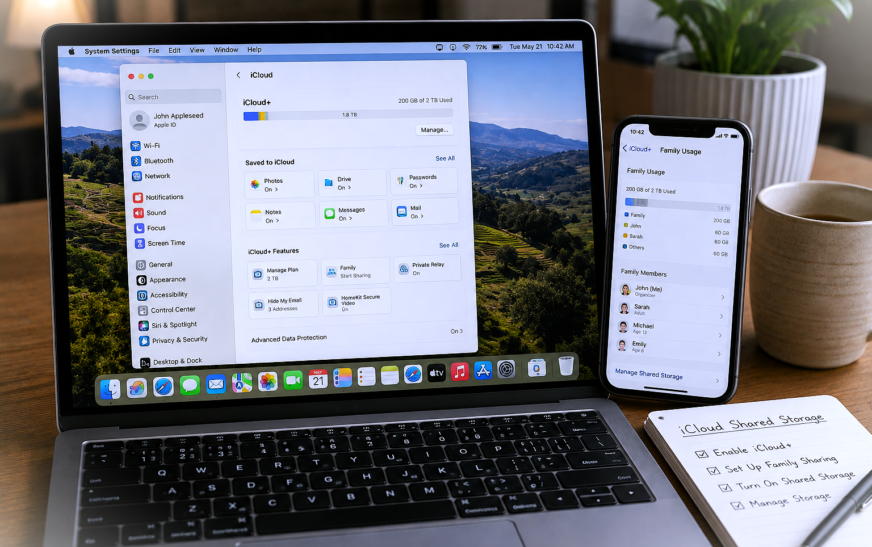
How to Set Up iCloud Shared Storage for Family – Step-by-Step Guide
✅ Quick Answer To set up iCloud shared storage for family, the account organiser goes to Settings → [Your Name] → Family Sharing → Set Up Family on iPhone, or System Settings → [Your Name] → Family Sharing on Mac, then upgrades to an iCloud+ plan of 200 GB or
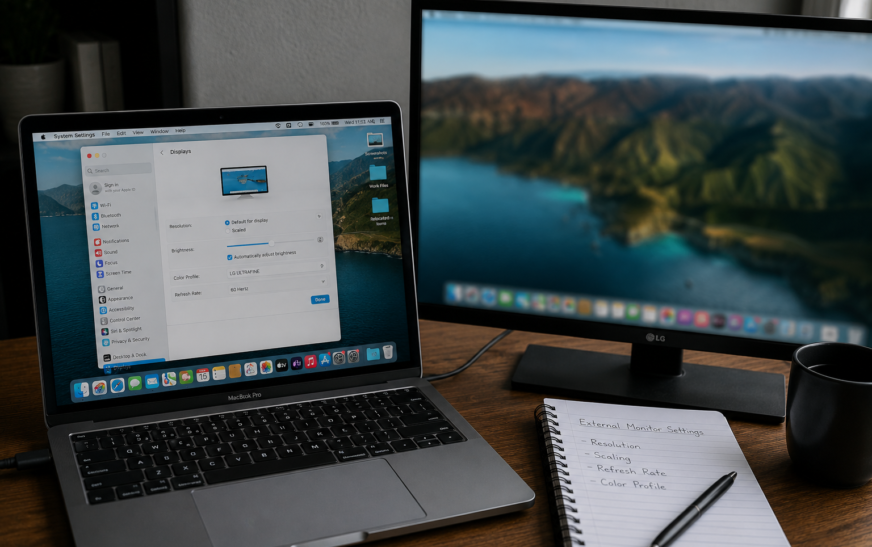
Mac External Monitor Blurry – Resolution and Scaling Settings Fixed
✅ Quick Answer Mac external monitor blurry text and images are almost always caused by macOS not running the display at its native resolution, or HiDPI (Retina-style scaling) not being enabled for a non-Apple monitor. Go to System Settings → Displays, click your external monitor, and select “Default for display”
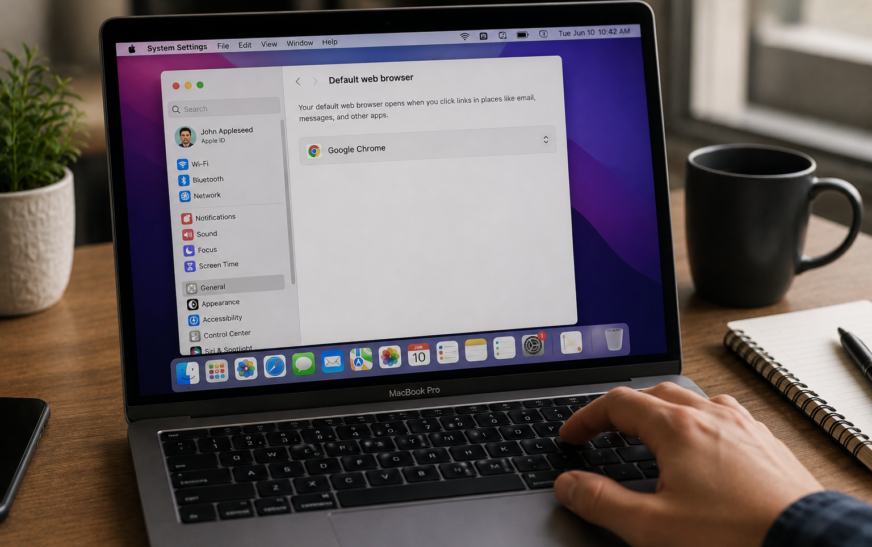
Mac Default Browser Not Changing – Safari Won’t Switch Fix
✅ Quick Answer Mac default browser not changing is most often caused by changing the setting in the wrong place, or a macOS glitch that requires a restart to apply the change. The correct method is to go to System Settings → Desktop & Dock → Default web browser (not
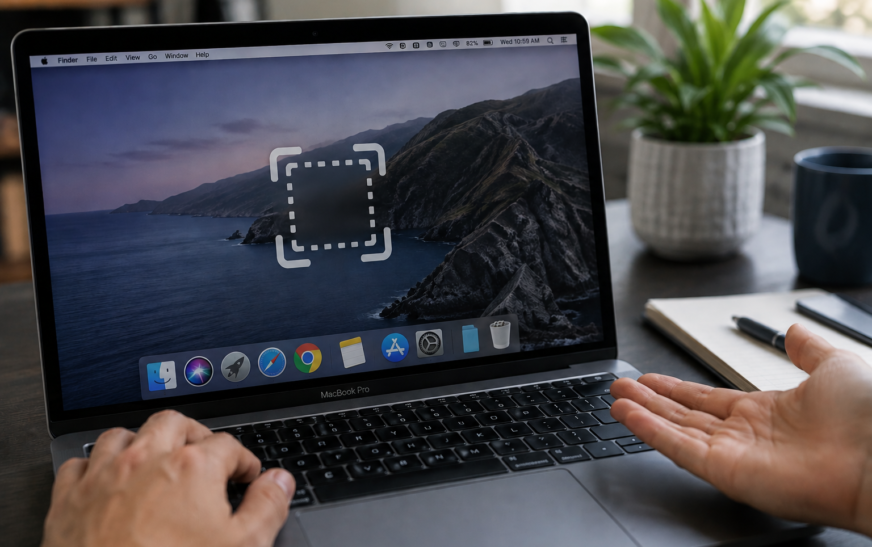
Mac Screenshot Not Working – Cmd+Shift+3 and 4 Fix
✅ Quick Answer Mac screenshot not working with Command + Shift + 3 or 4 is almost always caused by one of three things: the screenshot shortcuts have been reassigned or disabled in System Settings, the Screenshot app is missing Screen Recording permission, or the screenshots are saving to a
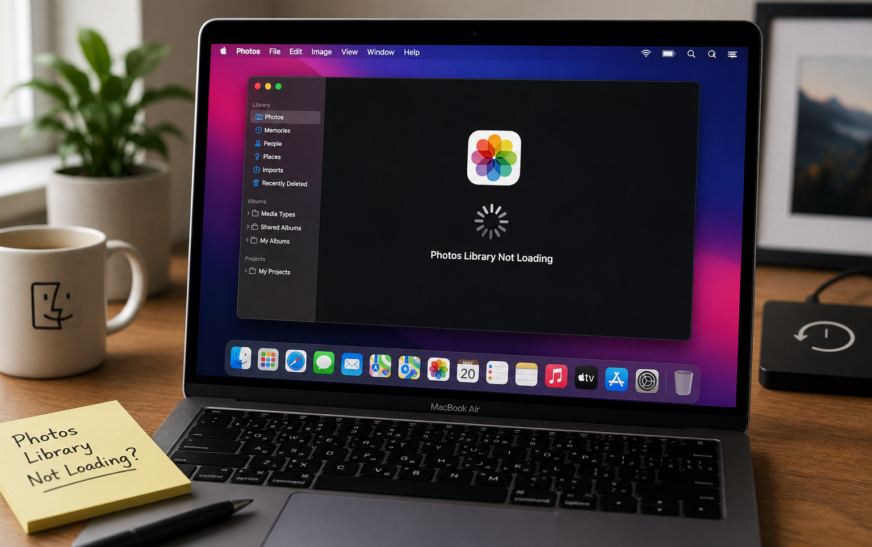
Mac Photos Library Not Loading — Spinning Wheel Fix (2026)
✅ Quick Answer Mac Photos library not loading and showing a spinning wheel is most commonly caused by a corrupted library database, not enough free storage on your Mac, or an iCloud Photos sync that stalled mid-process. The fastest fix is to hold Command + Option while opening Photos —
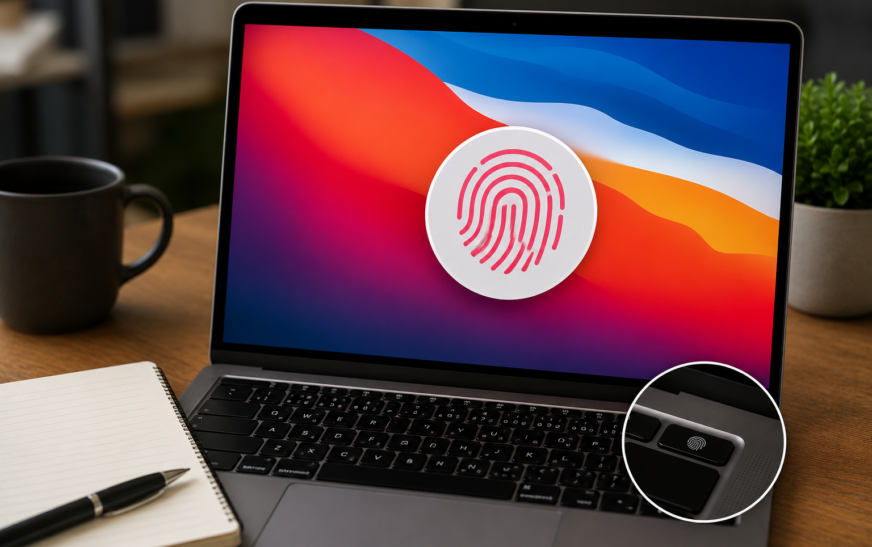
Touch ID Not Working on Mac After macOS Tahoe — Complete Fix Guide
✅ Quick Answer Touch ID not working on Mac after a macOS Tahoe update is most commonly caused by the update resetting Touch ID settings, expiring the iCloud authentication session that Touch ID depends on, or leaving fingerprint enrollment in a corrupted state. The fastest fix is to go to
About Me
Hello ! I am KD Sharma
founder, writer, and video creator at Crazy Errors. I help Mac, iPhone, and Windows users fix tech problems with simple, step-by-step guides.