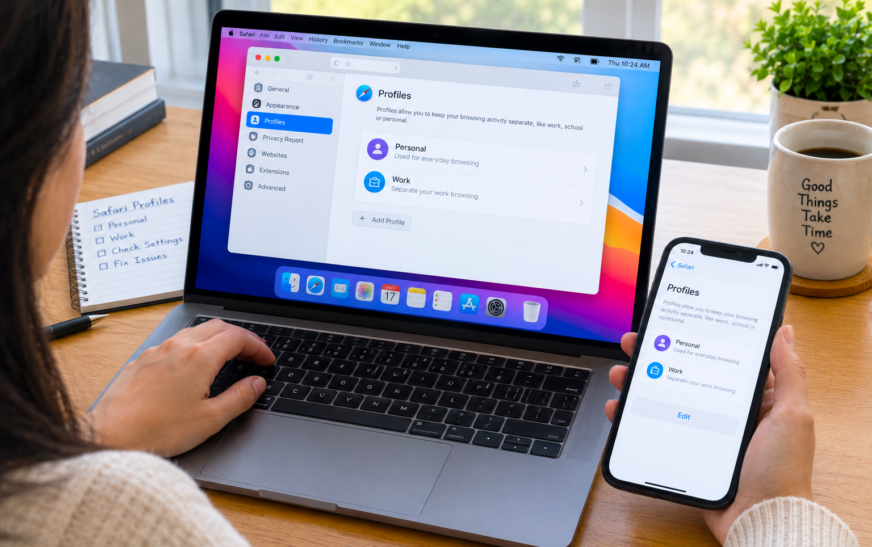
Safari Profiles Not Working on Mac? Empty Profile & Missing Data Fix

✅ Quick Answer When Safari Profiles show as empty or missing data on Mac, the most reliable fix is quitting Safari completely, then navigating to ~/Library/Safari/Profiles/ in Finder to check whether the profile folders exist. If the folders are there but Safari isn’t loading data, a corrupt preferences file is
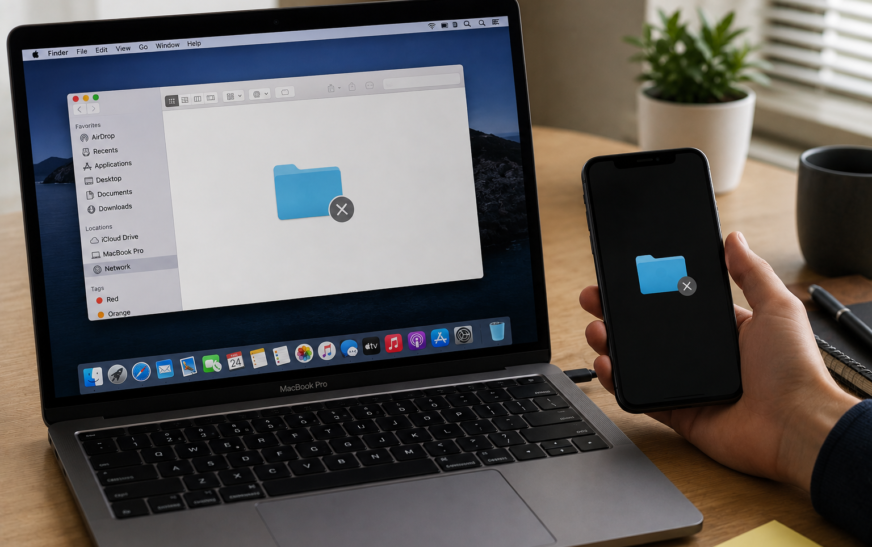
Mac File Sharing Not Working — How to Set Up and Fix
✅ Quick Answer Mac File Sharing not working is almost always caused by File Sharing being turned off in System Settings, both Macs not being on the same local network, or the Mac’s firewall blocking SMB connection requests. Start by going to System Settings → General → Sharing → File
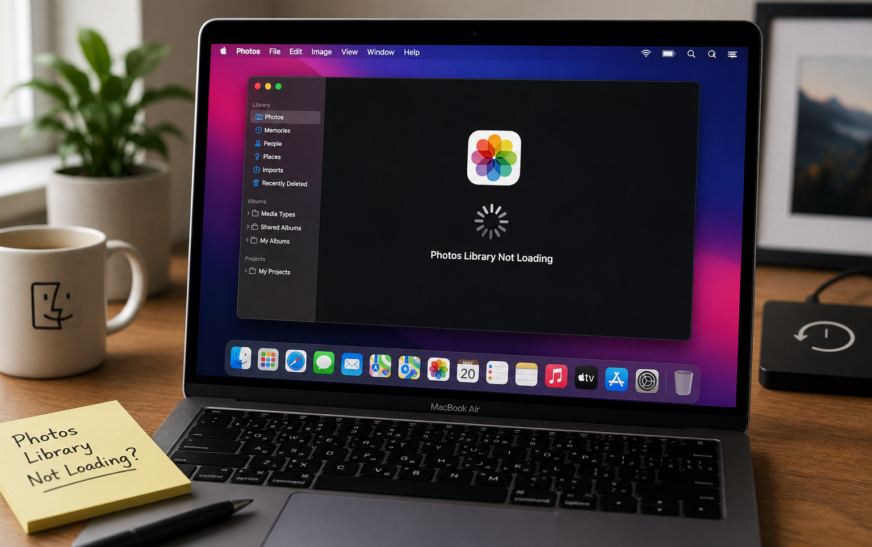
Mac Photos Library Not Loading — Spinning Wheel Fix (2026)
✅ Quick Answer Mac Photos library not loading and showing a spinning wheel is most commonly caused by a corrupted library database, not enough free storage on your Mac, or an iCloud Photos sync that stalled mid-process. The fastest fix is to hold Command + Option while opening Photos —
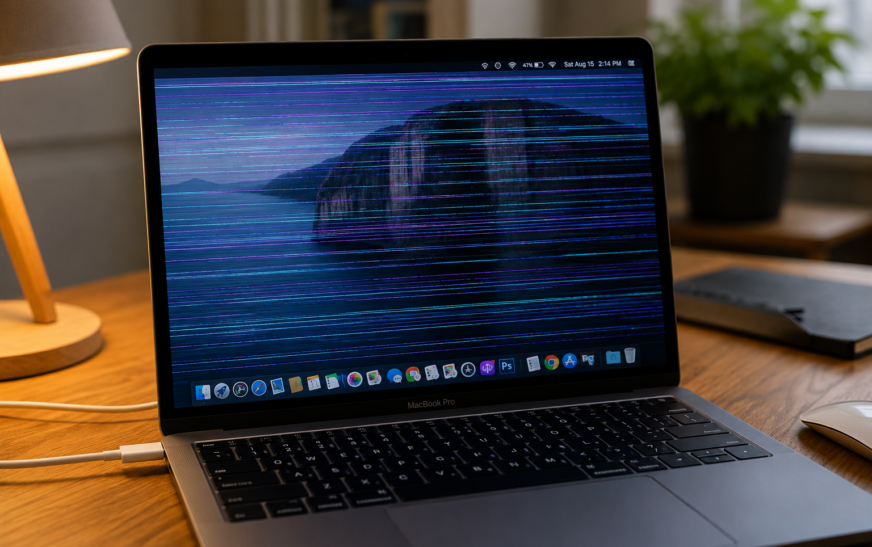
MacBook Screen Flickering – How to Fix It (Software vs Hardware Guide)
✅ Quick Answer MacBook screen flickering is caused by either a software issue or a hardware problem — and identifying which one saves a lot of wasted troubleshooting time. If the flickering happens in specific apps only, appears or disappears when you change display settings, or started right after a
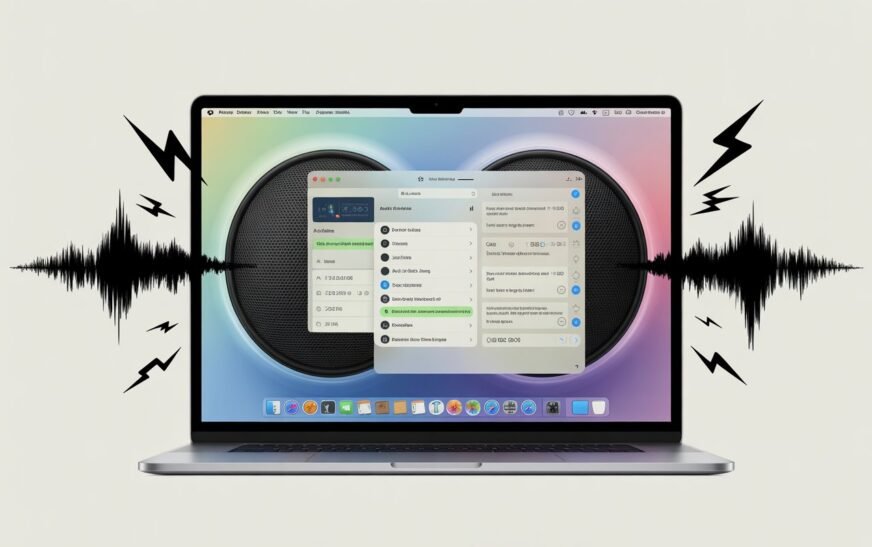
MacBook Audio Crackling After macOS Tahoe? Here’s How to Fix It
✅ Quick Answer Audio crackling and popping after macOS Tahoe is almost always caused by the Core Audio daemon crashing or getting into a bad state during the update, a sample rate mismatch between your Mac and audio output device, or Bluetooth audio codec instability introduced in Tahoe’s updated wireless
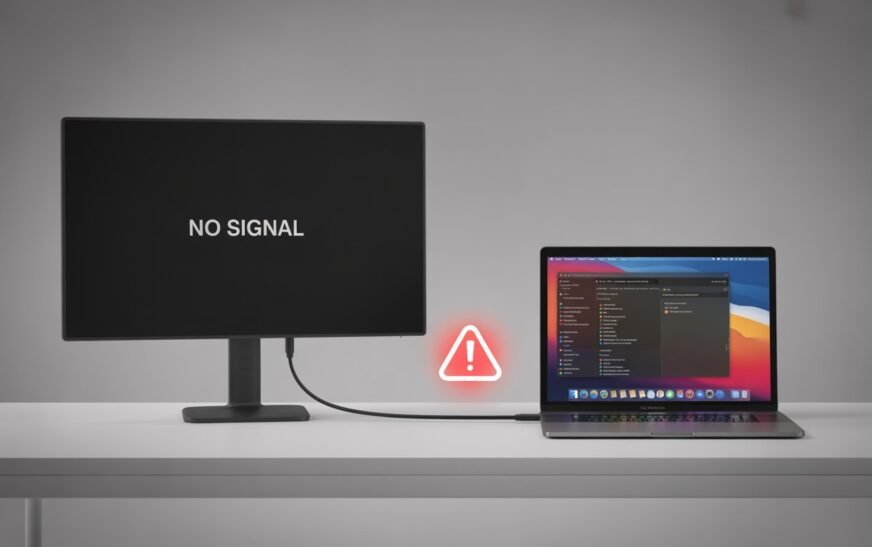
MacBook External Display Not Recognized After Restart (M4 Mac Mini Issue)
MacBook External Display Not Recognized After Restart (M4 Mac Mini Issue) Quick Answer Featured Answer — M4 Mac Mini External Display Fix When an external display is not recognized after restarting your M4 Mac Mini or M-series MacBook, the fastest fix is a Display SMC reset combined with reseating the
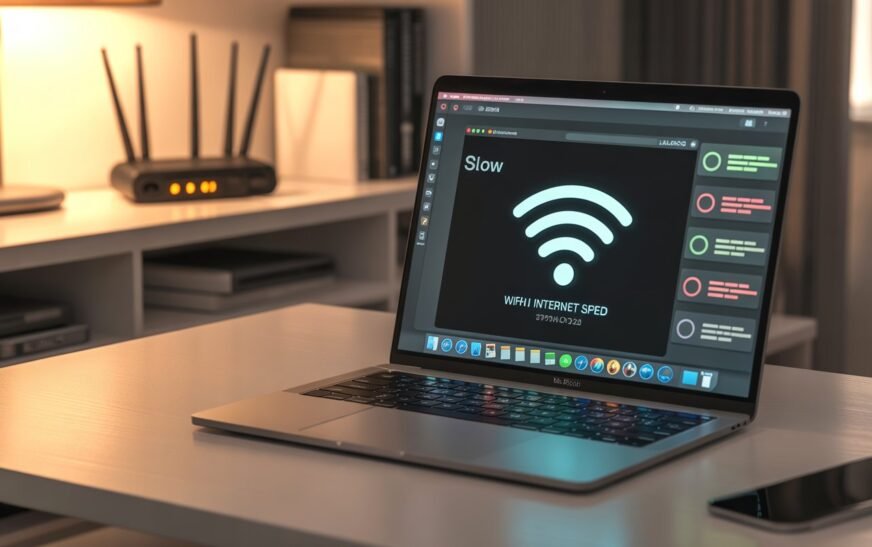
MacBook WiFi Slow When USB-C Devices Plugged In — How to Fix (M3/M4 Issue)
✅ Quick Answer MacBook WiFi slowing down when USB-C or Thunderbolt devices are plugged in is a real, documented hardware interference issue — particularly on M3 and M4 MacBooks. USB 3.0 and Thunderbolt cables emit electromagnetic interference that overlaps directly with the 2.4 GHz WiFi band. The fastest fix is
8 Secret Mac Features Most Users Never Discover
✅ Quick Answer Most Mac users only scratch the surface of what macOS can do. Eight genuinely useful features — including a built-in password manager, a hidden clipboard history, instant text recognition from images, and a full screenshot annotation suite — are already on your Mac right now. None of
Mac Running Slow? 10 Speed Fixes That Actually Work (Apple Silicon & Intel)
✅ Quick Answer If your Mac is running slow, start with the simplest fixes first: restart your Mac, check Activity Monitor for CPU and memory hogs, free up storage space, and trim your Login Items. Most slowdowns are caused by one or two specific apps or a storage issue —
Mac Maintenance Checklist: What to Do Every Month
✅ Quick Answer Monthly Mac maintenance doesn’t need to take long. Check your storage, review startup items, run a Software Update, and back up with Time Machine. The whole routine takes under 20 minutes and keeps your Mac running smoothly year after year. Avoid third-party “cleaner” apps — most do
About Me
Hello ! I am KD Sharma
founder, writer, and video creator at Crazy Errors. I help Mac, iPhone, and Windows users fix tech problems with simple, step-by-step guides.