

iPad Black Screen After Charging — Won’t Turn On? Here’s the Fix

✅ Quick Answer An iPad with a black screen that won’t turn on after charging is almost always caused by one of three things: the battery was so deeply drained it needs at least 15–30 minutes of charge before responding, the charger or cable isn’t actually delivering power, or the
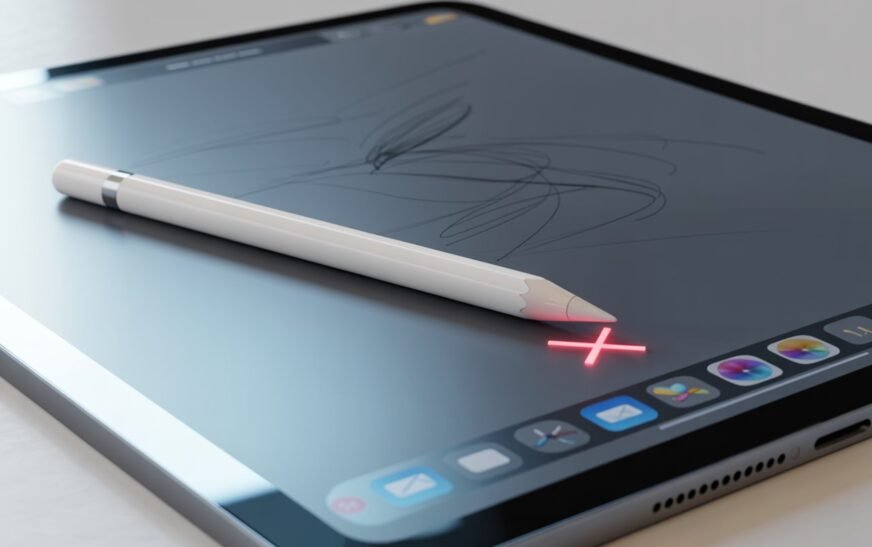
Apple Pencil Not Working or Won’t Pair? Complete Fix Guide (All Models)
✅ Quick Answer Apple Pencil not working or pairing is almost always caused by a dead or low battery, a broken Bluetooth pairing, or an iPadOS update resetting the connection. For Apple Pencil 2nd gen and Pencil Pro: detach from the iPad’s magnetic side, wait 5 seconds, and reattach firmly.
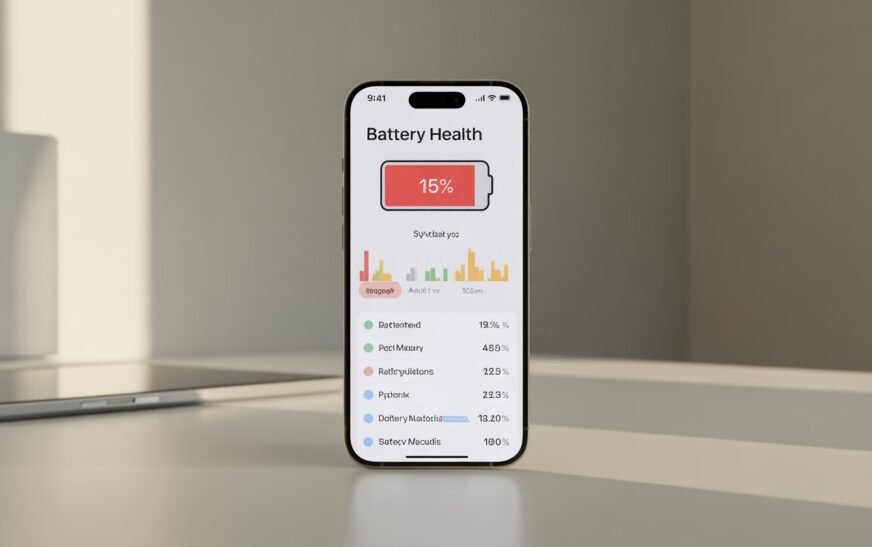
iPhone Battery Draining Fast After iOS 26? Real Fixes That Actually Work
✅ Quick Answer iPhone Battery draining fast after iOS 26 is normal for the first 24–72 hours — the system runs intensive background tasks (re-indexing, re-optimising) right after a major update that temporarily increase battery usage. If the drain continues beyond 3 days, the most effective fixes are: turning off
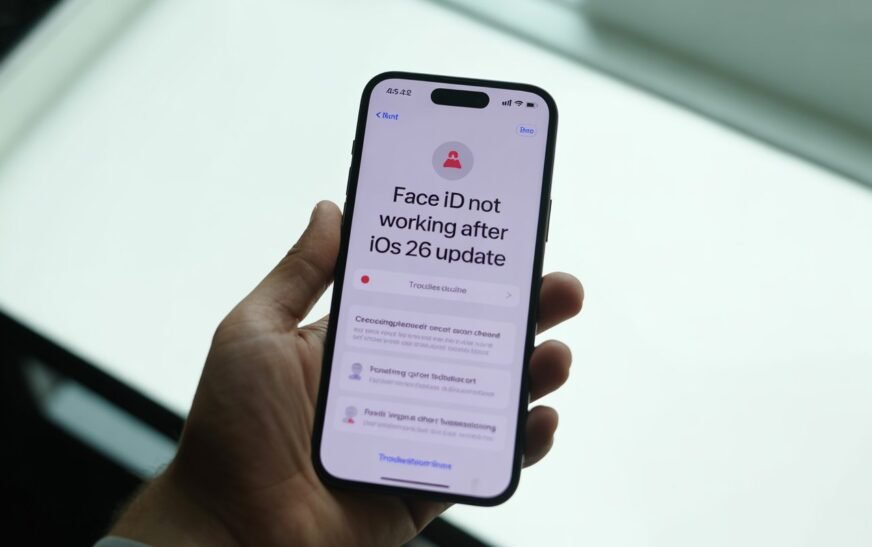
Face ID Not Working After iOS 26 Update — Complete Fix Guide
✅ Quick Answer Face ID stopping after an iOS 26 update is a known post-update issue. The fastest fix is to go to Settings → Face ID & Passcode → Reset Face ID, then set it up again from scratch. If that doesn’t work, a restart, toggling Face ID off
About Me
Hello ! I am KD Sharma
founder, writer, and video creator at Crazy Errors. I help Mac, iPhone, and Windows users fix tech problems with simple, step-by-step guides.