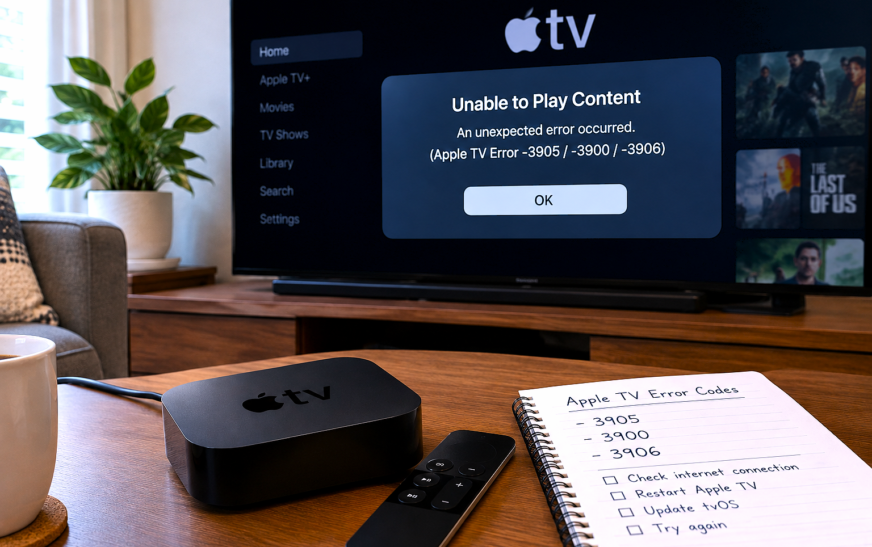
Apple TV Error -3905 / -3900 / -3906 – 12 Proven Fixes to Finally Restore Your WiFi Connection

✅ Quick Answer Apple TV Error -3905, -3900, and -3906 are all WiFi and network connection errors that appear when the Apple TV cannot establish a secure connection to Apple’s servers — for activation, the App Store, software updates, or Apple TV+ streaming. The fastest fix is a two-step restart:
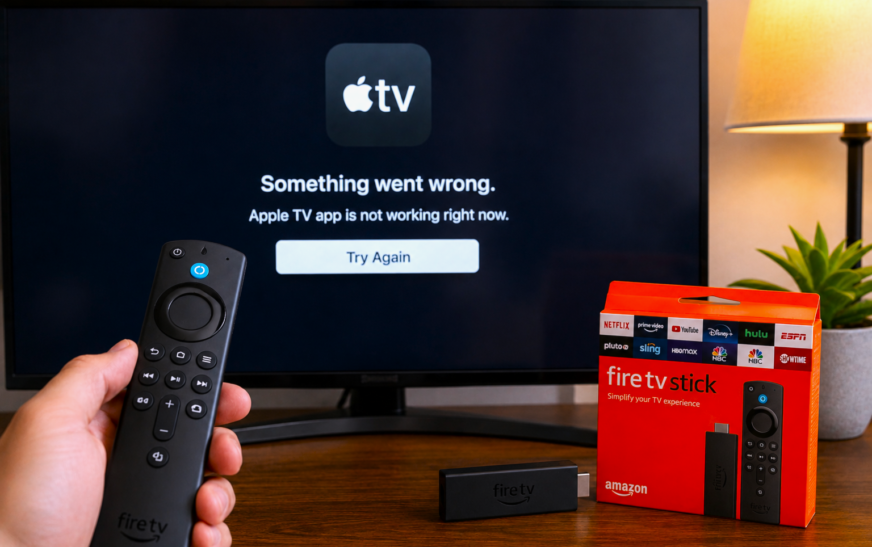
How To Fix Apple TV APP Not Working on Firestick – 12 Proven Fixes
✅ Quick Answer When the Apple TV app is not working on Firestick, the fastest fix is a three-step sequence that resolves the issue for most users: force-close the app by holding the Home button and selecting the Apple TV app to quit, then restart your Firestick by going to
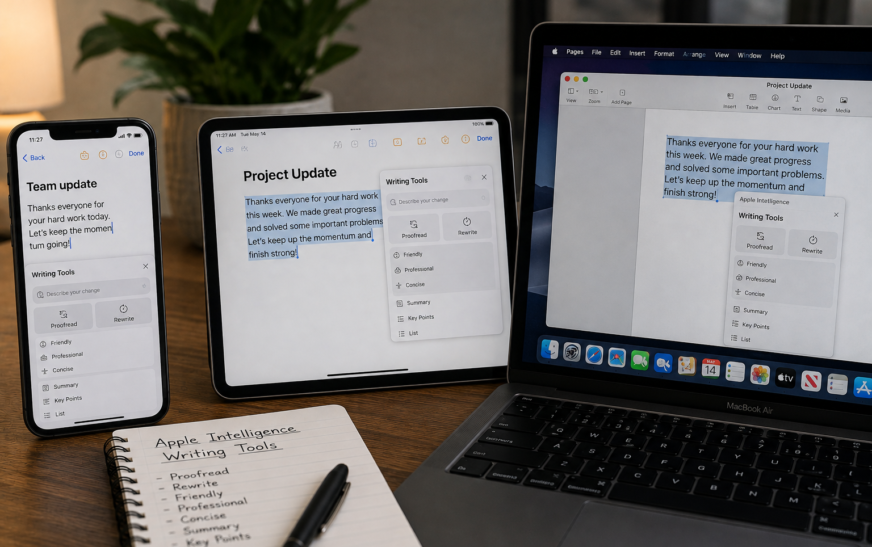
How to Use Apple Intelligence Writing Tools on iPhone, iPad and Mac
✅ Quick Answer To use Apple Intelligence Writing Tools, select any text you’ve typed in a text field — in Mail, Notes, Messages, Pages, or most third-party apps — then tap the Writing Tools button that appears in the formatting toolbar or in the text selection menu. On iPhone and
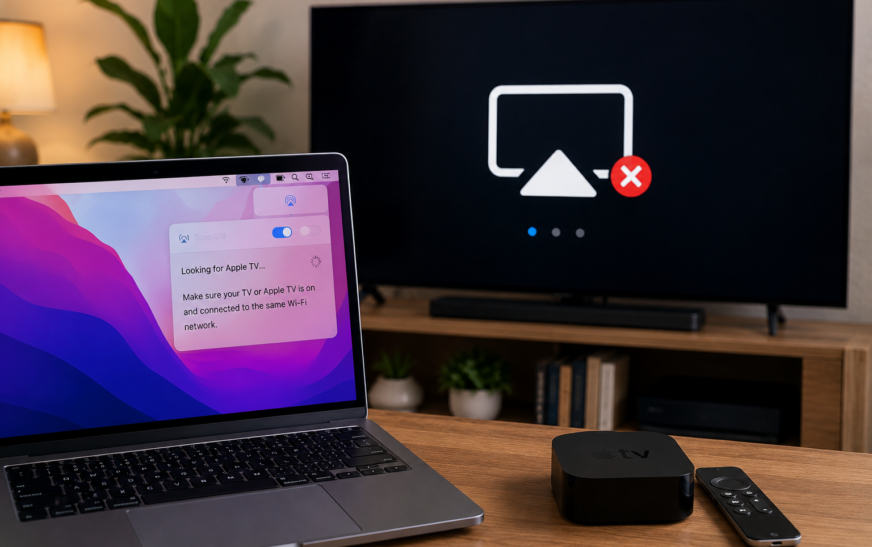
AirPlay Not Working from Mac to TV or Apple TV — Complete Fix Guide
✅ Quick Answer AirPlay not working from Mac to TV or Apple TV is almost always caused by one of three things: both devices are not on the exact same WiFi network, AirPlay receiver mode isn’t enabled on your Apple TV or smart TV, or your Mac’s firewall is silently
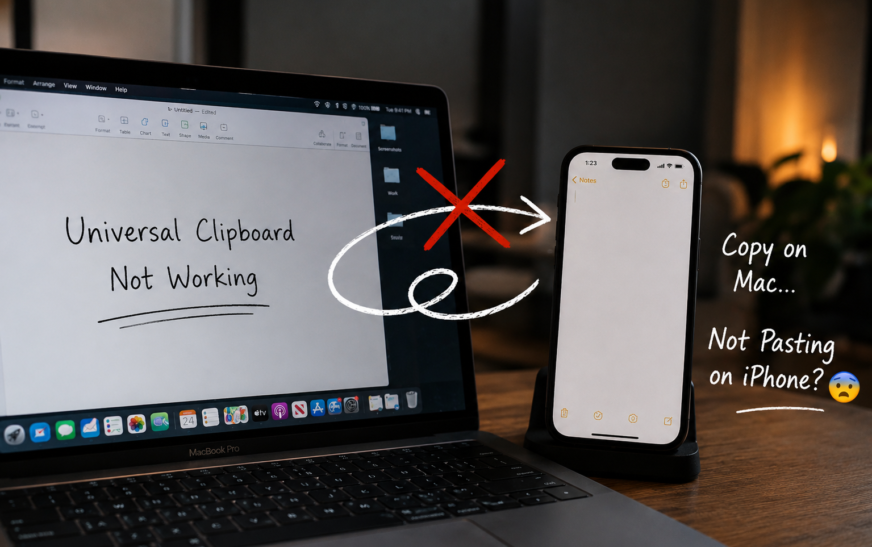
Fixed Universal Clipboard Not Working – Copy/Paste Between Devices
✅ Quick Answer Universal Clipboard stops working when any one of its four required conditions is missing: both devices must be signed into the same Apple ID, both must have Wi-Fi on, both must have Bluetooth on, and Handoff must be enabled in settings on both devices. The fastest fix
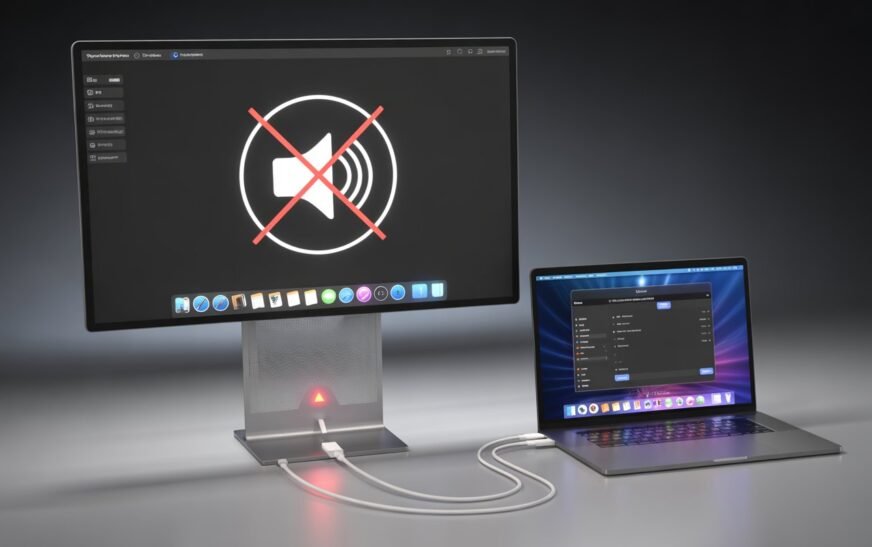
MacBook Thunderbolt Display Audio Not Working After Tahoe Update
✅ Quick Answer Thunderbolt display audio stopping after macOS Tahoe is almost always caused by one of three things: macOS switched the audio output back to MacBook speakers and didn’t reroute it to the display, the Core Audio daemon lost track of the display’s audio device during the update, or
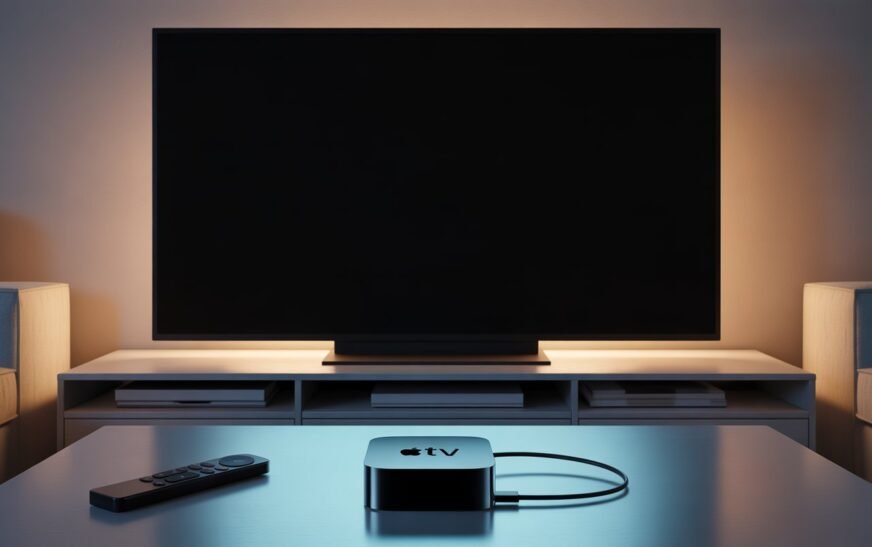
Apple TV Black Screen HDMI Not Working? Fix No Signal Fast
✅ Quick Answer Apple TV showing a black screen or “No Signal” on your TV is almost always caused by one of three things: the TV is on the wrong HDMI input, an HDCP handshake failure between the Apple TV and the TV, or a resolution mismatch where Apple TV
About Me
Hello ! I am KD Sharma
founder, writer, and video creator at Crazy Errors. I help Mac, iPhone, and Windows users fix tech problems with simple, step-by-step guides.