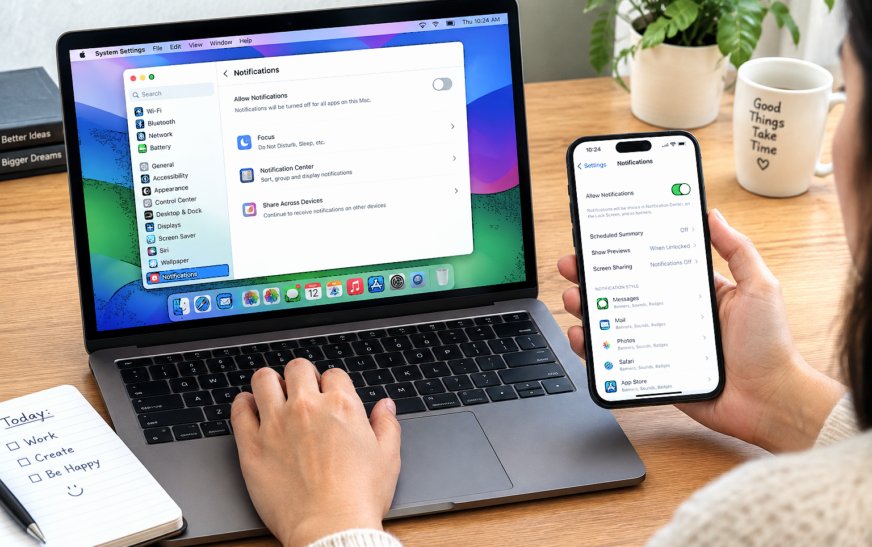
How to Turn Off Notifications on MacBook but Not iPhone

✅ Quick Answer To turn off notifications on MacBook but not iPhone, use Do Not Disturb — but you must disable Focus syncing first, or it will silence your iPhone too. On your Mac: click the Control Center icon (top-right menu bar) → Focus → Do Not Disturb to enable
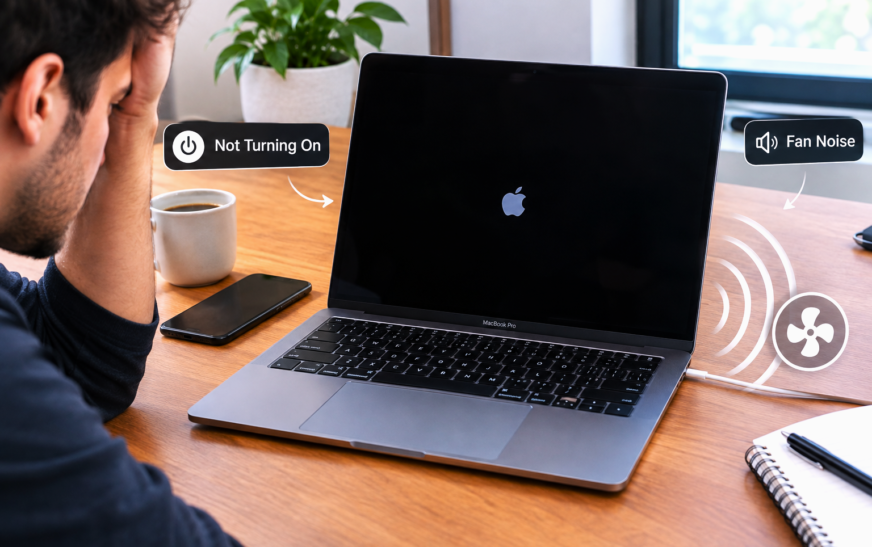
MacBook Pro Making Fan Noise and Not Turning On – 11 Proven Fixes
✅ Quick Answer A MacBook Pro making fan noise but not turning on almost always points to one of three causes: a corrupted System Management Controller (SMC) state that spins fans to maximum while preventing a complete boot, a failed power-on self-test caused by a RAM or storage issue, or
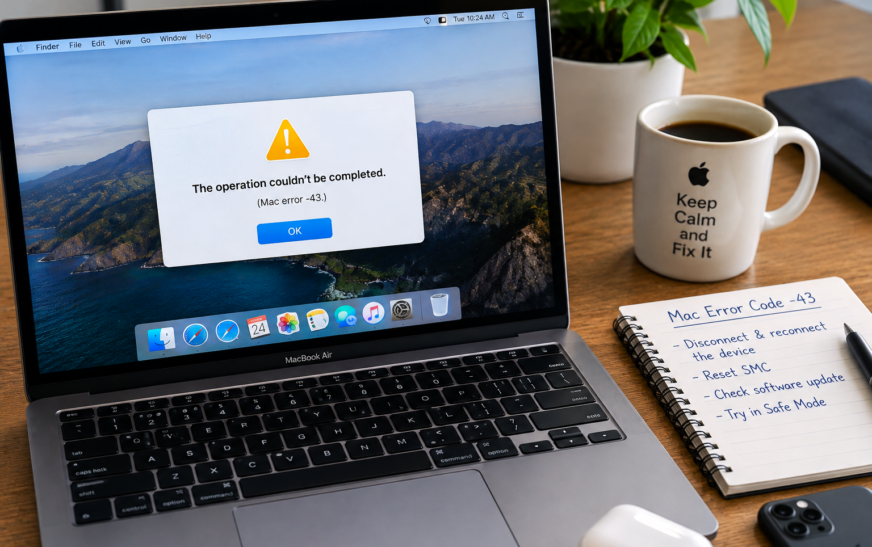
Mac Error Code -43 – 12 Proven Fixes to Finally Delete Files the Finder Can’t Find
✅ Quick Answer Mac Error Code -43 (“The operation can’t be completed because the item can’t be found”) appears most frequently when trying to empty the Trash or delete a file the Finder can no longer locate at its recorded path. The fastest fix is to hold the Option key
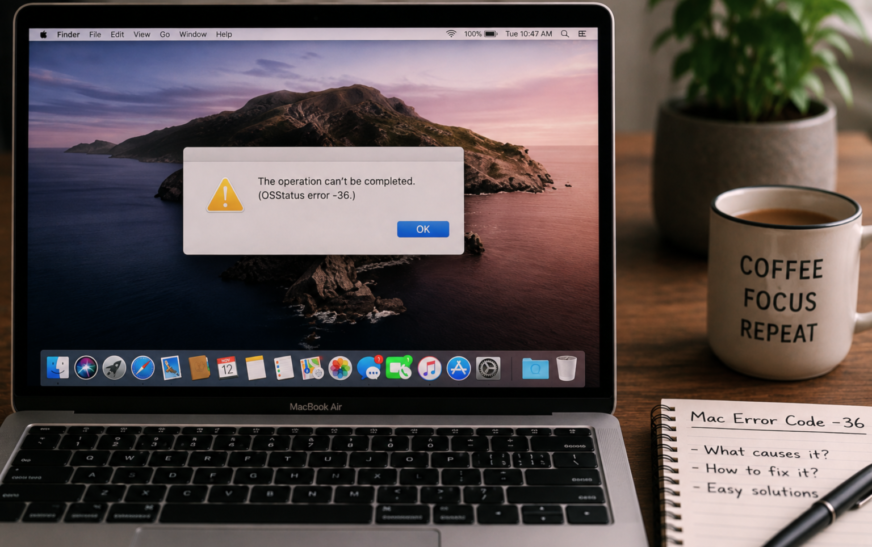
Mac Error Code -36 – The Finder Can’t Complete the Operation Fix
✅ Quick Answer Mac Error Code -36 (“The Finder can’t complete the operation because some data in [file] can’t be read or written”) almost always appears when copying files to or from an external drive formatted as FAT32 or exFAT. The most effective fix is a one-line Terminal command: open
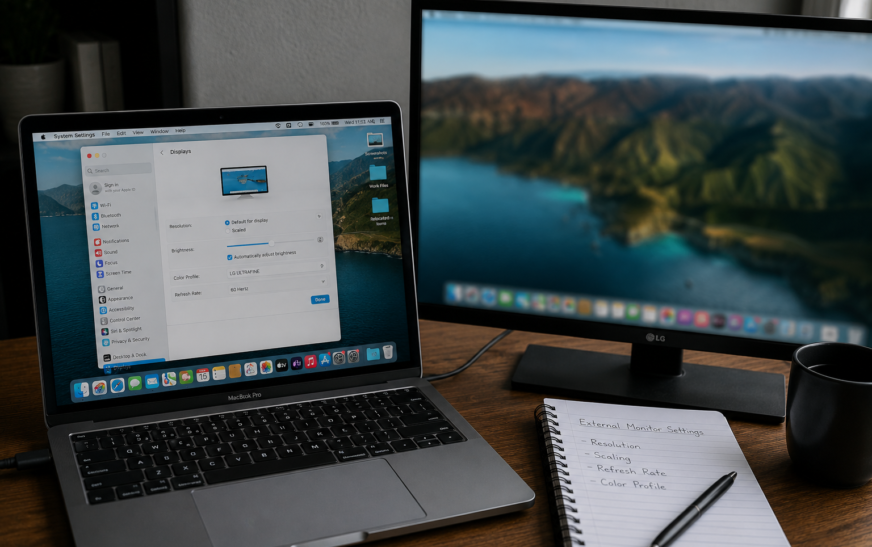
Mac External Monitor Blurry – Resolution and Scaling Settings Fixed
✅ Quick Answer Mac external monitor blurry text and images are almost always caused by macOS not running the display at its native resolution, or HiDPI (Retina-style scaling) not being enabled for a non-Apple monitor. Go to System Settings → Displays, click your external monitor, and select “Default for display”

Mac Screenshot Not Working – Cmd+Shift+3 and 4 Fix
✅ Quick Answer Mac screenshot not working with Command + Shift + 3 or 4 is almost always caused by one of three things: the screenshot shortcuts have been reassigned or disabled in System Settings, the Screenshot app is missing Screen Recording permission, or the screenshots are saving to a
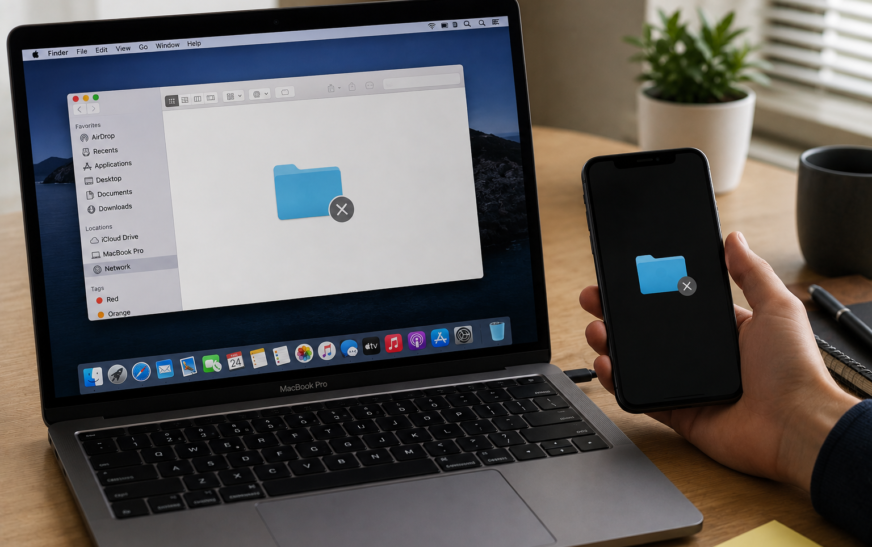
Mac File Sharing Not Working — How to Set Up and Fix
✅ Quick Answer Mac File Sharing not working is almost always caused by File Sharing being turned off in System Settings, both Macs not being on the same local network, or the Mac’s firewall blocking SMB connection requests. Start by going to System Settings → General → Sharing → File
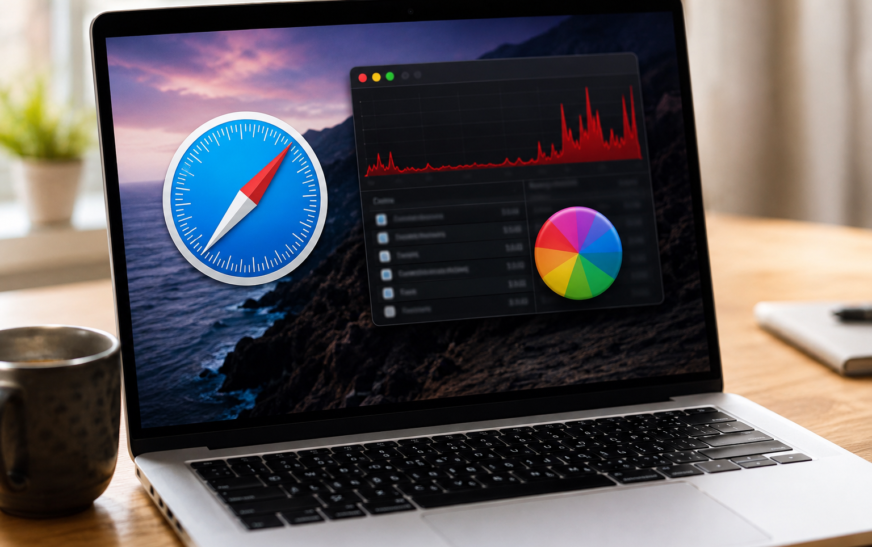
Mac Safari Running Slow — High CPU and Crashing Fix
✅ Quick Answer Mac Safari running slow, spiking CPU, or crashing is most commonly caused by a misbehaving browser extension, an overloaded cache, or a runaway WebKit process tied to a specific tab or website. The fastest fixes are: open Activity Monitor and look for any Safari-related process consuming above
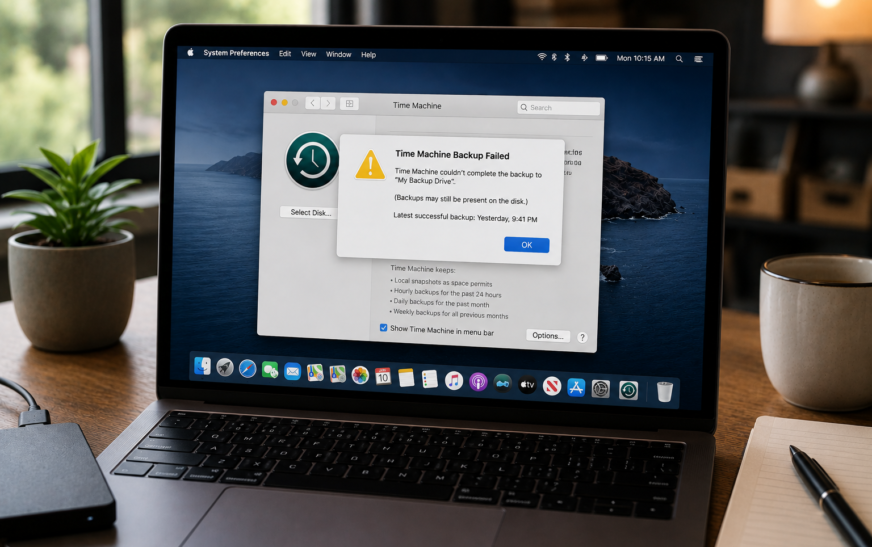
Mac Time Machine Backup Failed — How to Fix Backup Not Completing
✅ Quick Answer When a Mac Time Machine backup failed message appears, the most common causes are a full backup disk, a lost connection to the backup drive, a corrupted backup database, or insufficient free space on your Mac itself. The fastest starting fix is to open System Settings →
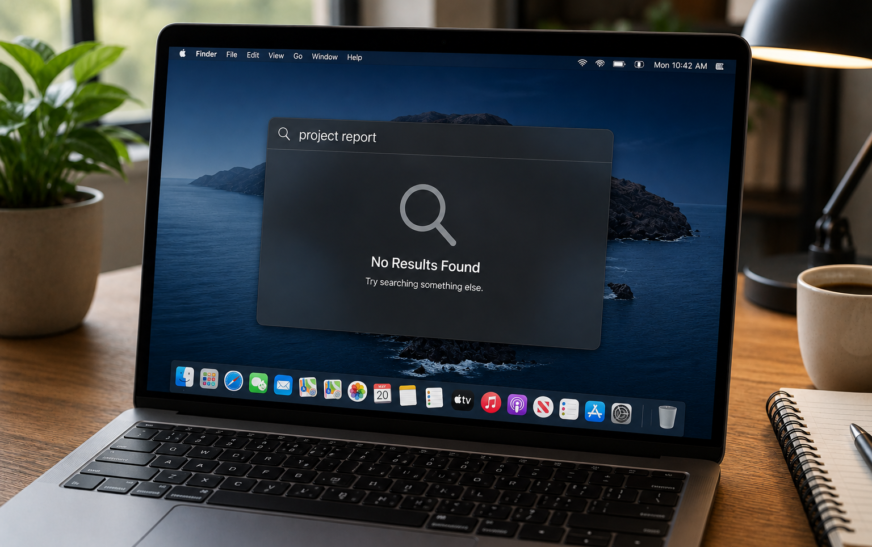
Mac Spotlight Search Not Working — How to Fix (macOS Tahoe 2026)
✅ Quick Answer Spotlight not working on Mac is almost always caused by a corrupted or incomplete search index — the database macOS builds to make searches instant. The most reliable fix is to rebuild the Spotlight index: go to System Settings → Siri & Spotlight → Spotlight Privacy, add
About Me
Hello ! I am KD Sharma
founder, writer, and video creator at Crazy Errors. I help Mac, iPhone, and Windows users fix tech problems with simple, step-by-step guides.