• Home
  • Mac
  • How-To Guides
  • Apple Ecosystem
  • Tips & Tricks
  • Mac Gears Store

    Category : Mac

    MacBook Stuck on Loading Screen? 10 Fixes That Actually Work
    Mac How-To Guides
    16 min read
    182

    MacBook Stuck on Loading Screen? 10 Fixes That Actually Work

    KD Sharma
    February 20, 2026
    0

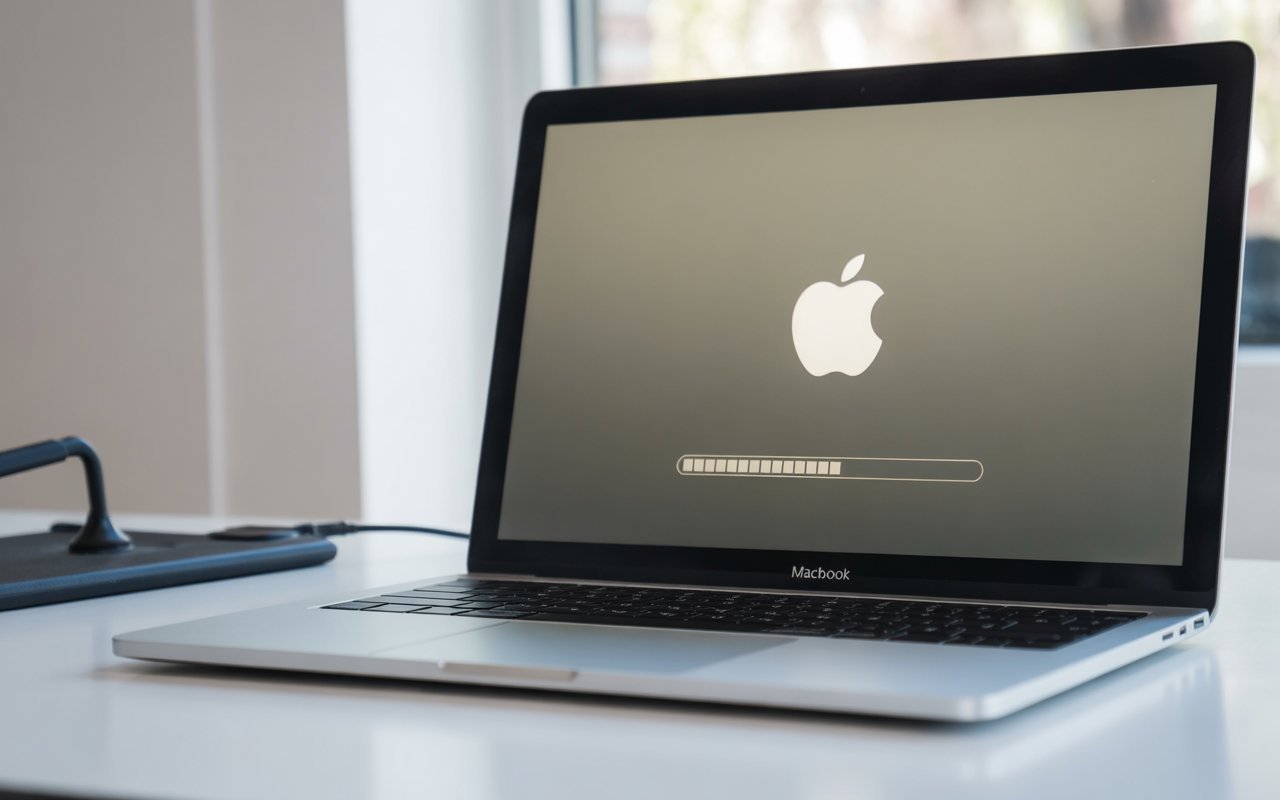
    Quick Answer: If your MacBook stuck on the Apple logo with a loading bar, start with a force restart by holding the power button for 10 seconds. If that doesn’t clear it, boot into Safe Mode, reset NVRAM/PRAM, run Disk Utility First Aid in Recovery Mode, or reinstall macOS. Most

    Continue Reading

    • 1
    • …
    • 3
    • 4

    About Me

    Hello ! I am KD Sharma

    founder, writer, and video creator at Crazy Errors. I help Mac, iPhone, and Windows users fix tech problems with simple, step-by-step guides.

    Follow Me

    Recent Article

    Turn On Apple Intelligence

    How to Turn On Apple Intelligence on

    KD Sharma
    November 6, 2026
    External Drive Not Showing

    How to Fix an External Drive Not

    KD Sharma
    November 2, 2026
    Mac Mouse

    Mac Mouse Left-Click Randomly Not Working —

    KD Sharma
    October 29, 2026
    See All

    Subscribe To Our Newsletter

    No spam, notifications only about new stories and updates

    Categories

    • Apple Ecosystem
    • Blog
    • How-To Guides
    • iPad
    • iPad
    • iphone
    • iPhone & iPad
    • Mac
    • Mac Mail
    • Tips & Tricks

    Tags Cloud

    airplay not showing up on mac airplay not working mac airplay not working mac to apple tv apfs volume hash mismatch error chrome not showing in default browser mac command shift 3 not working mac disk utility hash mismatch fix macbook screen flicker fix photos library mac 2026 fix screenshot mac 2026 fsck_apfs hash mismatch how to change default browser mac tahoe mac airplay to tv fix macbook display flickering fix macbook screen flickering macbook screen flickering software macbook screen hardware issue mac default browser keeps reverting to safari mac default browser not changing mac external monitor blurry mac file sharing not working mac file sharing setup mac finder network not showing computers 2026 mac photos library not loading mac photos won't open mac safari running slow mac screenshot not saving to desktop mac screenshot not working mac screenshot shortcut not working mac spotlight search not working mac to windows file sharing mac volume hash mismatch mac volume hash mismatch fix photos library damaged mac photos spinning wheel mac rebuild spotlight index mac safari crashing mac safari high cpu mac safari slow after macos update safari wont change default browser mac smb not working mac spotlight not finding files mac spotlight not working mac touch id not working macos tahoe touch id recognition failed mac

    Your trusted source for Mac, Windows, iPhone, and Apple product fixes. We break down tech errors into simple, step-by-step solutions anyone can follow.

    • Facebook
    • Instagram
    • YouTube

    Legal Page

    • Home
    • About Us
    • Contact Us
    • Privacy Policy
    • Write for Us
    • Terms of Use
    • Affiliate Disclosure
    • Disclaimer
    • Blog

    Follow Us!

    Facebook Instagram Youtube

    Recent Posts

    Turn On Apple Intelligence

    How to Turn On Apple Intelligence on

    KD Sharma
    November 6, 2026
    External Drive Not Showing

    How to Fix an External Drive Not

    KD Sharma
    November 2, 2026
    See All

    © 2026 Crazy Errors. All rights reserved. Crazy Errors is not affiliated with Apple Inc. or Microsoft Corporation.