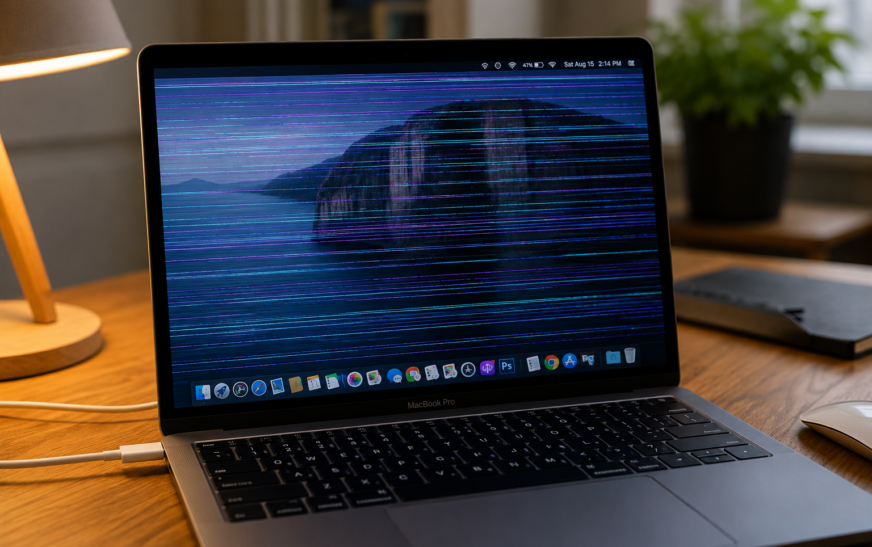
MacBook Screen Flickering – How to Fix It (Software vs Hardware Guide)

✅ Quick Answer MacBook screen flickering is caused by either a software issue or a hardware problem — and identifying which one saves a lot of wasted troubleshooting time. If the flickering happens in specific apps only, appears or disappears when you change display settings, or started right after a
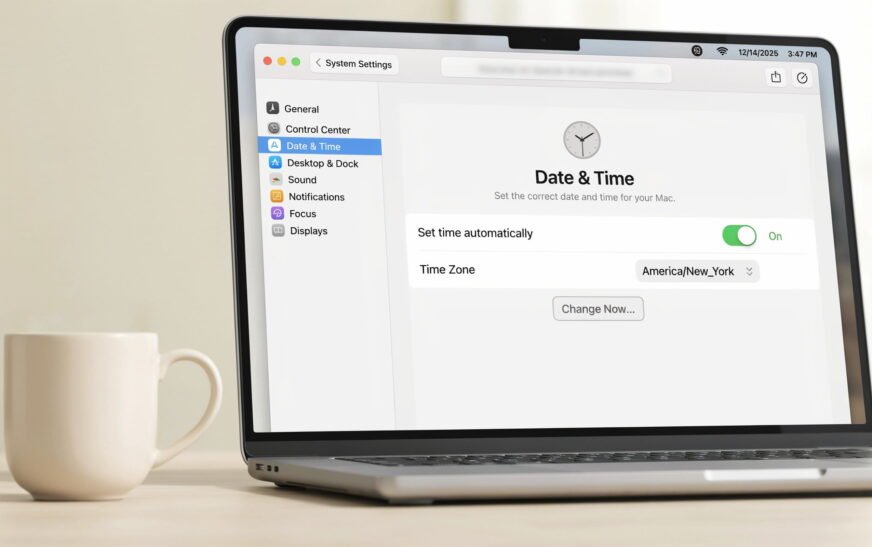
How to Fix Wrong Date and Time on Mac — Won’t Stay Correct (2026)
✅ Quick Answer A Mac showing the wrong date and time — or one that keeps resetting after every restart — is almost always caused by Automatic time setting being disabled, a network/NTP sync failure, or (on older Intel Macs) a depleted internal clock battery. Start by going to System
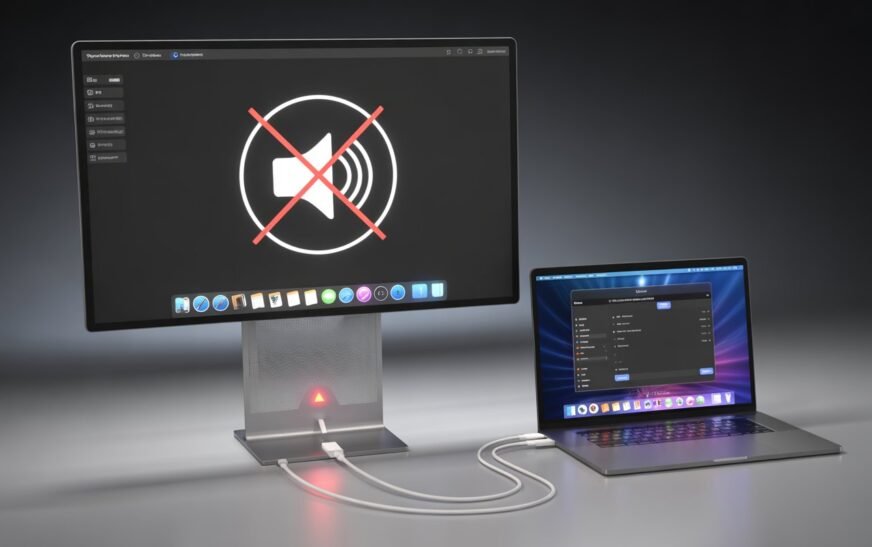
MacBook Thunderbolt Display Audio Not Working After Tahoe Update
✅ Quick Answer Thunderbolt display audio stopping after macOS Tahoe is almost always caused by one of three things: macOS switched the audio output back to MacBook speakers and didn’t reroute it to the display, the Core Audio daemon lost track of the display’s audio device during the update, or
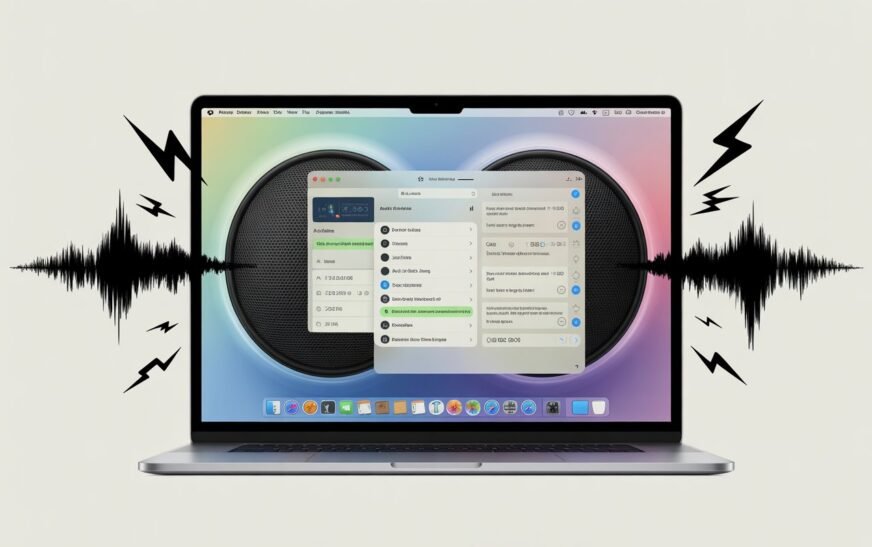
MacBook Audio Crackling After macOS Tahoe? Here’s How to Fix It
✅ Quick Answer Audio crackling and popping after macOS Tahoe is almost always caused by the Core Audio daemon crashing or getting into a bad state during the update, a sample rate mismatch between your Mac and audio output device, or Bluetooth audio codec instability introduced in Tahoe’s updated wireless
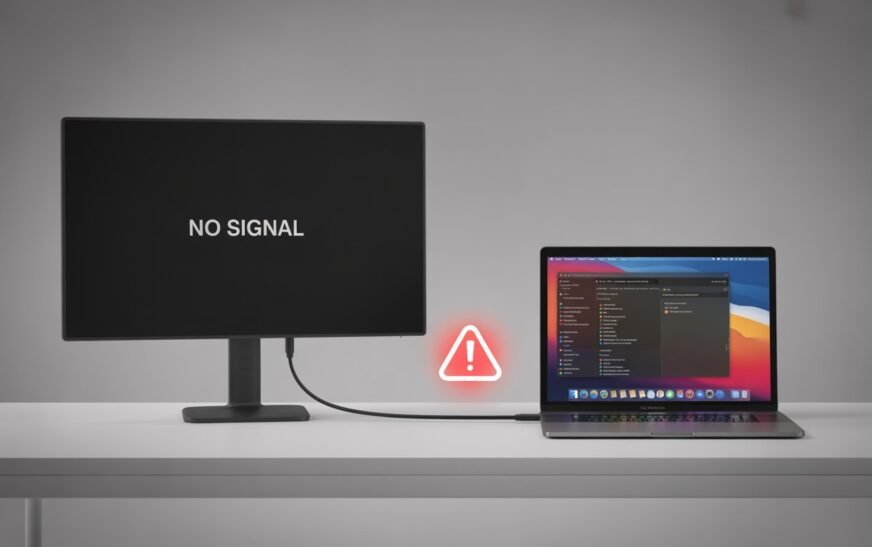
MacBook External Display Not Recognized After Restart (M4 Mac Mini Issue)
MacBook External Display Not Recognized After Restart (M4 Mac Mini Issue) Quick Answer Featured Answer — M4 Mac Mini External Display Fix When an external display is not recognized after restarting your M4 Mac Mini or M-series MacBook, the fastest fix is a Display SMC reset combined with reseating the
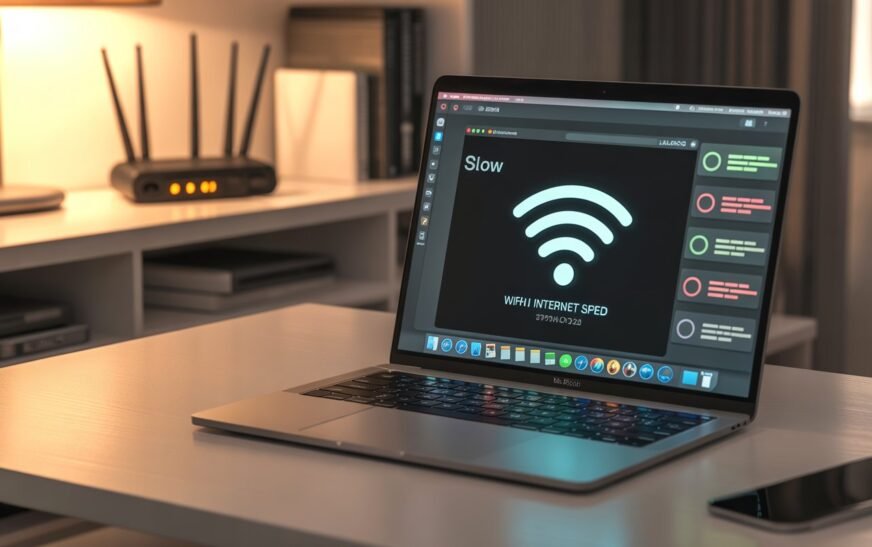
MacBook WiFi Slow When USB-C Devices Plugged In — How to Fix (M3/M4 Issue)
✅ Quick Answer MacBook WiFi slowing down when USB-C or Thunderbolt devices are plugged in is a real, documented hardware interference issue — particularly on M3 and M4 MacBooks. USB 3.0 and Thunderbolt cables emit electromagnetic interference that overlaps directly with the 2.4 GHz WiFi band. The fastest fix is
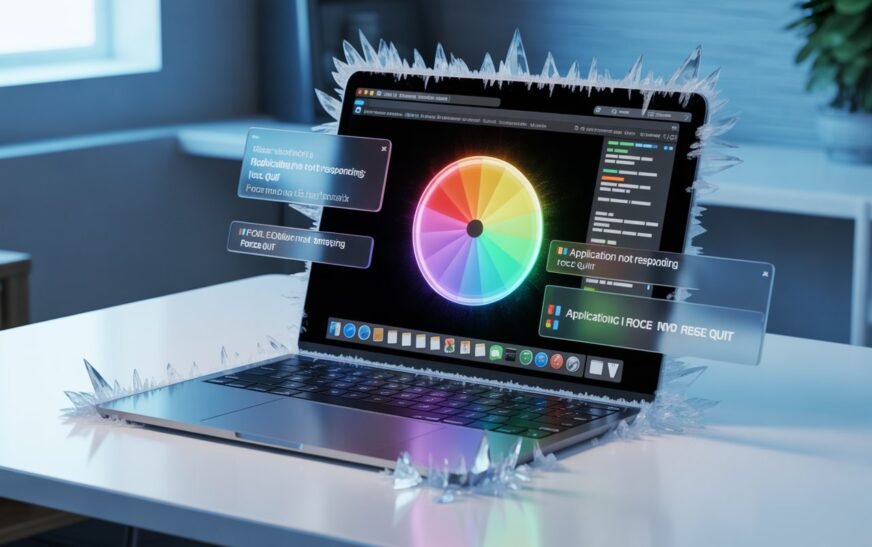
Mac Freezing and Not Responding? Here’s How to Fix It (Force Quit & More)
✅ Quick Answer If your Mac is frozen or an app has stopped responding, press Command + Option + Esc to open the Force Quit window, select the frozen app, and click Force Quit. If the entire Mac is locked up and the keyboard isn’t responding, hold the Power button
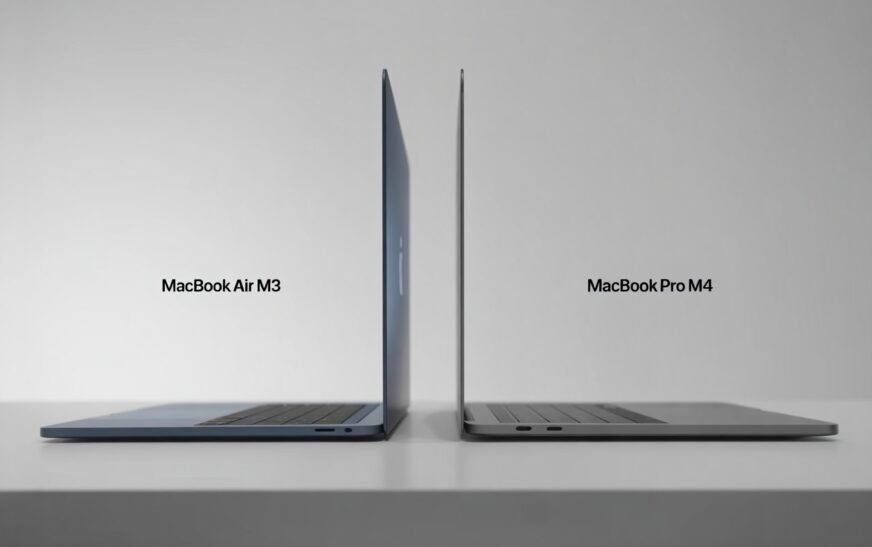
MacBook Air M3 vs MacBook Pro M4: Which Should You Buy in 2026
✅ Quick Answer If you want the best everyday laptop for the money — light, fast, and fan-free — the MacBook Air M3 is hard to beat in 2026. If you regularly do video editing, 3D rendering, coding with heavy compiles, or run your Mac plugged in for hours at
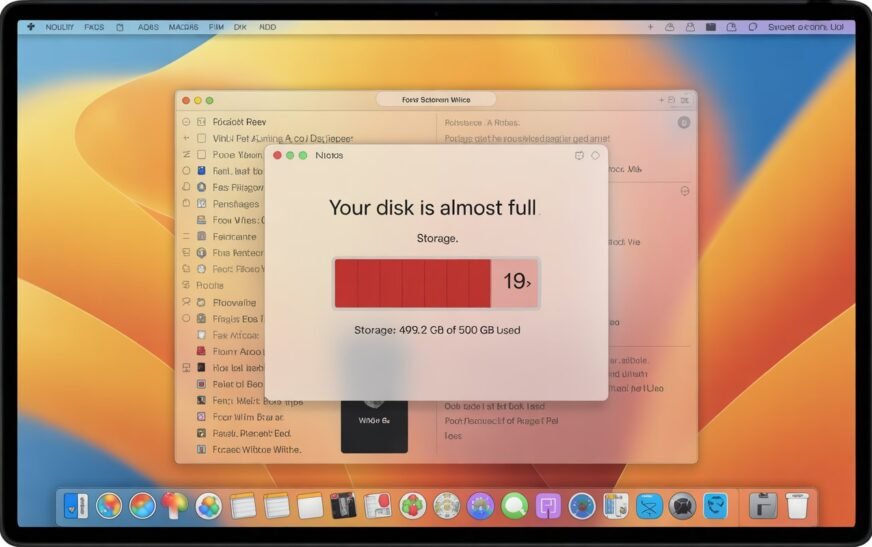
MacBook Storage Full? Here’s How to Free Up Space Without Deleting a Single File
✅ Quick Answer MacBook storage filling up even when you haven’t added files usually means System Data — caches, old iPhone backups, Time Machine snapshots, and leftover app files — is the culprit. You can reclaim 10–30 GB or more by clearing caches, removing old device backups, deleting local Time
8 Secret Mac Features Most Users Never Discover
✅ Quick Answer Most Mac users only scratch the surface of what macOS can do. Eight genuinely useful features — including a built-in password manager, a hidden clipboard history, instant text recognition from images, and a full screenshot annotation suite — are already on your Mac right now. None of
About Me
Hello ! I am KD Sharma
founder, writer, and video creator at Crazy Errors. I help Mac, iPhone, and Windows users fix tech problems with simple, step-by-step guides.