
Mac Screenshot Not Working – Cmd+Shift+3 and 4 Fix

✅ Quick Answer Mac screenshot not working with Command + Shift + 3 or 4 is almost always caused by one of three things: the screenshot shortcuts have been reassigned or disabled in System Settings, the Screenshot app is missing Screen Recording permission, or the screenshots are saving to a
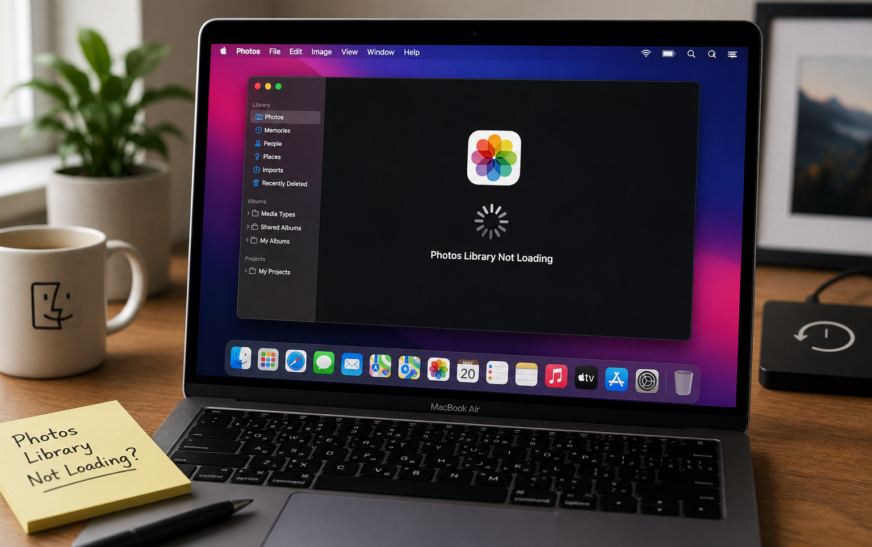
Mac Photos Library Not Loading — Spinning Wheel Fix (2026)
✅ Quick Answer Mac Photos library not loading and showing a spinning wheel is most commonly caused by a corrupted library database, not enough free storage on your Mac, or an iCloud Photos sync that stalled mid-process. The fastest fix is to hold Command + Option while opening Photos —
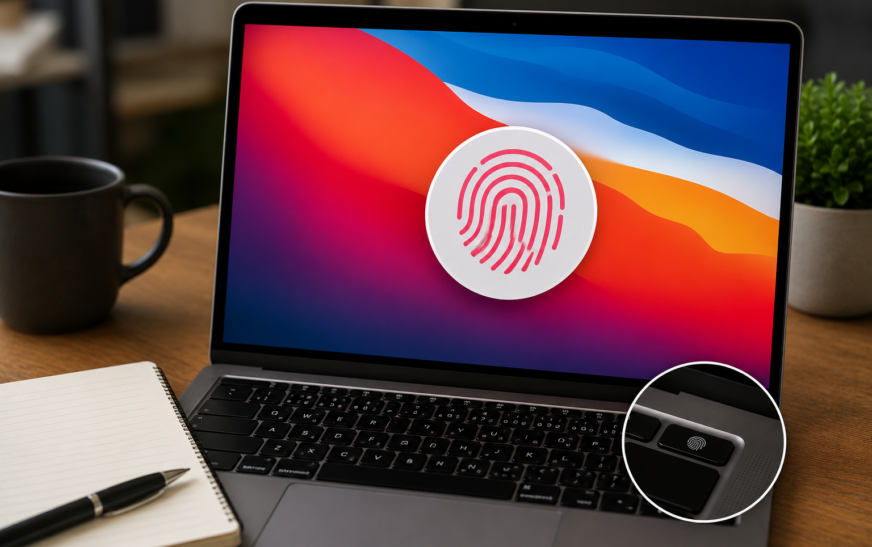
Touch ID Not Working on Mac After macOS Tahoe — Complete Fix Guide
✅ Quick Answer Touch ID not working on Mac after a macOS Tahoe update is most commonly caused by the update resetting Touch ID settings, expiring the iCloud authentication session that Touch ID depends on, or leaving fingerprint enrollment in a corrupted state. The fastest fix is to go to
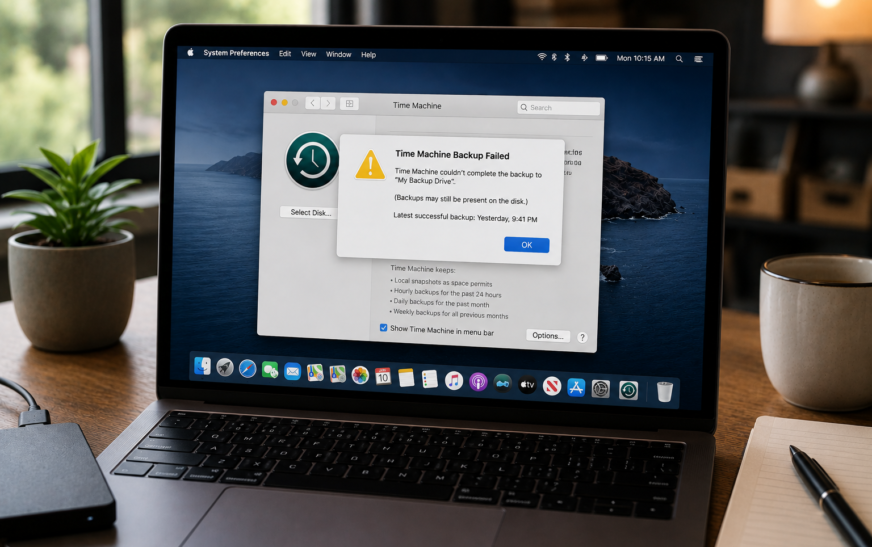
Mac Time Machine Backup Failed — How to Fix Backup Not Completing
✅ Quick Answer When a Mac Time Machine backup failed message appears, the most common causes are a full backup disk, a lost connection to the backup drive, a corrupted backup database, or insufficient free space on your Mac itself. The fastest starting fix is to open System Settings →
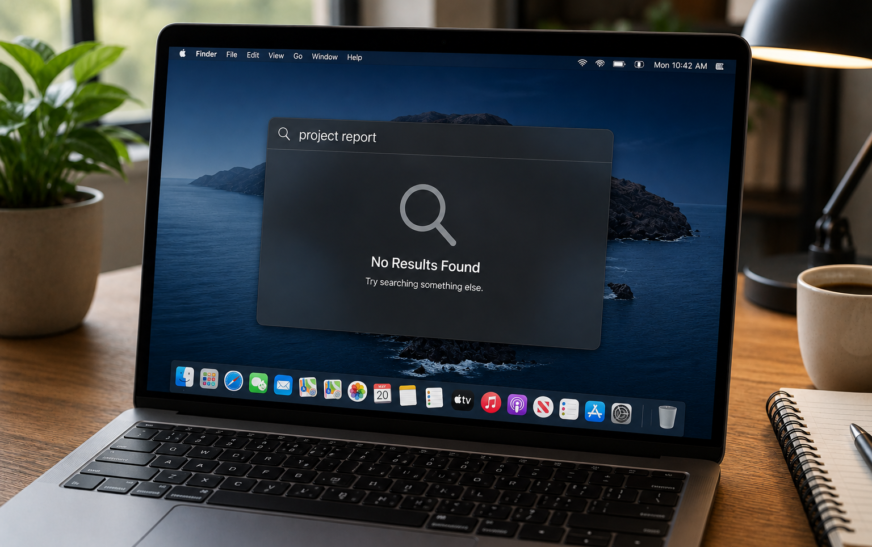
Mac Spotlight Search Not Working — How to Fix (macOS Tahoe 2026)
✅ Quick Answer Spotlight not working on Mac is almost always caused by a corrupted or incomplete search index — the database macOS builds to make searches instant. The most reliable fix is to rebuild the Spotlight index: go to System Settings → Siri & Spotlight → Spotlight Privacy, add
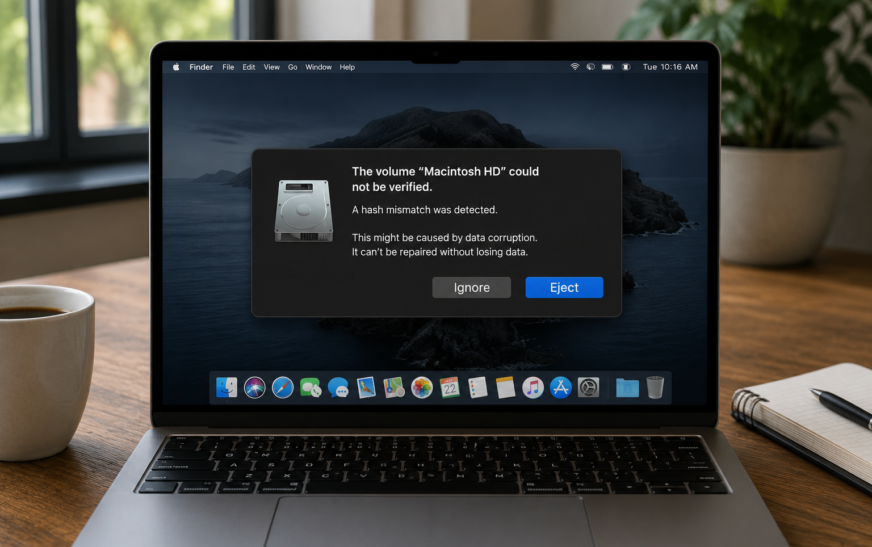
How to Fix Mac Volume Hash Mismatch Error — Without Losing Data
✅ Quick Answer A “Volume Hash Mismatch” error on Mac means macOS detected that a stored checksum value for part of your APFS volume doesn’t match the actual data — a sign of filesystem-level inconsistency. In most cases no data is lost. The fastest safe fix is to run Disk
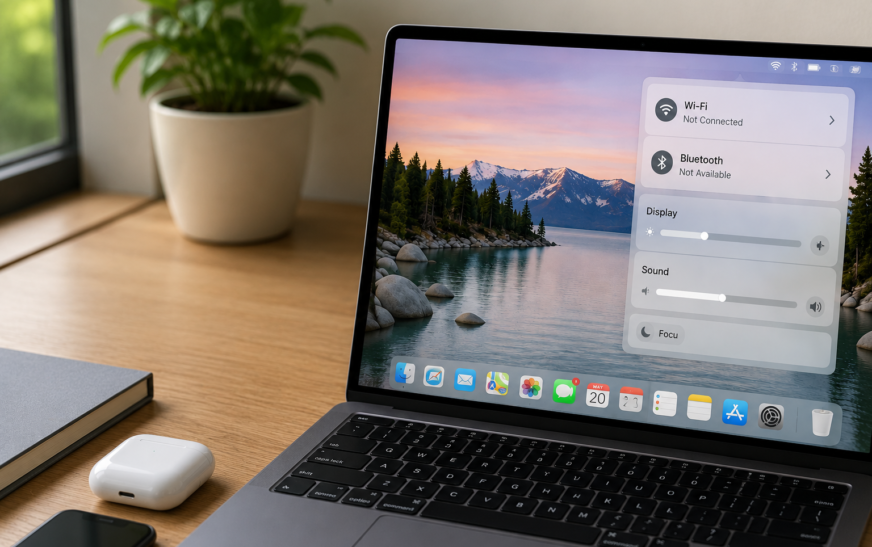
How to Fix macOS Tahoe Bluetooth and WiFi Breaking Repeatedly
✅ Quick Answer Bluetooth and WiFi repeatedly disconnecting after updating to macOS Tahoe is a known post-update issue caused by corrupted network/Bluetooth preference files left over from the previous macOS version, a stuck wireless daemon, or — on some Macs — a USB-C/Thunderbolt interference conflict that Tahoe’s updated radio management
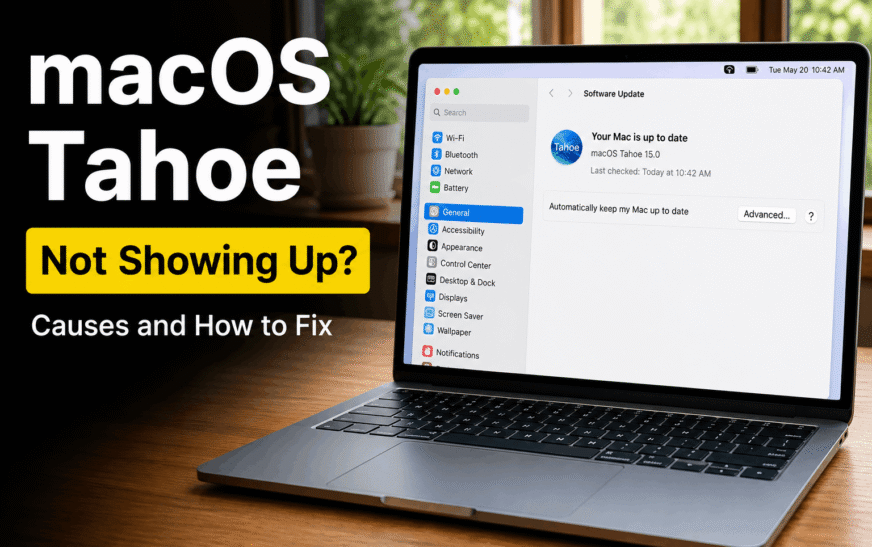
How to Fix macOS Tahoe Not Showing Up / Not Available — Update Missing
✅ Quick Answer macOS Tahoe not showing up in Software Update is usually caused by one of three things: Apple staggers the update rollout gradually rather than releasing it to all eligible Macs simultaneously, your Mac doesn’t meet the minimum hardware requirements, or a stuck update cache is hiding the
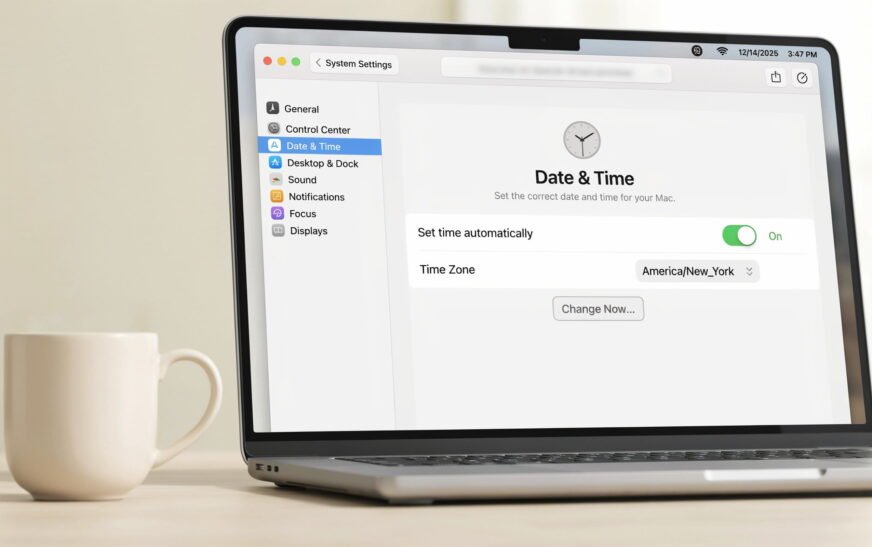
How to Fix Wrong Date and Time on Mac — Won’t Stay Correct (2026)
✅ Quick Answer A Mac showing the wrong date and time — or one that keeps resetting after every restart — is almost always caused by Automatic time setting being disabled, a network/NTP sync failure, or (on older Intel Macs) a depleted internal clock battery. Start by going to System

iCloud Mail Not Working — Emails Not Sending or Receiving? Fix It Now
✅ Quick Answer iCloud Mail not sending or receiving is most often caused by one of four things: iCloud Mail is not enabled in Settings, iCloud’s servers are temporarily down, your iCloud storage is full (preventing new emails from being received), or a connectivity issue is blocking the Mail app.
About Me
Hello ! I am KD Sharma
founder, writer, and video creator at Crazy Errors. I help Mac, iPhone, and Windows users fix tech problems with simple, step-by-step guides.