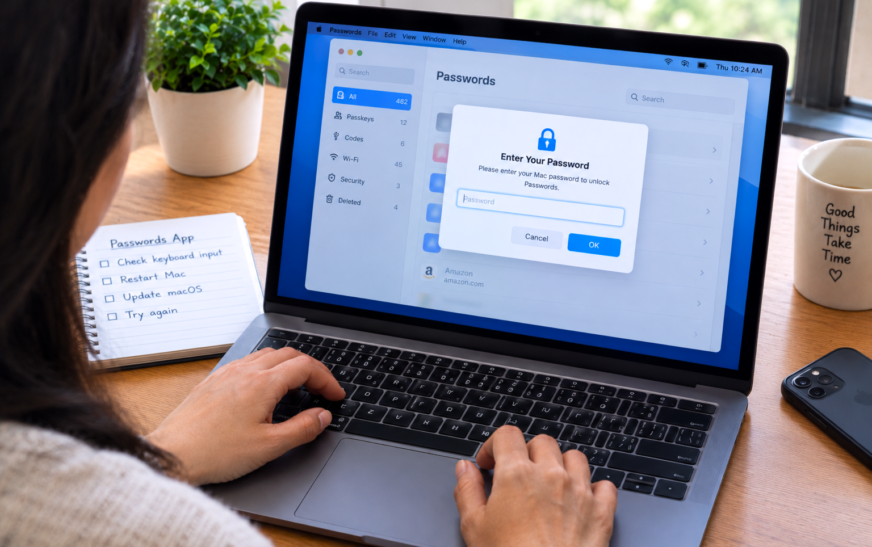
Mac Passwords App Not Accepting Keyboard Input — Can’t Type Fix

✅ Quick Answer When the Mac Passwords app won’t accept keyboard input, the fastest fix is to click somewhere else on screen first — another app or the desktop — then click back into the Passwords app and try typing again. This refocuses keyboard input to the correct window. If
About Me
Hello ! I am KD Sharma
founder, writer, and video creator at Crazy Errors. I help Mac, iPhone, and Windows users fix tech problems with simple, step-by-step guides.