
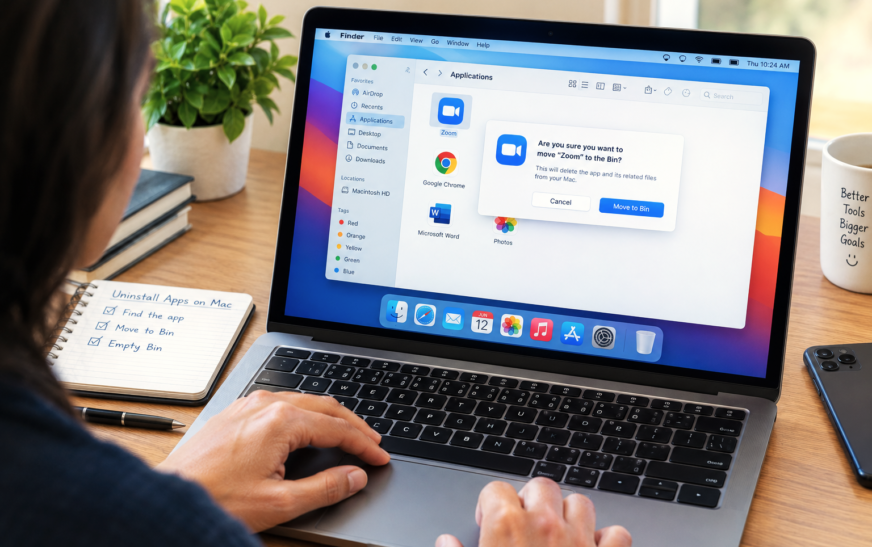
How to Delete or Uninstall Apps on Mac – 8 Proven Methods for a Complete Clean Removal

✅ Quick Answer To delete or uninstall apps on Mac, the fastest methods are: open Launchpad, click and hold any app icon until they wiggle, then click the X on the app you want to remove (works for App Store apps); or open Finder → Applications, right-click the app, and
About Me
Hello ! I am KD Sharma
founder, writer, and video creator at Crazy Errors. I help Mac, iPhone, and Windows users fix tech problems with simple, step-by-step guides.