MacBook Storage Full? Here’s How to Free Up Space Without Deleting a Single File

✅ Quick Answer MacBook storage filling up even when you haven’t added files usually means System Data — caches, old iPhone backups, Time Machine snapshots, and leftover app files — is the culprit. You can reclaim 10–30 GB or more by clearing caches, removing old device backups, deleting local Time
8 Secret Mac Features Most Users Never Discover
✅ Quick Answer Most Mac users only scratch the surface of what macOS can do. Eight genuinely useful features — including a built-in password manager, a hidden clipboard history, instant text recognition from images, and a full screenshot annotation suite — are already on your Mac right now. None of
Mac Running Slow? 10 Speed Fixes That Actually Work (Apple Silicon & Intel)
✅ Quick Answer If your Mac is running slow, start with the simplest fixes first: restart your Mac, check Activity Monitor for CPU and memory hogs, free up storage space, and trim your Login Items. Most slowdowns are caused by one or two specific apps or a storage issue —
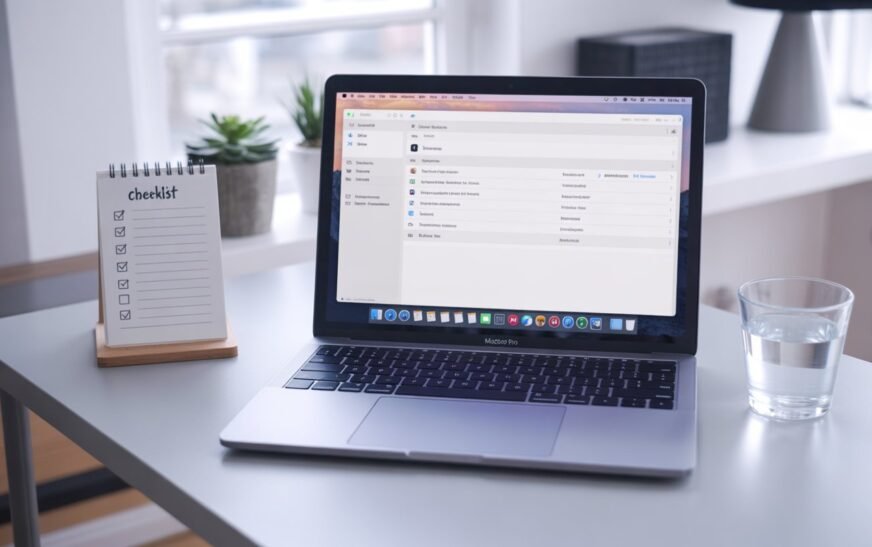
Mac Maintenance Checklist: What to Do Every Month
✅ Quick Answer Monthly Mac maintenance doesn’t need to take long. Check your storage, review startup items, run a Software Update, and back up with Time Machine. The whole routine takes under 20 minutes and keeps your Mac running smoothly year after year. Avoid third-party “cleaner” apps — most do
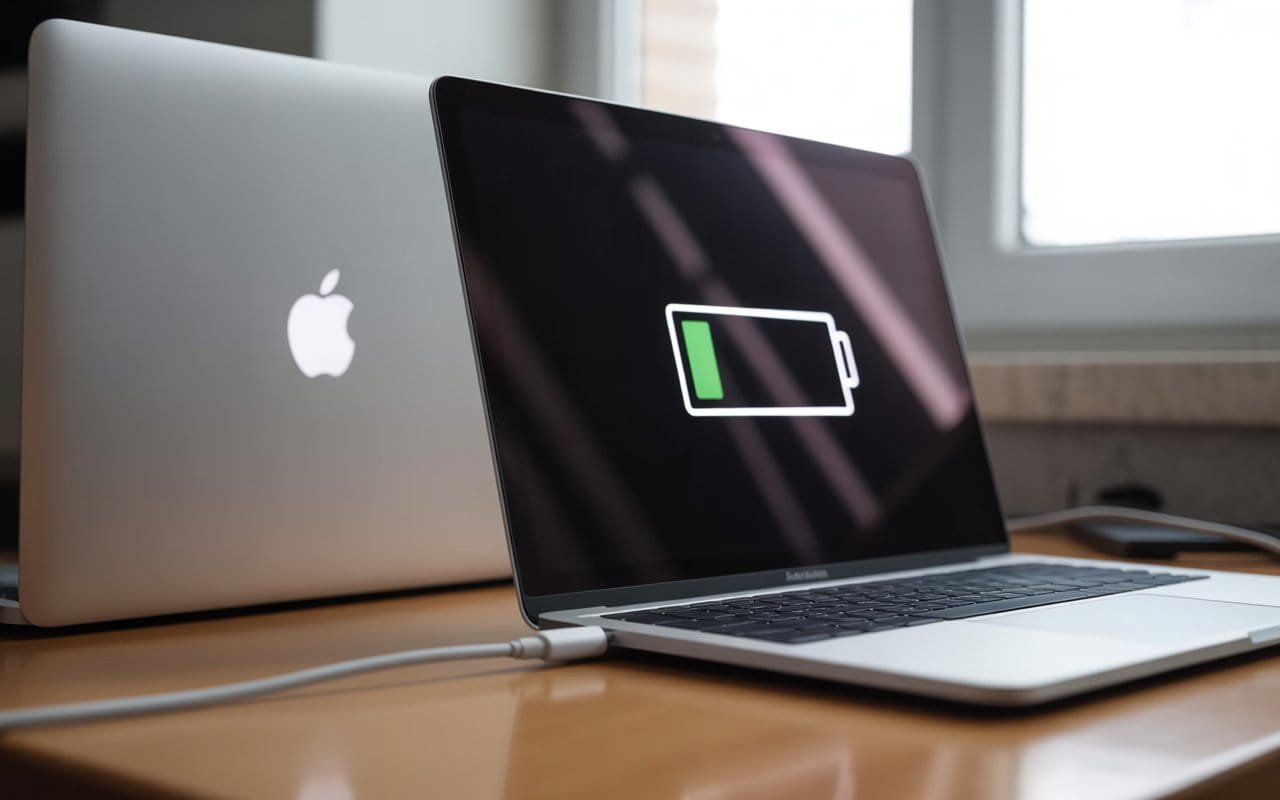
MacBook Not Charging? 10 Fixes Before You Replace the Charger
✅ Quick Answer If your MacBook isn’t charging, the problem is usually not a broken charger. Start by checking the charging port for debris, trying a different USB-C port, resetting the SMC (on Intel Macs), checking your battery health, and testing a different power outlet. Most charging issues are fixable
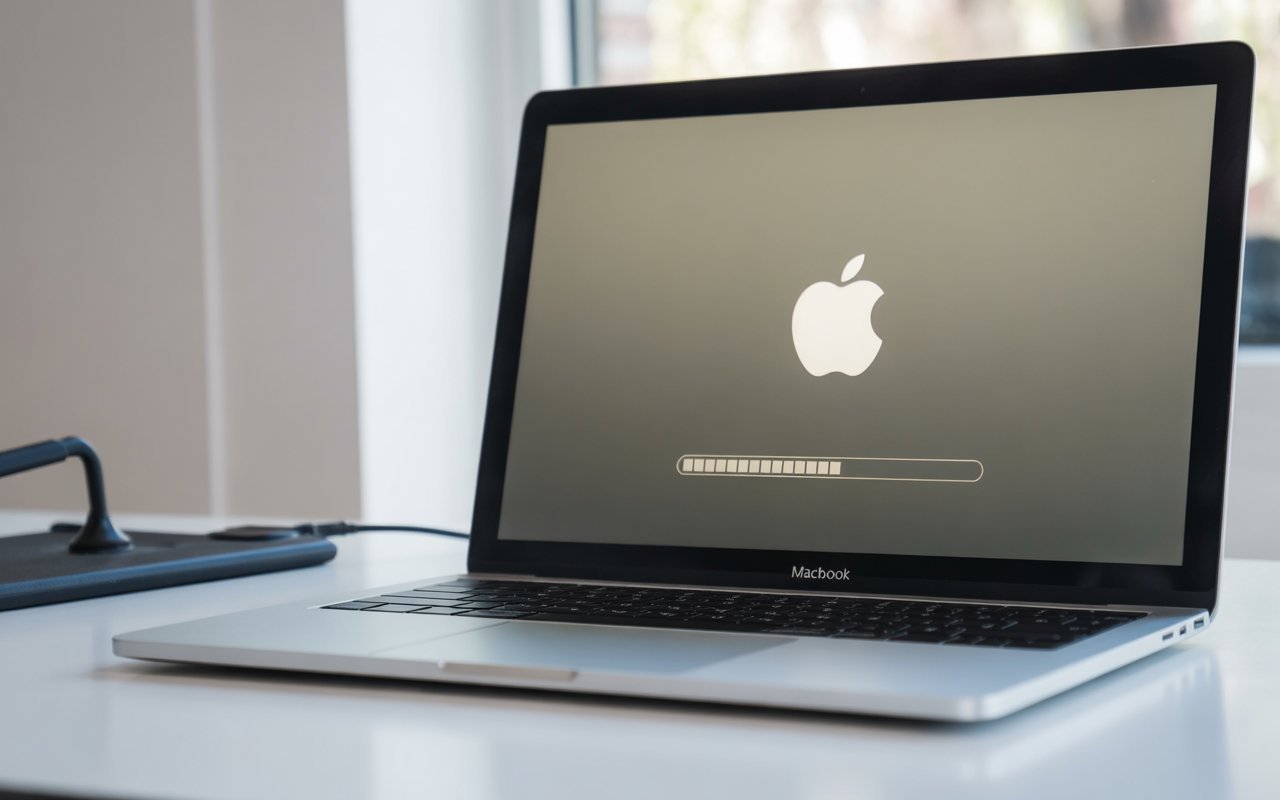
MacBook Stuck on Loading Screen? 10 Fixes That Actually Work
Quick Answer: If your MacBook stuck on the Apple logo with a loading bar, start with a force restart by holding the power button for 10 seconds. If that doesn’t clear it, boot into Safe Mode, reset NVRAM/PRAM, run Disk Utility First Aid in Recovery Mode, or reinstall macOS. Most
About Me
Hello ! I am KD Sharma
founder, writer, and video creator at Crazy Errors. I help Mac, iPhone, and Windows users fix tech problems with simple, step-by-step guides.