How to Stop Mac Hot Corners From Activating Accidentally (macOS Fix)

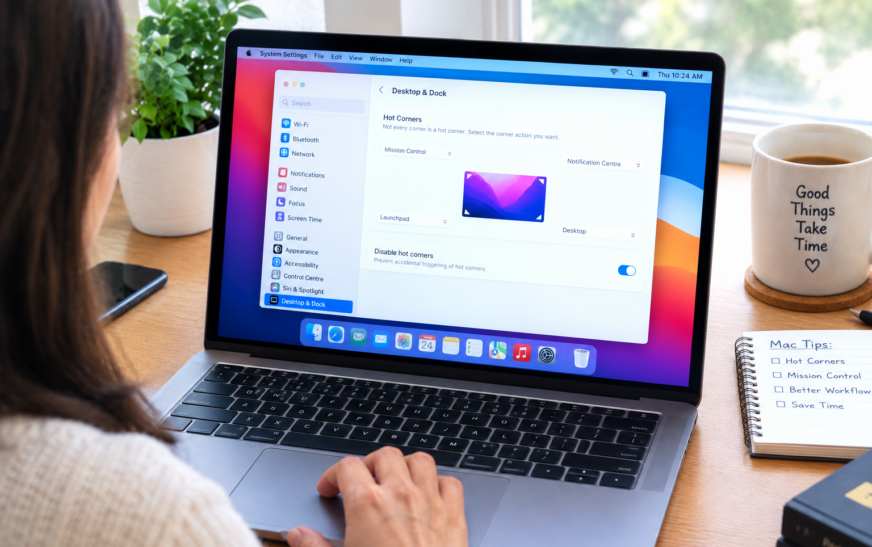
✅ Quick Answer To stop Mac Hot Corners from triggering accidentally, add a modifier key requirement — go to System Settings → Desktop & Dock → Hot Corners, hold ⌘ ⌥ ⌃ or ⇧ while clicking each corner’s dropdown, then choose your action. From then on, the corner only fires
About Me
Hello ! I am KD Sharma
founder, writer, and video creator at Crazy Errors. I help Mac, iPhone, and Windows users fix tech problems with simple, step-by-step guides.