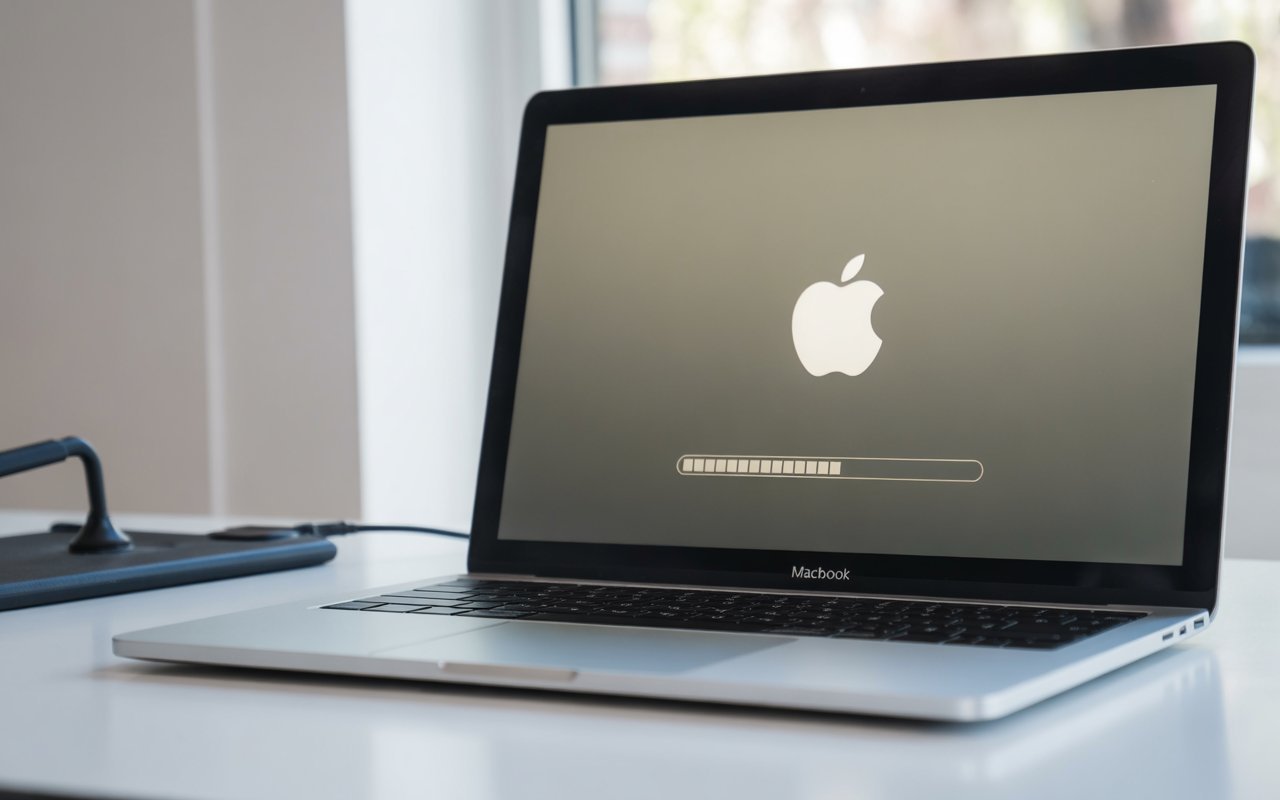
MacBook Stuck on Loading Screen? 10 Fixes That Actually Work

Quick Answer: If your MacBook stuck on the Apple logo with a loading bar, start with a force restart by holding the power button for 10 seconds. If that doesn’t clear it, boot into Safe Mode, reset NVRAM/PRAM, run Disk Utility First Aid in Recovery Mode, or reinstall macOS. Most
About Me
Hello ! I am KD Sharma
founder, writer, and video creator at Crazy Errors. I help Mac, iPhone, and Windows users fix tech problems with simple, step-by-step guides.