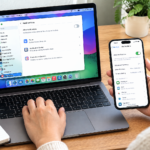
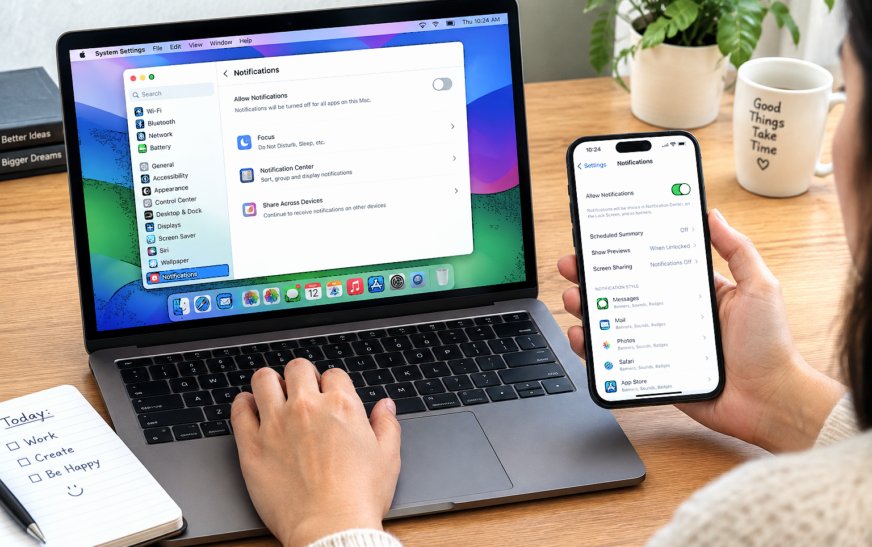
How to Turn Off Notifications on MacBook but Not iPhone

✅ Quick Answer To turn off notifications on MacBook but not iPhone, use Do Not Disturb — but you must disable Focus syncing first, or it will silence your iPhone too. On your Mac: click the Control Center icon (top-right menu bar) → Focus → Do Not Disturb to enable
About Me
Hello ! I am KD Sharma
founder, writer, and video creator at Crazy Errors. I help Mac, iPhone, and Windows users fix tech problems with simple, step-by-step guides.