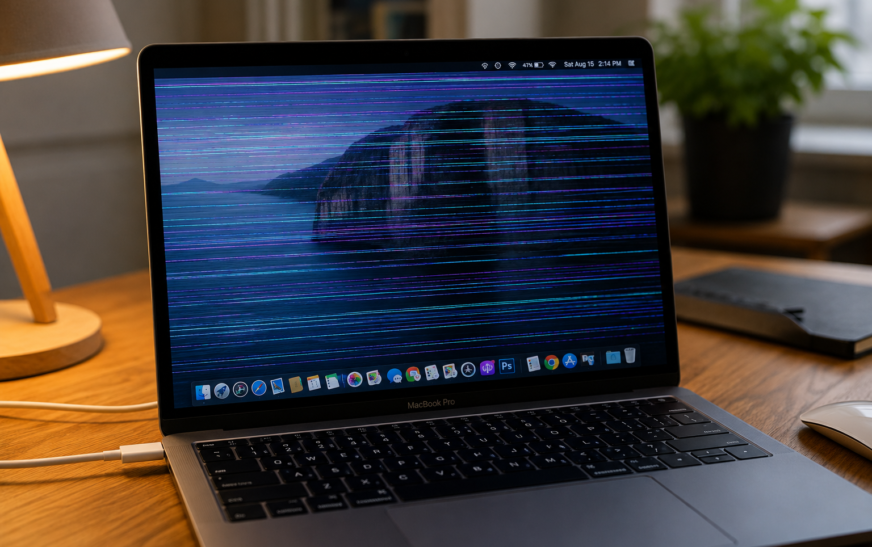
MacBook Screen Flickering – How to Fix It (Software vs Hardware Guide)

✅ Quick Answer MacBook screen flickering is caused by either a software issue or a hardware problem — and identifying which one saves a lot of wasted troubleshooting time. If the flickering happens in specific apps only, appears or disappears when you change display settings, or started right after a
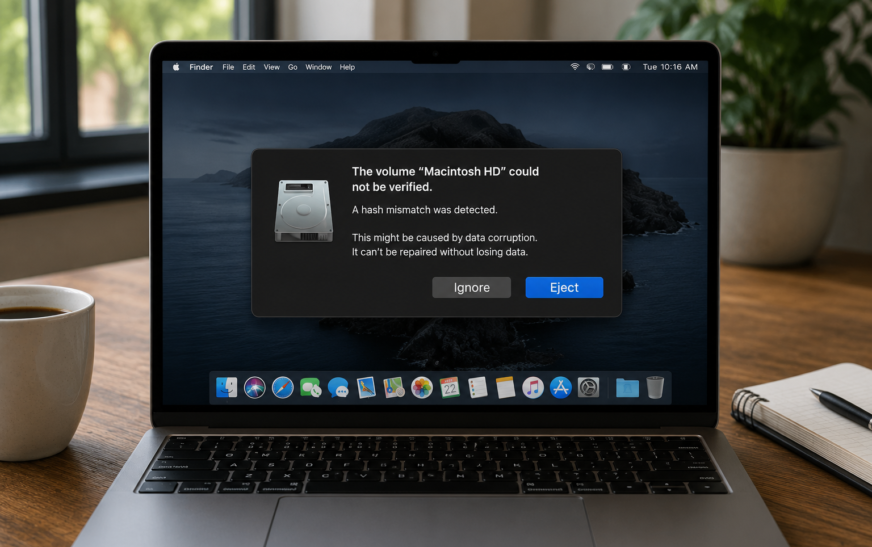
How to Fix Mac Volume Hash Mismatch Error — Without Losing Data
✅ Quick Answer A “Volume Hash Mismatch” error on Mac means macOS detected that a stored checksum value for part of your APFS volume doesn’t match the actual data — a sign of filesystem-level inconsistency. In most cases no data is lost. The fastest safe fix is to run Disk
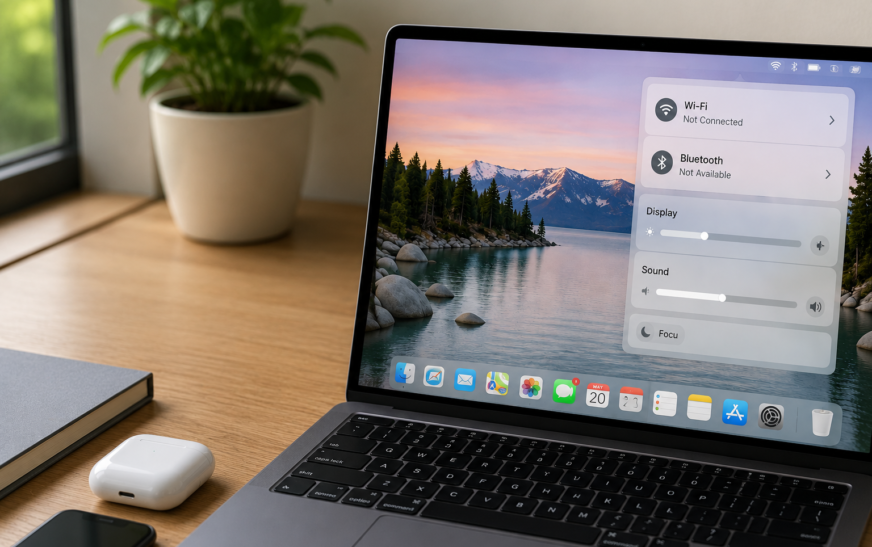
How to Fix macOS Tahoe Bluetooth and WiFi Breaking Repeatedly
✅ Quick Answer Bluetooth and WiFi repeatedly disconnecting after updating to macOS Tahoe is a known post-update issue caused by corrupted network/Bluetooth preference files left over from the previous macOS version, a stuck wireless daemon, or — on some Macs — a USB-C/Thunderbolt interference conflict that Tahoe’s updated radio management
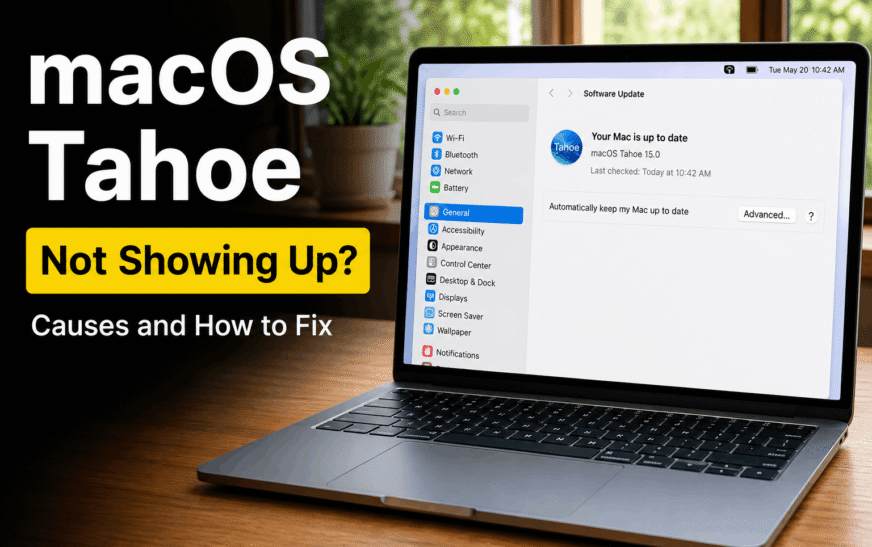
How to Fix macOS Tahoe Not Showing Up / Not Available — Update Missing
✅ Quick Answer macOS Tahoe not showing up in Software Update is usually caused by one of three things: Apple staggers the update rollout gradually rather than releasing it to all eligible Macs simultaneously, your Mac doesn’t meet the minimum hardware requirements, or a stuck update cache is hiding the
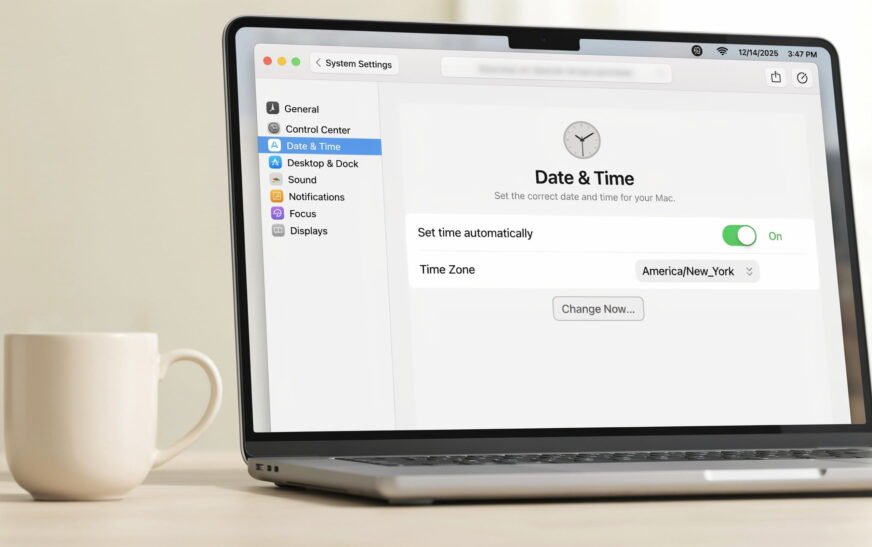
How to Fix Wrong Date and Time on Mac — Won’t Stay Correct (2026)
✅ Quick Answer A Mac showing the wrong date and time — or one that keeps resetting after every restart — is almost always caused by Automatic time setting being disabled, a network/NTP sync failure, or (on older Intel Macs) a depleted internal clock battery. Start by going to System
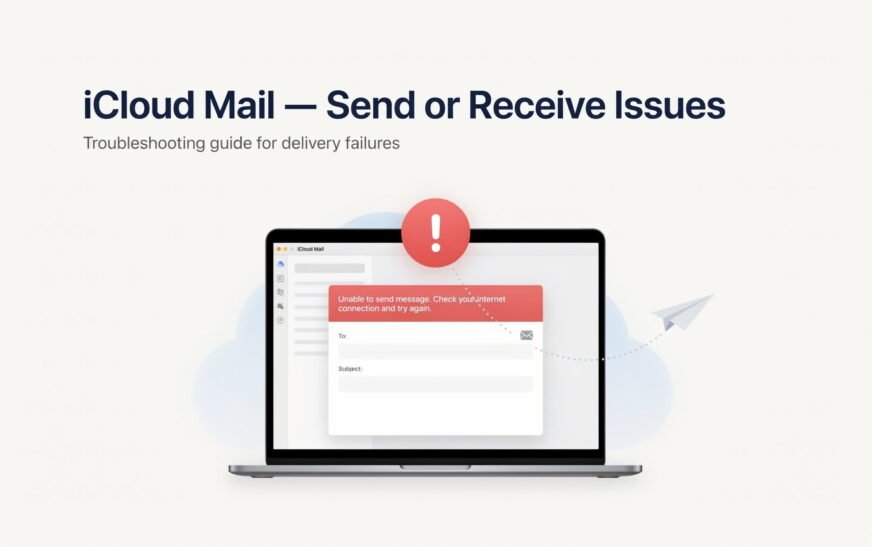
iCloud Mail Not Working — Emails Not Sending or Receiving? Fix It Now
✅ Quick Answer iCloud Mail not sending or receiving is most often caused by one of four things: iCloud Mail is not enabled in Settings, iCloud’s servers are temporarily down, your iCloud storage is full (preventing new emails from being received), or a connectivity issue is blocking the Mail app.

iPad Storage Full — How to Free Space Without Deleting Photos
✅ Quick Answer You can free up significant storage on an iPad without deleting a single photo. The fastest methods are: go to Settings → [Your Name] → iCloud → Photos and enable “Optimize iPad Storage” — this keeps your full photo library in iCloud while storing only compressed previews

iPad Black Screen After Charging — Won’t Turn On? Here’s the Fix
✅ Quick Answer An iPad with a black screen that won’t turn on after charging is almost always caused by one of three things: the battery was so deeply drained it needs at least 15–30 minutes of charge before responding, the charger or cable isn’t actually delivering power, or the
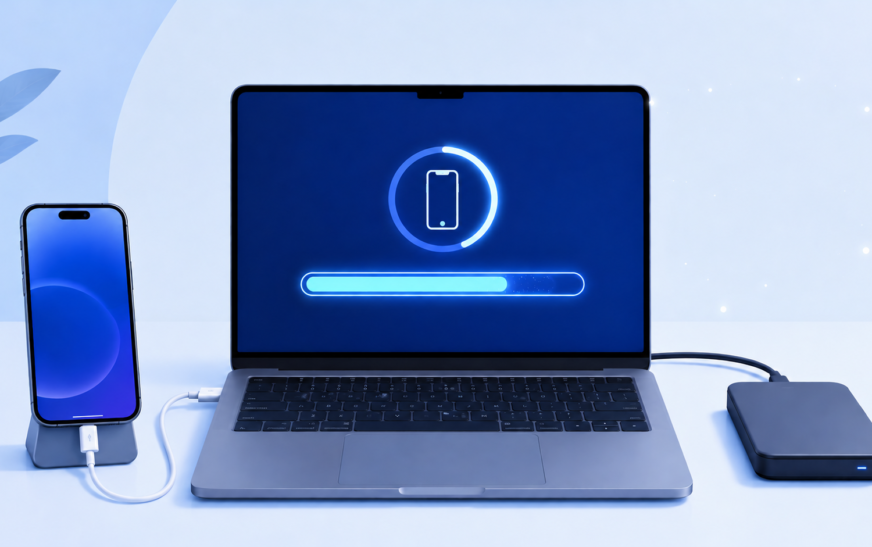
How to Backup iPhone Without iCloud — 9 Free & Paid Methods
✅ Quick Answer The best way to back up an iPhone without iCloud is to use Finder on Mac (or iTunes on Windows) — connect your iPhone via USB, open Finder, select your iPhone, and click “Back Up Now.” This creates a complete local backup of your entire iPhone including
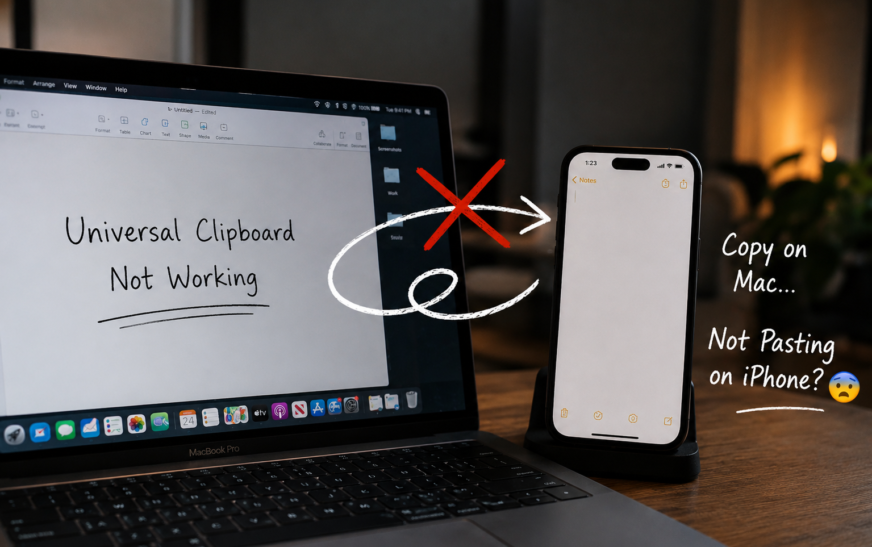
Fixed Universal Clipboard Not Working – Copy/Paste Between Devices
✅ Quick Answer Universal Clipboard stops working when any one of its four required conditions is missing: both devices must be signed into the same Apple ID, both must have Wi-Fi on, both must have Bluetooth on, and Handoff must be enabled in settings on both devices. The fastest fix
About Me
Hello ! I am KD Sharma
founder, writer, and video creator at Crazy Errors. I help Mac, iPhone, and Windows users fix tech problems with simple, step-by-step guides.