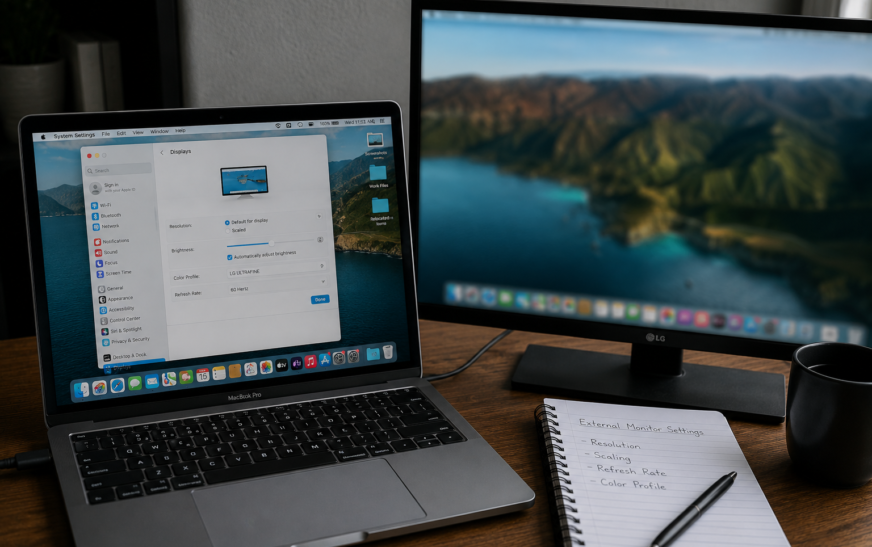
Mac External Monitor Blurry – Resolution and Scaling Settings Fixed

✅ Quick Answer Mac external monitor blurry text and images are almost always caused by macOS not running the display at its native resolution, or HiDPI (Retina-style scaling) not being enabled for a non-Apple monitor. Go to System Settings → Displays, click your external monitor, and select “Default for display”
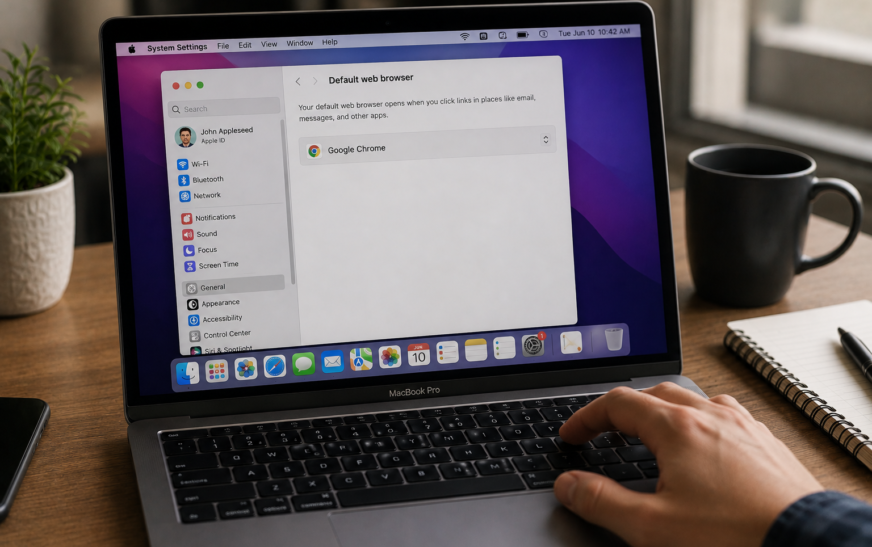
Mac Default Browser Not Changing – Safari Won’t Switch Fix
✅ Quick Answer Mac default browser not changing is most often caused by changing the setting in the wrong place, or a macOS glitch that requires a restart to apply the change. The correct method is to go to System Settings → Desktop & Dock → Default web browser (not
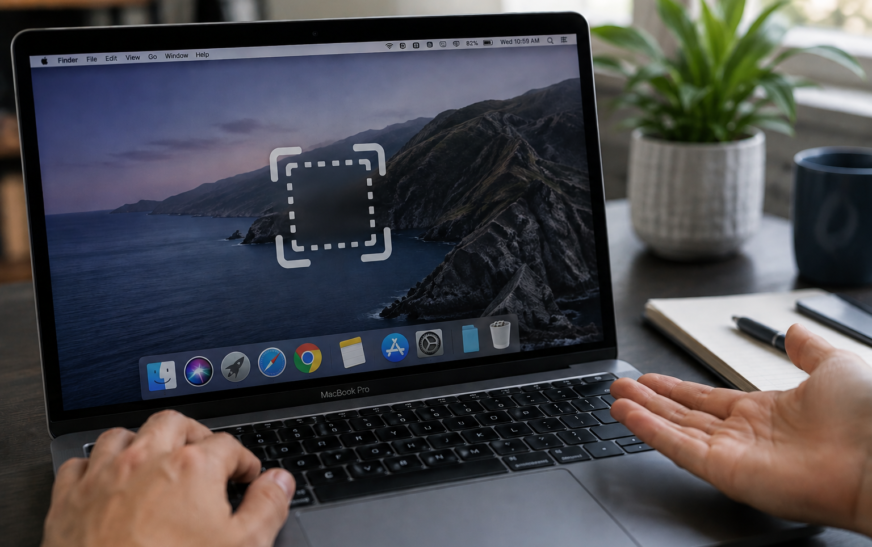
Mac Screenshot Not Working – Cmd+Shift+3 and 4 Fix
✅ Quick Answer Mac screenshot not working with Command + Shift + 3 or 4 is almost always caused by one of three things: the screenshot shortcuts have been reassigned or disabled in System Settings, the Screenshot app is missing Screen Recording permission, or the screenshots are saving to a
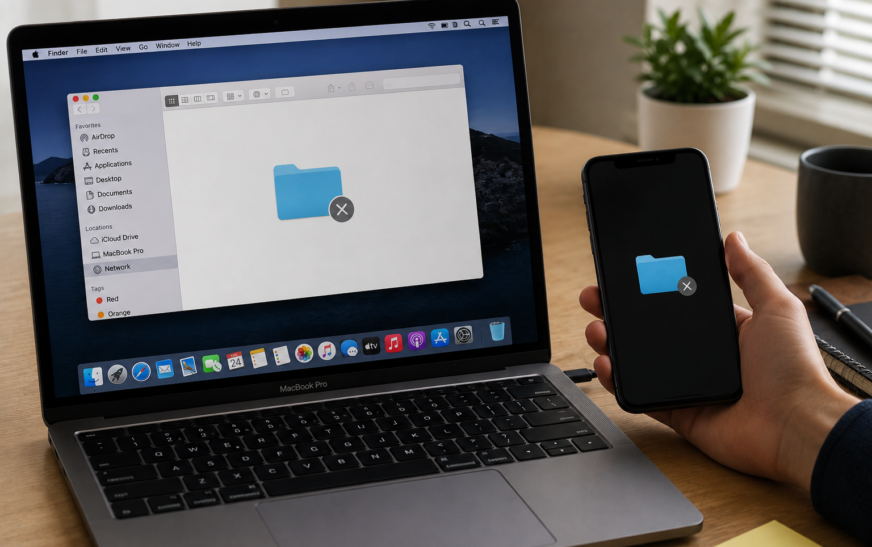
Mac File Sharing Not Working — How to Set Up and Fix
✅ Quick Answer Mac File Sharing not working is almost always caused by File Sharing being turned off in System Settings, both Macs not being on the same local network, or the Mac’s firewall blocking SMB connection requests. Start by going to System Settings → General → Sharing → File
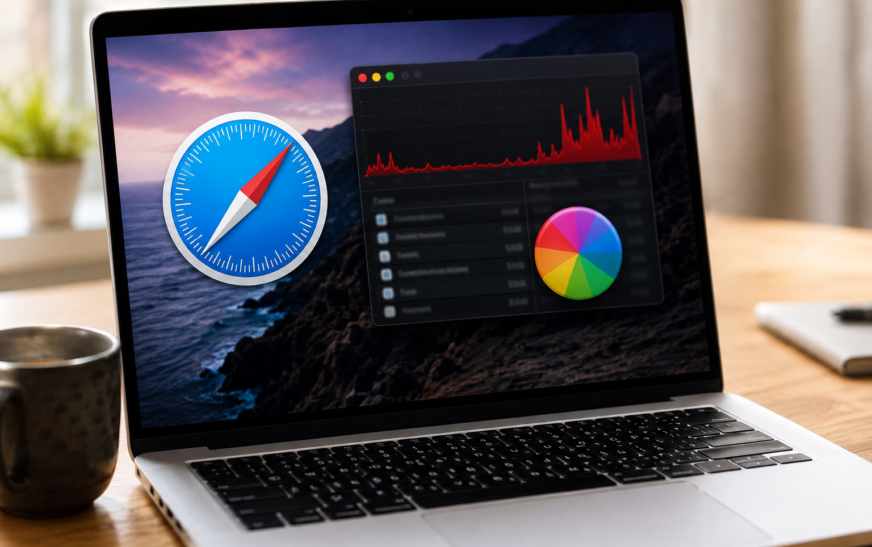
Mac Safari Running Slow — High CPU and Crashing Fix
✅ Quick Answer Mac Safari running slow, spiking CPU, or crashing is most commonly caused by a misbehaving browser extension, an overloaded cache, or a runaway WebKit process tied to a specific tab or website. The fastest fixes are: open Activity Monitor and look for any Safari-related process consuming above
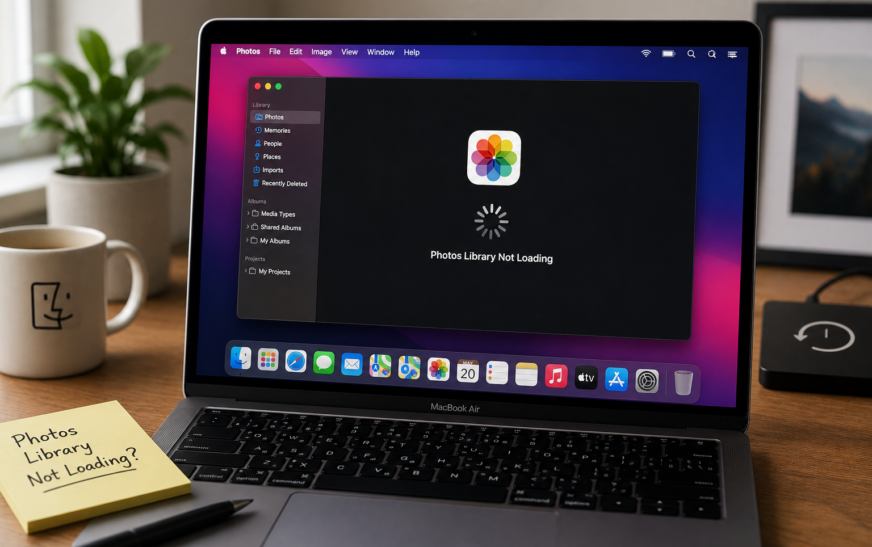
Mac Photos Library Not Loading — Spinning Wheel Fix (2026)
✅ Quick Answer Mac Photos library not loading and showing a spinning wheel is most commonly caused by a corrupted library database, not enough free storage on your Mac, or an iCloud Photos sync that stalled mid-process. The fastest fix is to hold Command + Option while opening Photos —
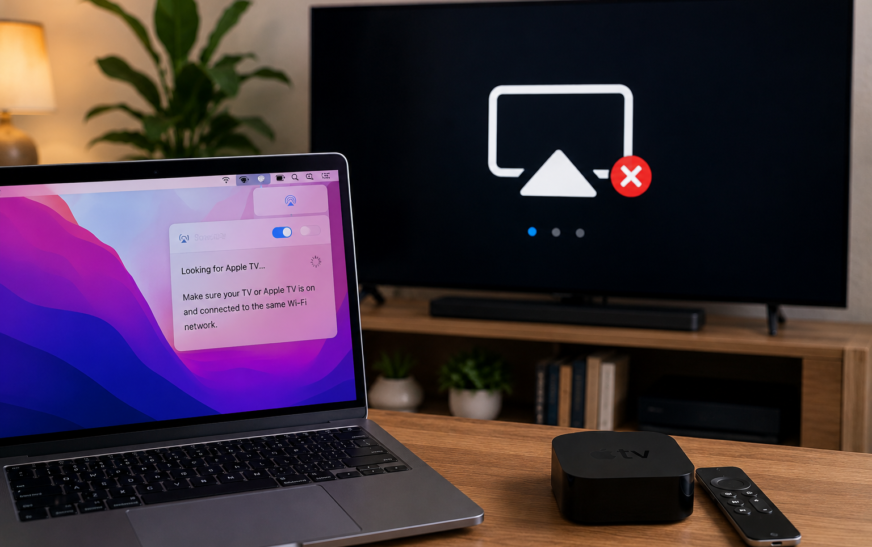
AirPlay Not Working from Mac to TV or Apple TV — Complete Fix Guide
✅ Quick Answer AirPlay not working from Mac to TV or Apple TV is almost always caused by one of three things: both devices are not on the exact same WiFi network, AirPlay receiver mode isn’t enabled on your Apple TV or smart TV, or your Mac’s firewall is silently
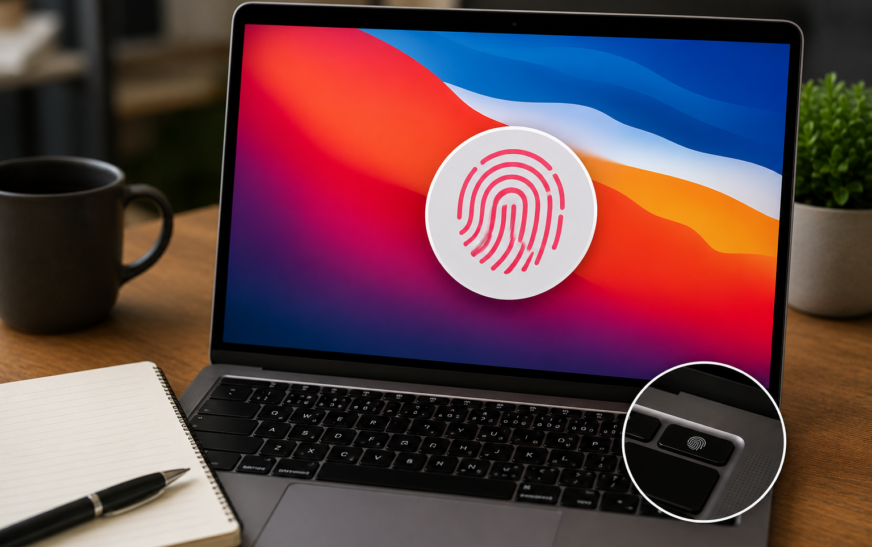
Touch ID Not Working on Mac After macOS Tahoe — Complete Fix Guide
✅ Quick Answer Touch ID not working on Mac after a macOS Tahoe update is most commonly caused by the update resetting Touch ID settings, expiring the iCloud authentication session that Touch ID depends on, or leaving fingerprint enrollment in a corrupted state. The fastest fix is to go to
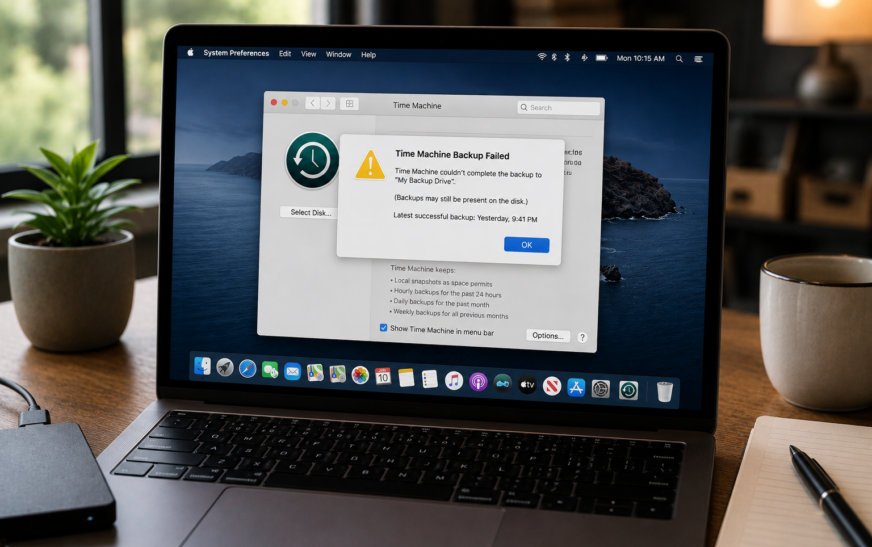
Mac Time Machine Backup Failed — How to Fix Backup Not Completing
✅ Quick Answer When a Mac Time Machine backup failed message appears, the most common causes are a full backup disk, a lost connection to the backup drive, a corrupted backup database, or insufficient free space on your Mac itself. The fastest starting fix is to open System Settings →
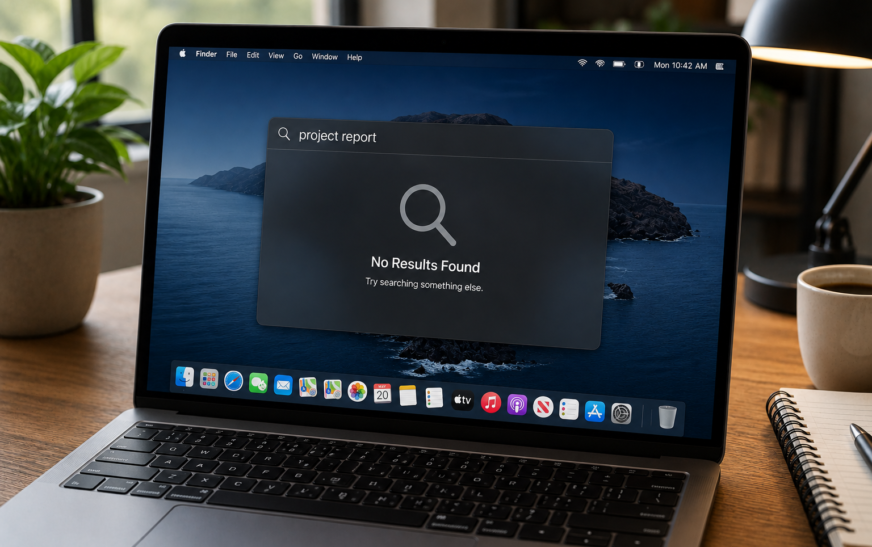
Mac Spotlight Search Not Working — How to Fix (macOS Tahoe 2026)
✅ Quick Answer Spotlight not working on Mac is almost always caused by a corrupted or incomplete search index — the database macOS builds to make searches instant. The most reliable fix is to rebuild the Spotlight index: go to System Settings → Siri & Spotlight → Spotlight Privacy, add
About Me
Hello ! I am KD Sharma
founder, writer, and video creator at Crazy Errors. I help Mac, iPhone, and Windows users fix tech problems with simple, step-by-step guides.