
Video Sent via iCloud Not Loading – 12 Proven Fixes to Finally Watch Your Shared Videos

✅ Quick Answer When a video sent via iCloud is not loading, the issue is almost always one of three things: a weak or unstable internet connection preventing the download from completing, the sender’s iCloud storage being full so the video never actually uploaded, or the iCloud link having expired

MacBook Pro Making Fan Noise and Not Turning On – 11 Proven Fixes
✅ Quick Answer A MacBook Pro making fan noise but not turning on almost always points to one of three causes: a corrupted System Management Controller (SMC) state that spins fans to maximum while preventing a complete boot, a failed power-on self-test caused by a RAM or storage issue, or
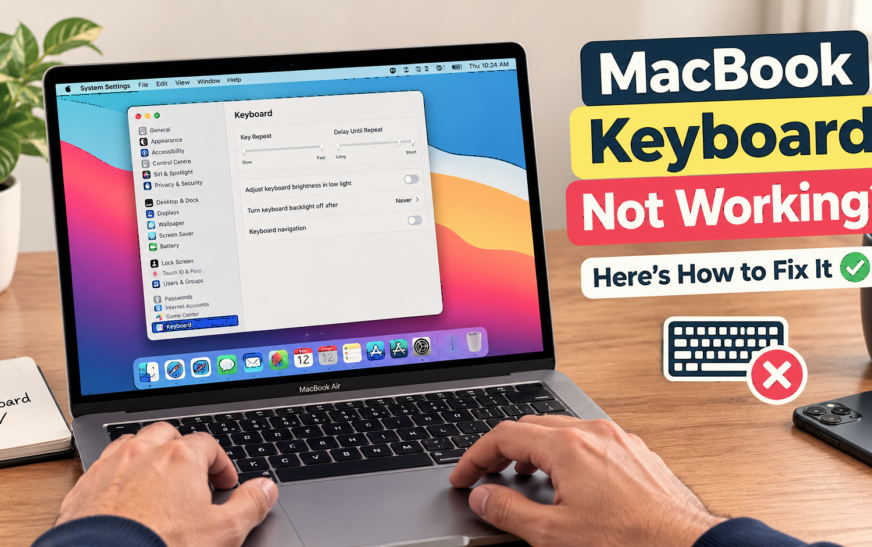
How to Unlock a MacBook Keyboard is Not Working -12 Proven Fixes to Instantly Regain Access
✅ Quick Answer To unlock a MacBook when the keyboard is not working, the fastest method is to use Touch ID — press the fingerprint sensor at the top-right of the keyboard (or in the Touch Bar) to bypass the password screen entirely. If your MacBook doesn’t have Touch ID

Apple TV Error -3905 / -3900 / -3906 – 12 Proven Fixes to Finally Restore Your WiFi Connection
✅ Quick Answer Apple TV Error -3905, -3900, and -3906 are all WiFi and network connection errors that appear when the Apple TV cannot establish a secure connection to Apple’s servers — for activation, the App Store, software updates, or Apple TV+ streaming. The fastest fix is a two-step restart:
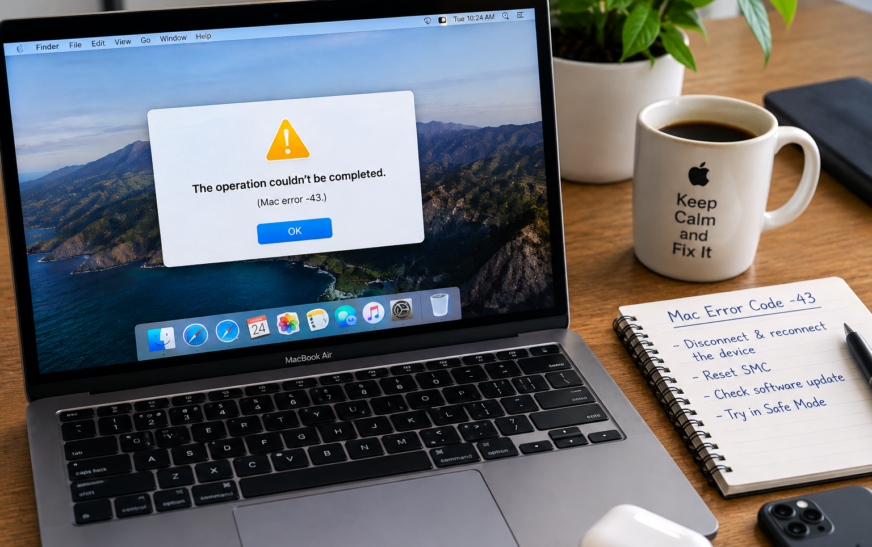
Mac Error Code -43 – 12 Proven Fixes to Finally Delete Files the Finder Can’t Find
✅ Quick Answer Mac Error Code -43 (“The operation can’t be completed because the item can’t be found”) appears most frequently when trying to empty the Trash or delete a file the Finder can no longer locate at its recorded path. The fastest fix is to hold the Option key
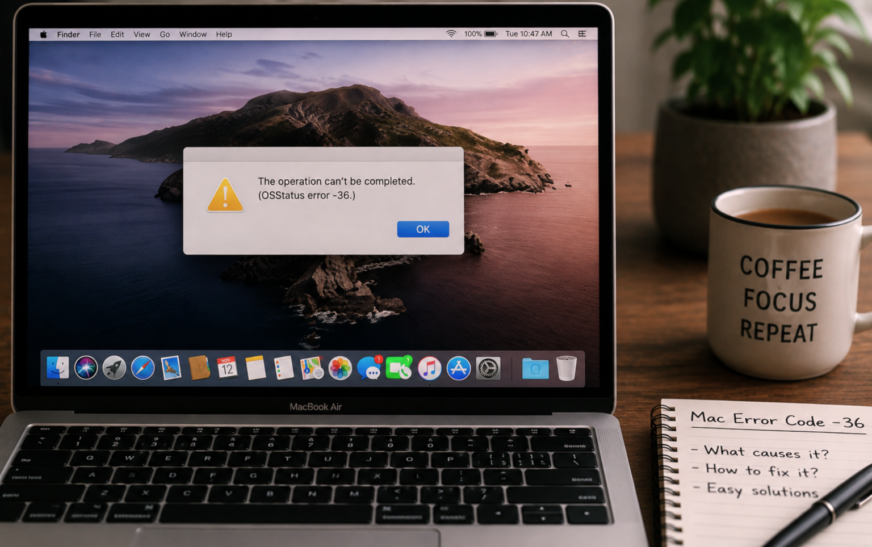
Mac Error Code -36 – The Finder Can’t Complete the Operation Fix
✅ Quick Answer Mac Error Code -36 (“The Finder can’t complete the operation because some data in [file] can’t be read or written”) almost always appears when copying files to or from an external drive formatted as FAT32 or exFAT. The most effective fix is a one-line Terminal command: open

How To Fix Apple TV APP Not Working on Firestick – 12 Proven Fixes
✅ Quick Answer When the Apple TV app is not working on Firestick, the fastest fix is a three-step sequence that resolves the issue for most users: force-close the app by holding the Home button and selecting the Apple TV app to quit, then restart your Firestick by going to
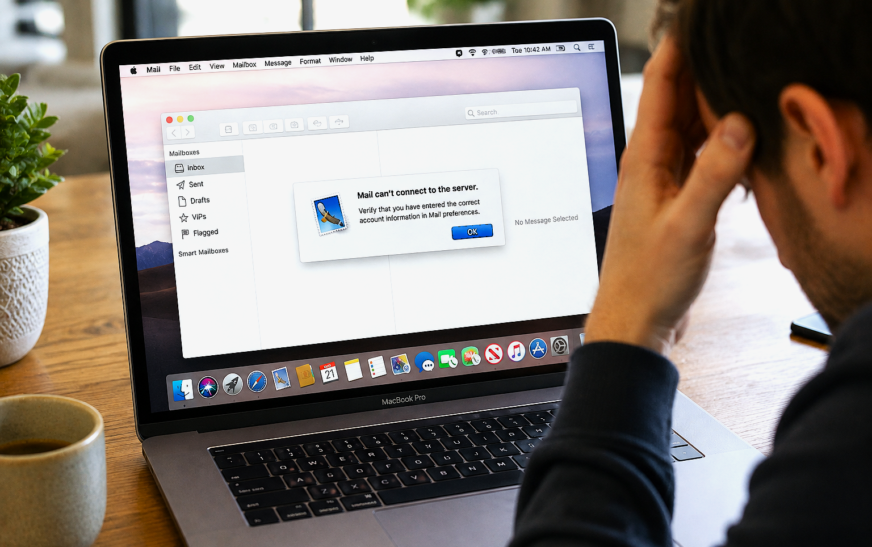
Mac Mail Not Working – Can’t Send or Receive Emails After Tahoe Update Fix
✅ Quick Answer Mac Mail not working after a macOS Tahoe update is most commonly caused by saved email passwords being invalidated in the macOS Keychain, account settings being partially reset during the update, or Mail accounts being set to offline status by the update process. The fastest fix is
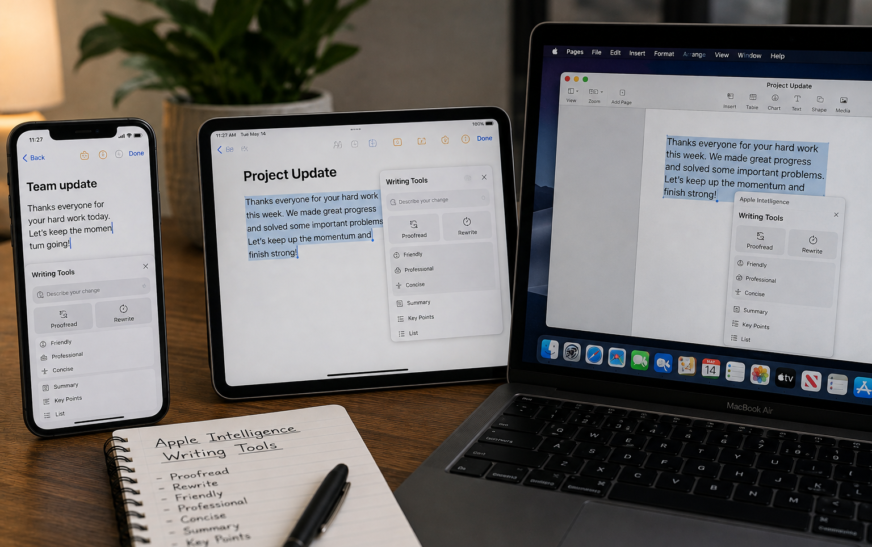
How to Use Apple Intelligence Writing Tools on iPhone, iPad and Mac
✅ Quick Answer To use Apple Intelligence Writing Tools, select any text you’ve typed in a text field — in Mail, Notes, Messages, Pages, or most third-party apps — then tap the Writing Tools button that appears in the formatting toolbar or in the text selection menu. On iPhone and

How to Set Up iCloud Shared Storage for Family – Step-by-Step Guide
✅ Quick Answer To set up iCloud shared storage for family, the account organiser goes to Settings → [Your Name] → Family Sharing → Set Up Family on iPhone, or System Settings → [Your Name] → Family Sharing on Mac, then upgrades to an iCloud+ plan of 200 GB or
About Me
Hello ! I am KD Sharma
founder, writer, and video creator at Crazy Errors. I help Mac, iPhone, and Windows users fix tech problems with simple, step-by-step guides.