
How To Fix Apple TV APP Not Working on Firestick – 12 Proven Fixes

✅ Quick Answer When the Apple TV app is not working on Firestick, the fastest fix is a three-step sequence that resolves the issue for most users: force-close the app by holding the Home button and selecting the Apple TV app to quit, then restart your Firestick by going to
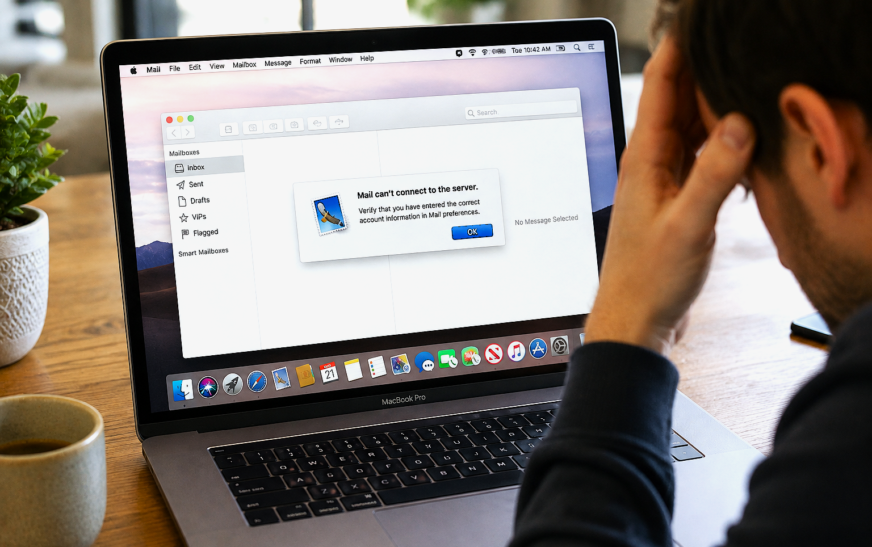
Mac Mail Not Working – Can’t Send or Receive Emails After Tahoe Update Fix
✅ Quick Answer Mac Mail not working after a macOS Tahoe update is most commonly caused by saved email passwords being invalidated in the macOS Keychain, account settings being partially reset during the update, or Mail accounts being set to offline status by the update process. The fastest fix is
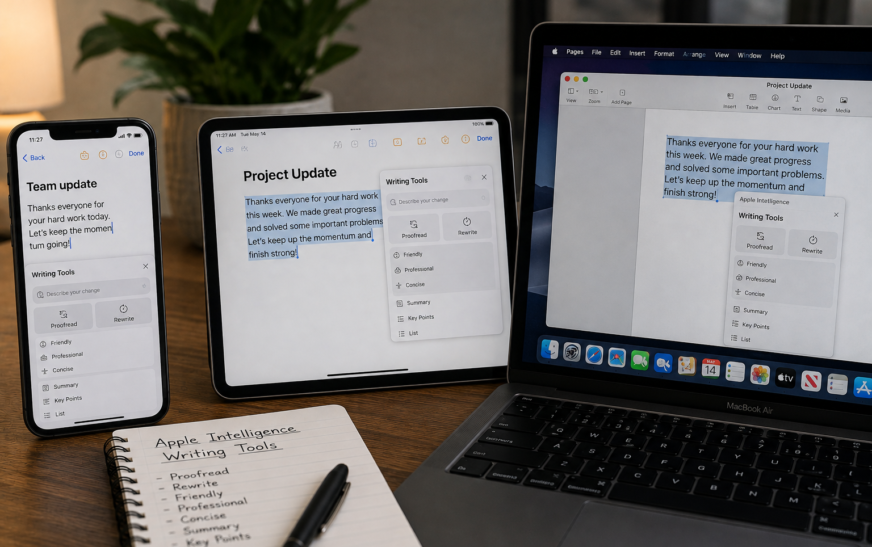
How to Use Apple Intelligence Writing Tools on iPhone, iPad and Mac
✅ Quick Answer To use Apple Intelligence Writing Tools, select any text you’ve typed in a text field — in Mail, Notes, Messages, Pages, or most third-party apps — then tap the Writing Tools button that appears in the formatting toolbar or in the text selection menu. On iPhone and
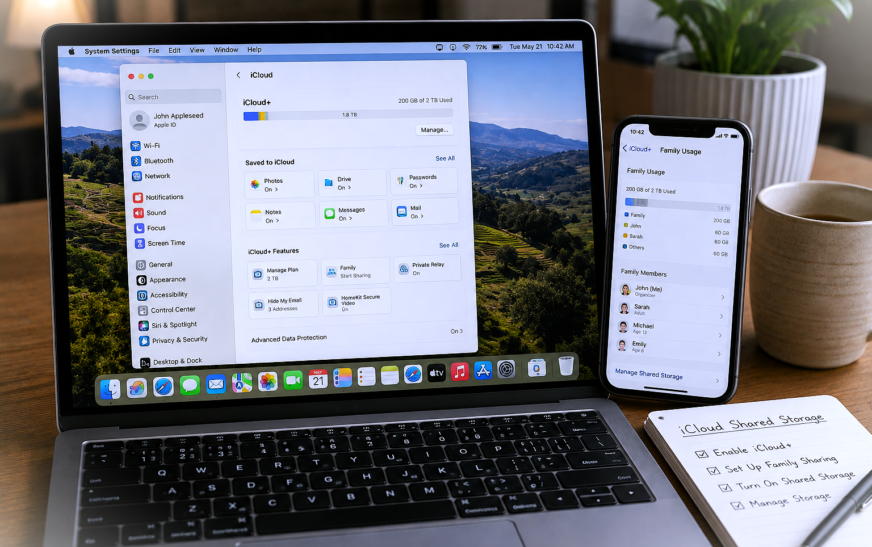
How to Set Up iCloud Shared Storage for Family – Step-by-Step Guide
✅ Quick Answer To set up iCloud shared storage for family, the account organiser goes to Settings → [Your Name] → Family Sharing → Set Up Family on iPhone, or System Settings → [Your Name] → Family Sharing on Mac, then upgrades to an iCloud+ plan of 200 GB or
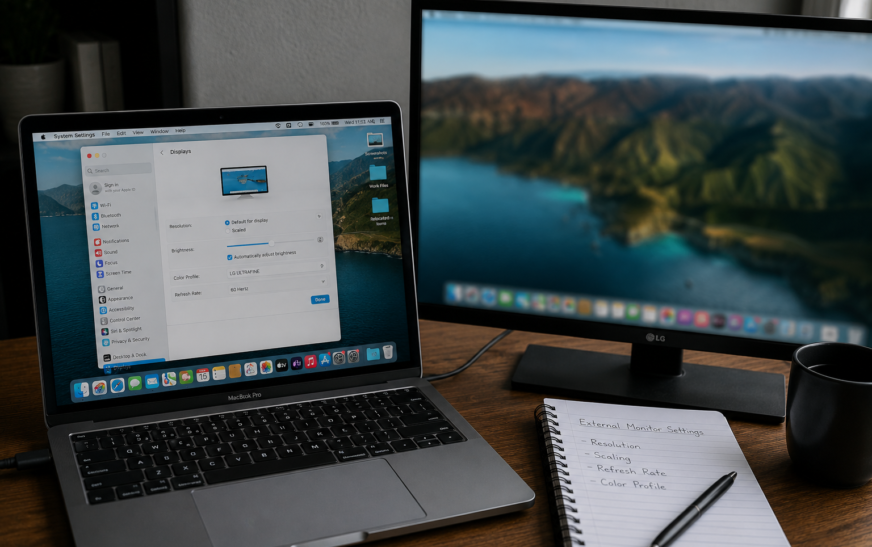
Mac External Monitor Blurry – Resolution and Scaling Settings Fixed
✅ Quick Answer Mac external monitor blurry text and images are almost always caused by macOS not running the display at its native resolution, or HiDPI (Retina-style scaling) not being enabled for a non-Apple monitor. Go to System Settings → Displays, click your external monitor, and select “Default for display”
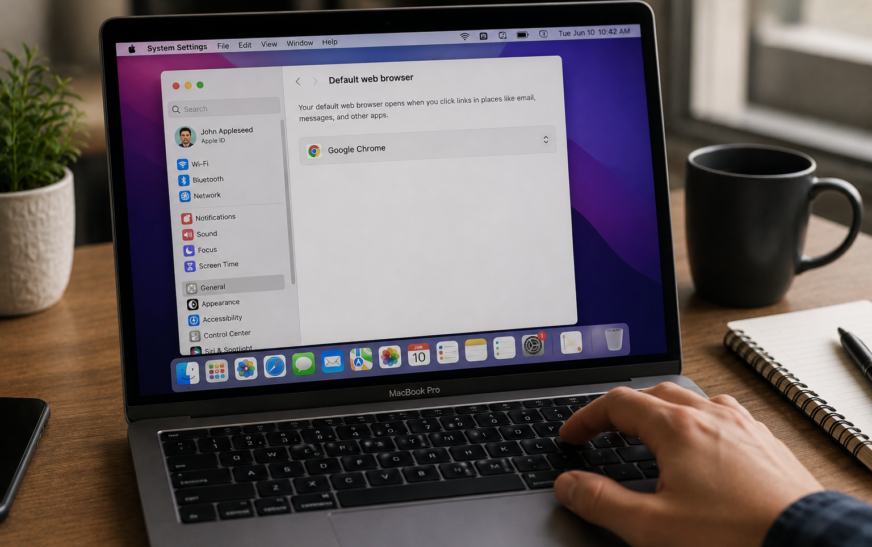
Mac Default Browser Not Changing – Safari Won’t Switch Fix
✅ Quick Answer Mac default browser not changing is most often caused by changing the setting in the wrong place, or a macOS glitch that requires a restart to apply the change. The correct method is to go to System Settings → Desktop & Dock → Default web browser (not
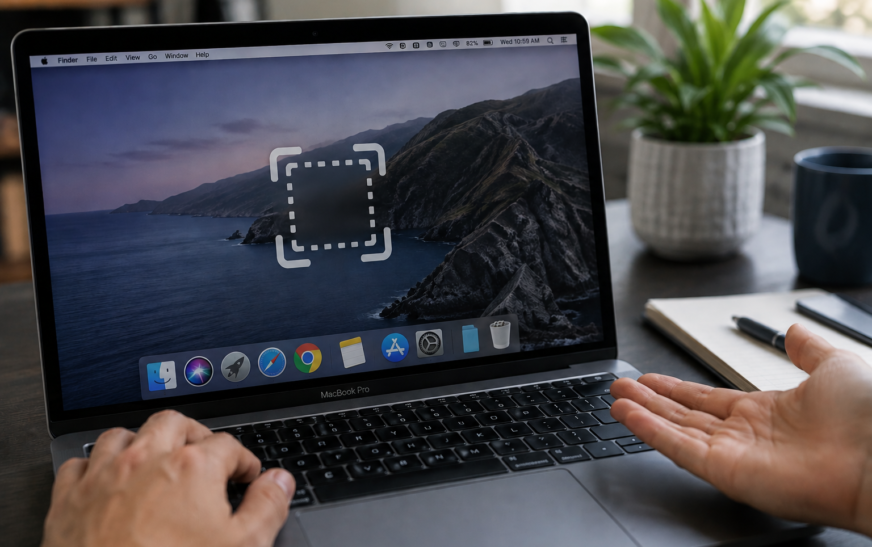
Mac Screenshot Not Working – Cmd+Shift+3 and 4 Fix
✅ Quick Answer Mac screenshot not working with Command + Shift + 3 or 4 is almost always caused by one of three things: the screenshot shortcuts have been reassigned or disabled in System Settings, the Screenshot app is missing Screen Recording permission, or the screenshots are saving to a
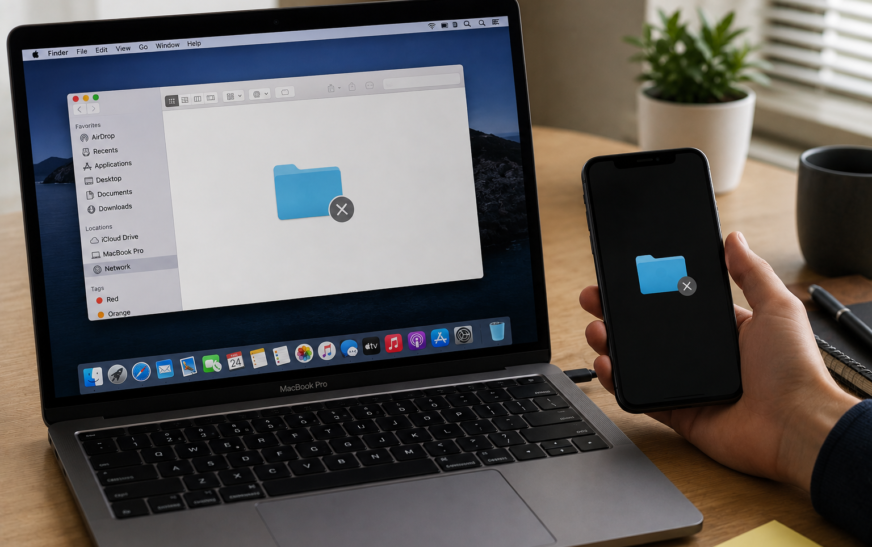
Mac File Sharing Not Working — How to Set Up and Fix
✅ Quick Answer Mac File Sharing not working is almost always caused by File Sharing being turned off in System Settings, both Macs not being on the same local network, or the Mac’s firewall blocking SMB connection requests. Start by going to System Settings → General → Sharing → File
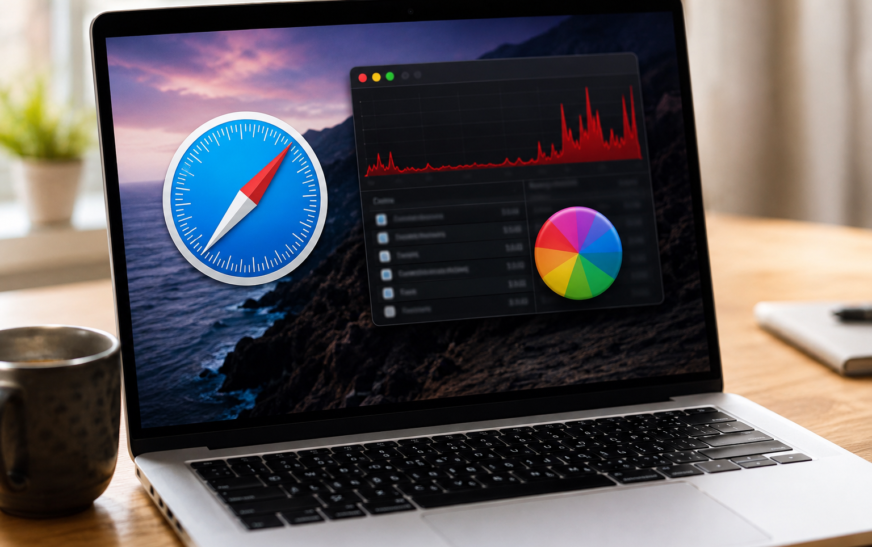
Mac Safari Running Slow — High CPU and Crashing Fix
✅ Quick Answer Mac Safari running slow, spiking CPU, or crashing is most commonly caused by a misbehaving browser extension, an overloaded cache, or a runaway WebKit process tied to a specific tab or website. The fastest fixes are: open Activity Monitor and look for any Safari-related process consuming above
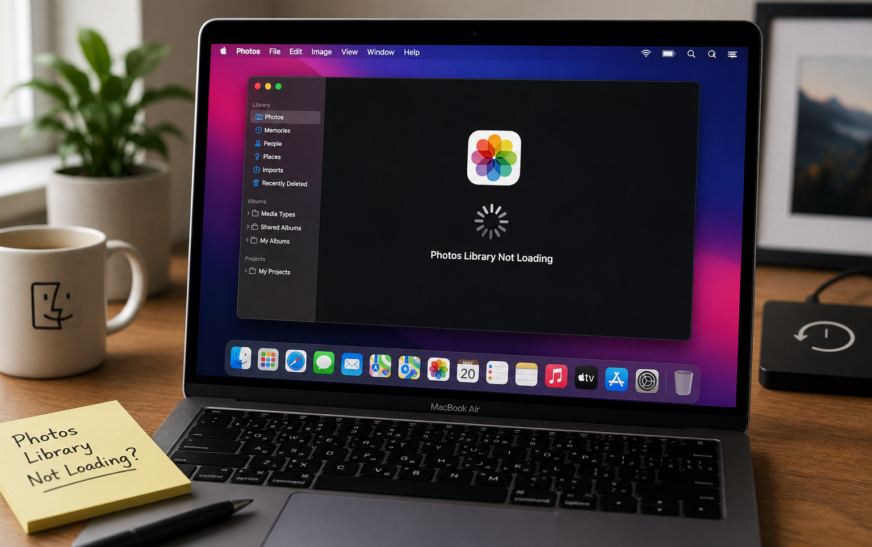
Mac Photos Library Not Loading — Spinning Wheel Fix (2026)
✅ Quick Answer Mac Photos library not loading and showing a spinning wheel is most commonly caused by a corrupted library database, not enough free storage on your Mac, or an iCloud Photos sync that stalled mid-process. The fastest fix is to hold Command + Option while opening Photos —
About Me
Hello ! I am KD Sharma
founder, writer, and video creator at Crazy Errors. I help Mac, iPhone, and Windows users fix tech problems with simple, step-by-step guides.