
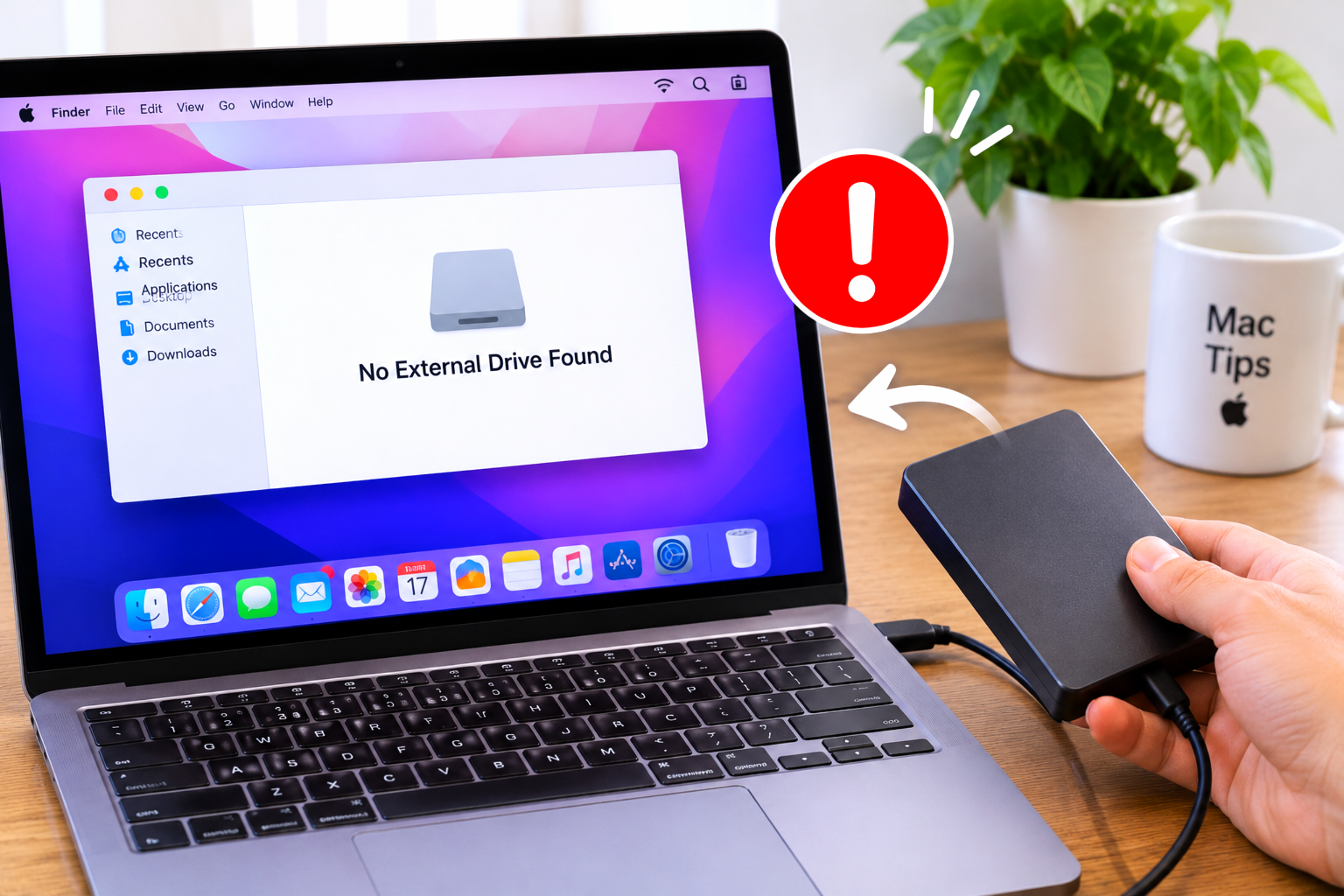
How to Fix an External Drive Not Showing Up on Mac
✅ Quick Answer When an external drive isn’t showing up on Mac, first check Finder → Settings (or Preferences) → General and make sure “External disks” is ticked — if this box is unchecked, drives connect fine but never appear on the desktop or in the sidebar. If that setting is already on, open Disk […]

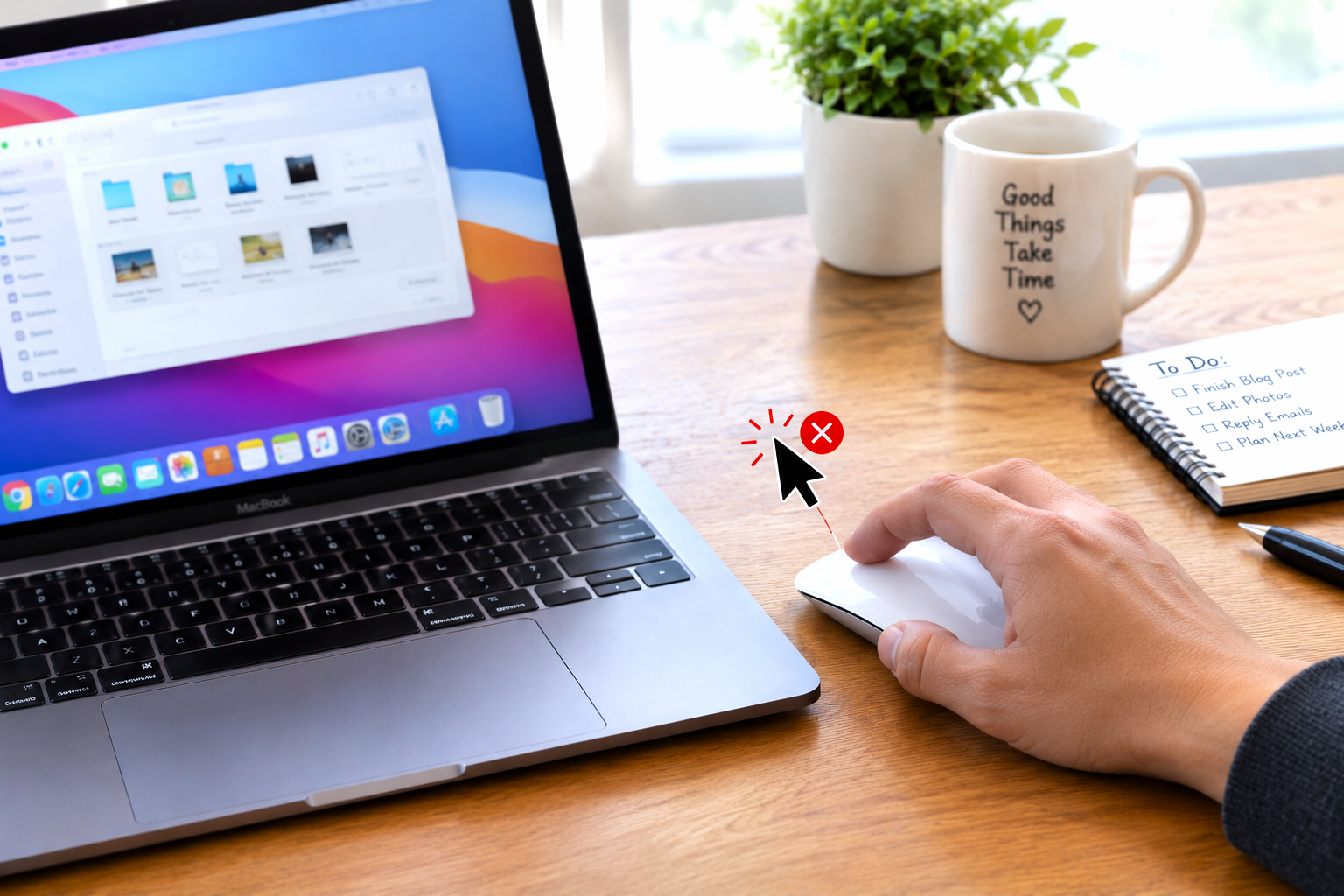
Mac Mouse Left-Click Randomly Not Working — macOS Fix
✅ Quick Answer When a Mac mouse left-click randomly stops working, the fastest fix is to turn Bluetooth off and back on (if using a wireless mouse) or unplug and replug the USB connection. If that doesn’t help, go to System Settings → Accessibility → Pointer Control and check whether Mouse Keys is accidentally switched […]

Mac Passwords App Not Accepting Keyboard Input — Can’t Type Fix
✅ Quick Answer When the Mac Passwords app won’t accept keyboard input, the fastest fix is to click somewhere else on screen first — another app or the desktop — then click back into the Passwords app and try typing again. This refocuses keyboard input to the correct window. If that doesn’t work, quit the […]
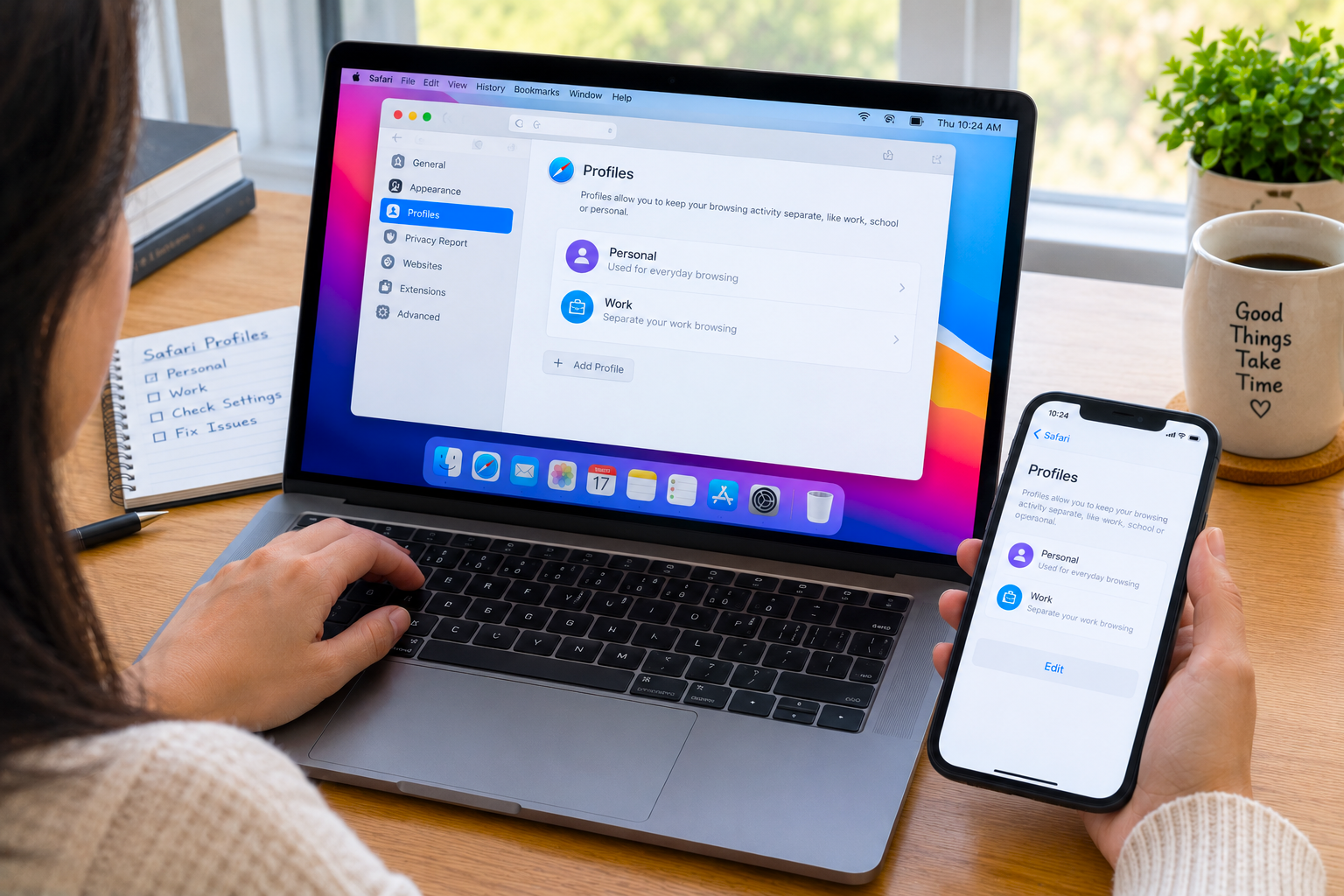
Safari Profiles Not Working on Mac? Empty Profile & Missing Data Fix
✅ Quick Answer When Safari Profiles show as empty or missing data on Mac, the most reliable fix is quitting Safari completely, then navigating to ~/Library/Safari/Profiles/ in Finder to check whether the profile folders exist. If the folders are there but Safari isn’t loading data, a corrupt preferences file is usually the cause — delete […]
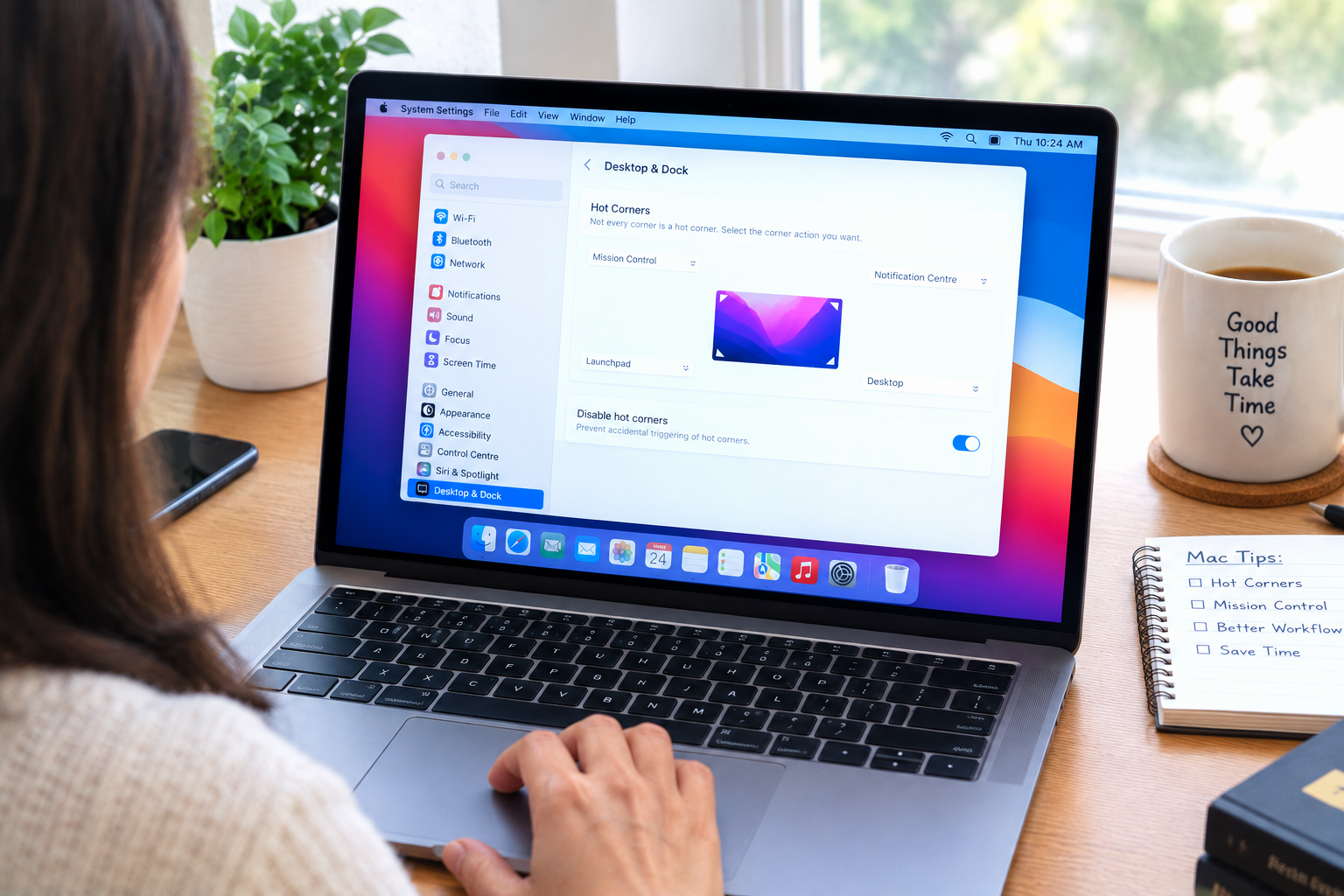
How to Stop Mac Hot Corners From Activating Accidentally (macOS Fix)
✅ Quick Answer To stop Mac Hot Corners from triggering accidentally, add a modifier key requirement — go to System Settings → Desktop & Dock → Hot Corners, hold ⌘ ⌥ ⌃ or ⇧ while clicking each corner’s dropdown, then choose your action. From then on, the corner only fires when you physically hold that […]
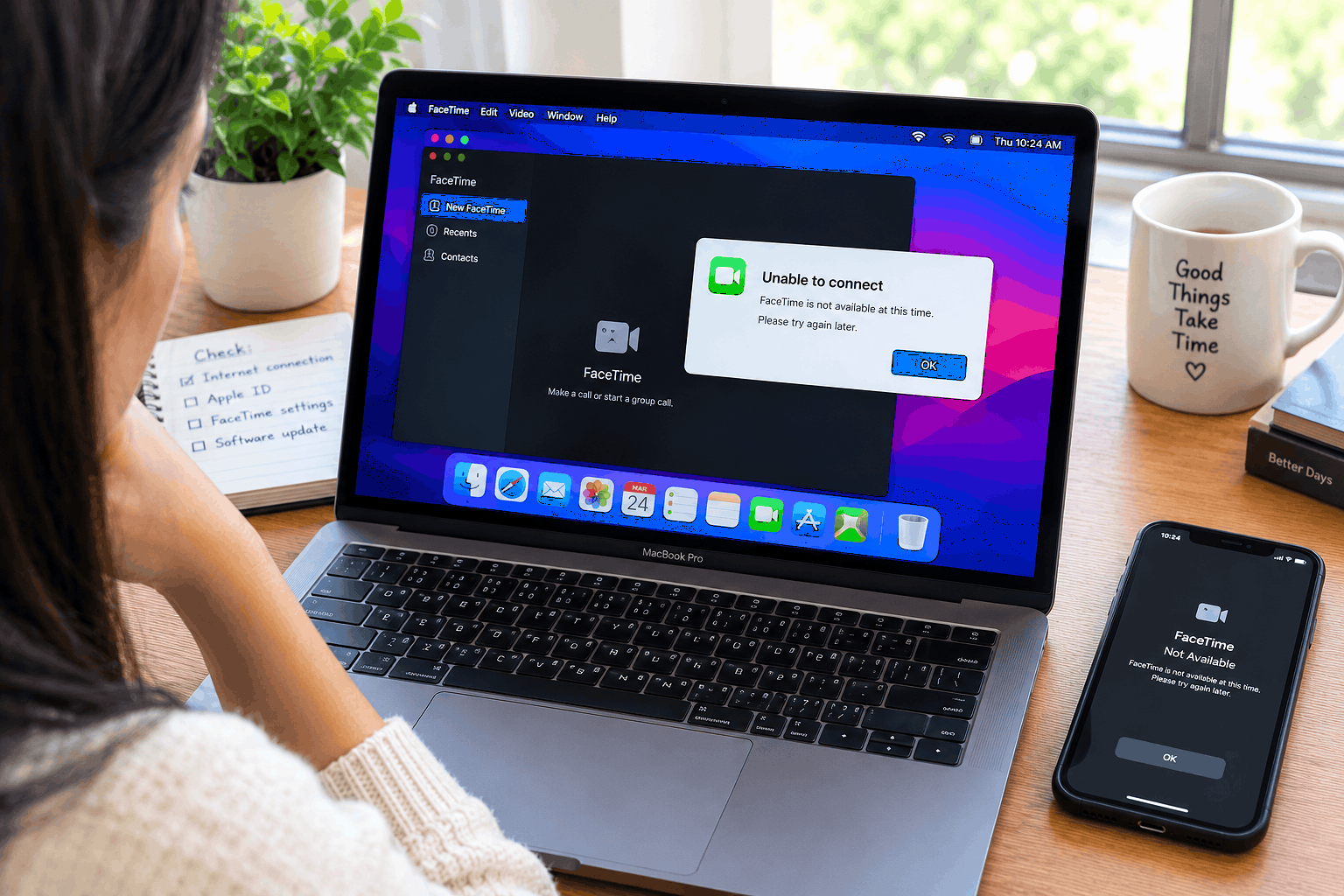
How to Fix Mac FaceTime Not Working – Camera, Audio & Connection?
✅ Quick Answer When FaceTime is not working on Mac, the most common fix is checking camera and microphone permissions: go to System Settings → Privacy & Security → Camera and confirm FaceTime is toggled on. Do the same for Microphone. If FaceTime shows a black screen, another app (Zoom, Teams, Chrome) is likely holding […]
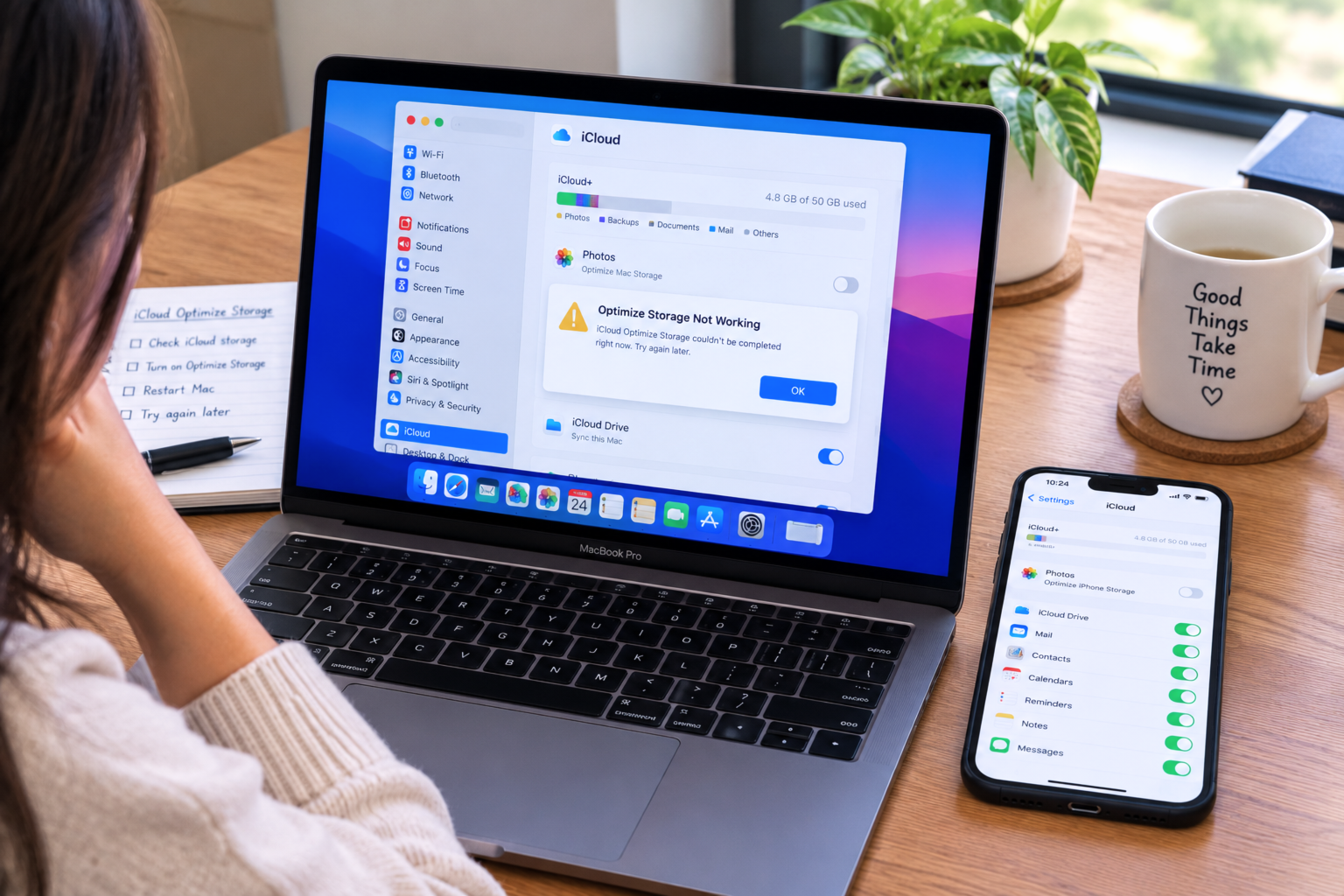
Mac iCloud Optimize Storage Not Working – Optimise Mac Storage Fix
✅ Quick Answer When iCloud Optimize Storage is not working on Mac, the most common cause is a conflict between two separate settings: the iCloud panel in System Settings may show Optimise Storage as on, but the Photos app itself is set to “Download Originals to this Mac” — which overrides everything else. Check this […]
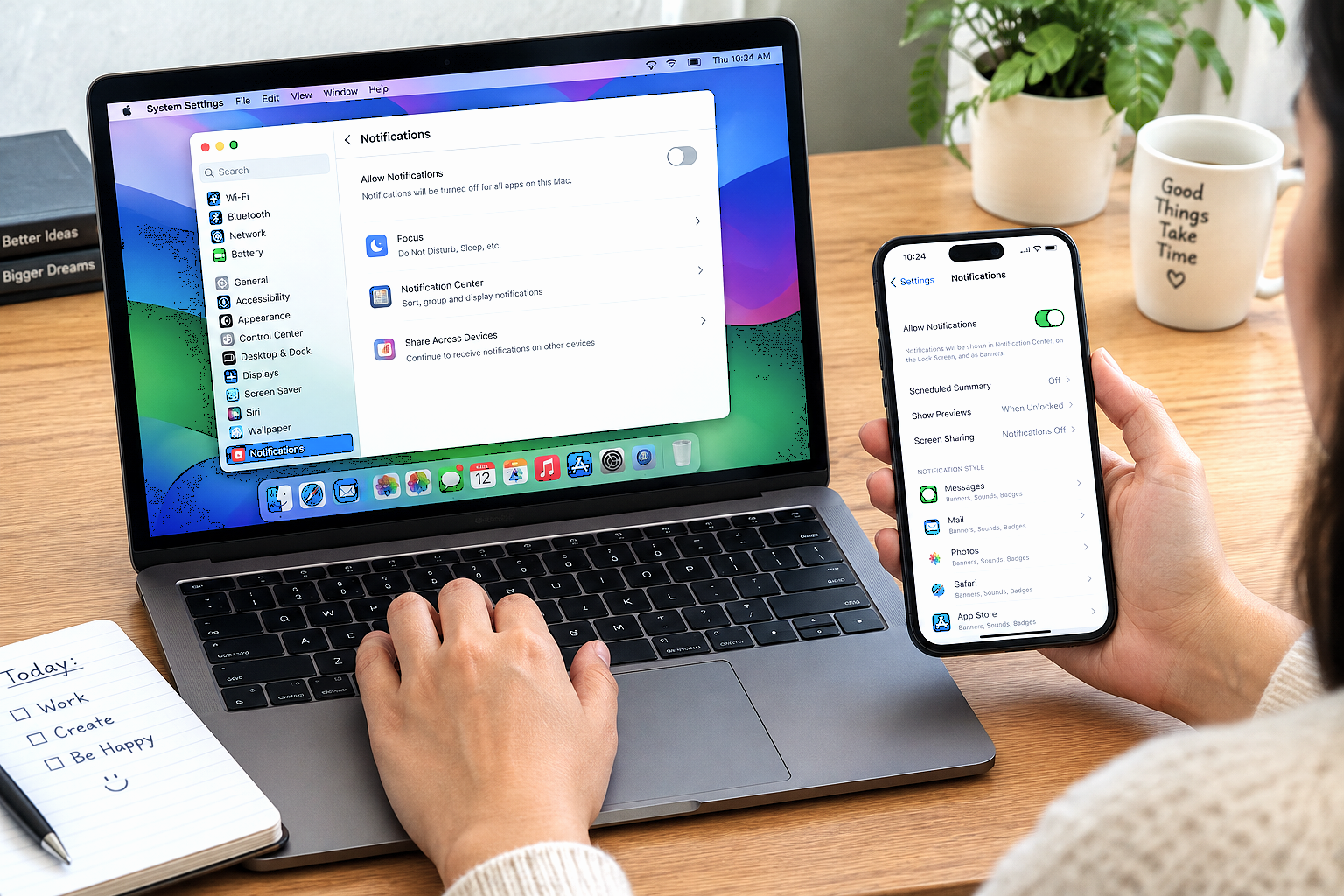
How to Turn Off Notifications on MacBook but Not iPhone
✅ Quick Answer To turn off notifications on MacBook but not iPhone, use Do Not Disturb — but you must disable Focus syncing first, or it will silence your iPhone too. On your Mac: click the Control Center icon (top-right menu bar) → Focus → Do Not Disturb to enable it. Then go to System […]
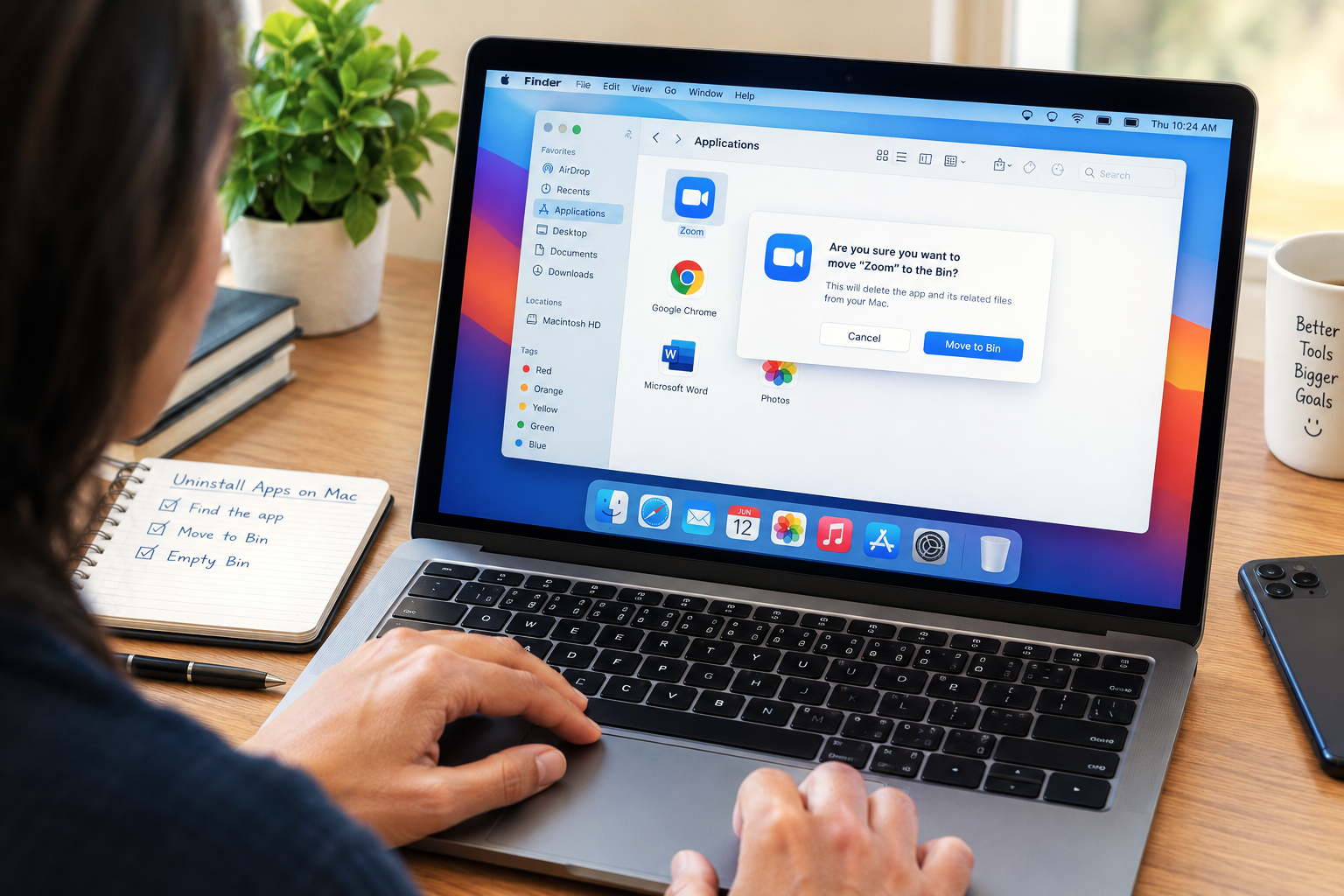
How to Delete or Uninstall Apps on Mac – 8 Proven Methods for a Complete Clean Removal
✅ Quick Answer To delete or uninstall apps on Mac, the fastest methods are: open Launchpad, click and hold any app icon until they wiggle, then click the X on the app you want to remove (works for App Store apps); or open Finder → Applications, right-click the app, and select Move to Trash, then […]
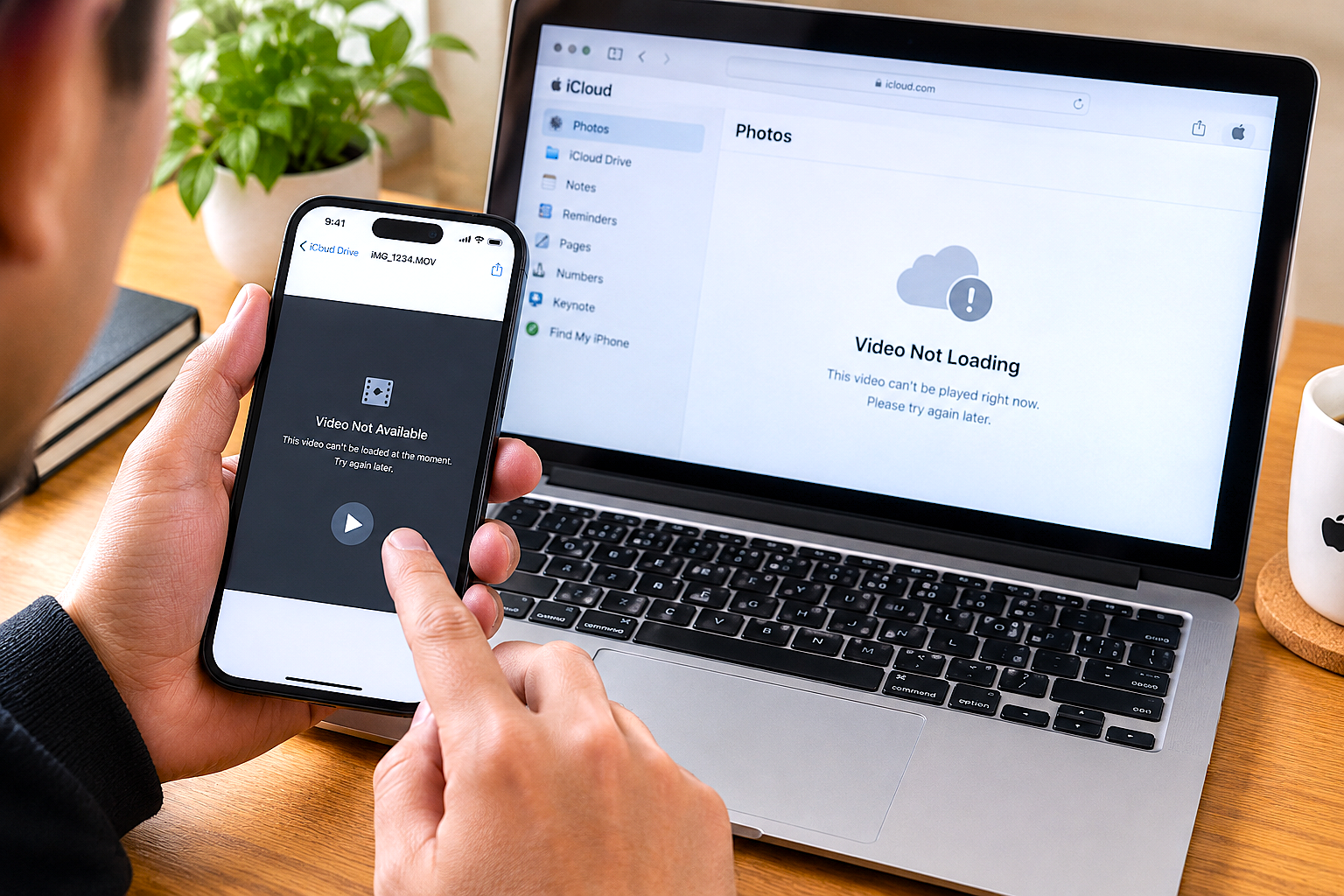
Video Sent via iCloud Not Loading – 12 Proven Fixes to Finally Watch Your Shared Videos
✅ Quick Answer When a video sent via iCloud is not loading, the issue is almost always one of three things: a weak or unstable internet connection preventing the download from completing, the sender’s iCloud storage being full so the video never actually uploaded, or the iCloud link having expired after 30 days. Start by […]
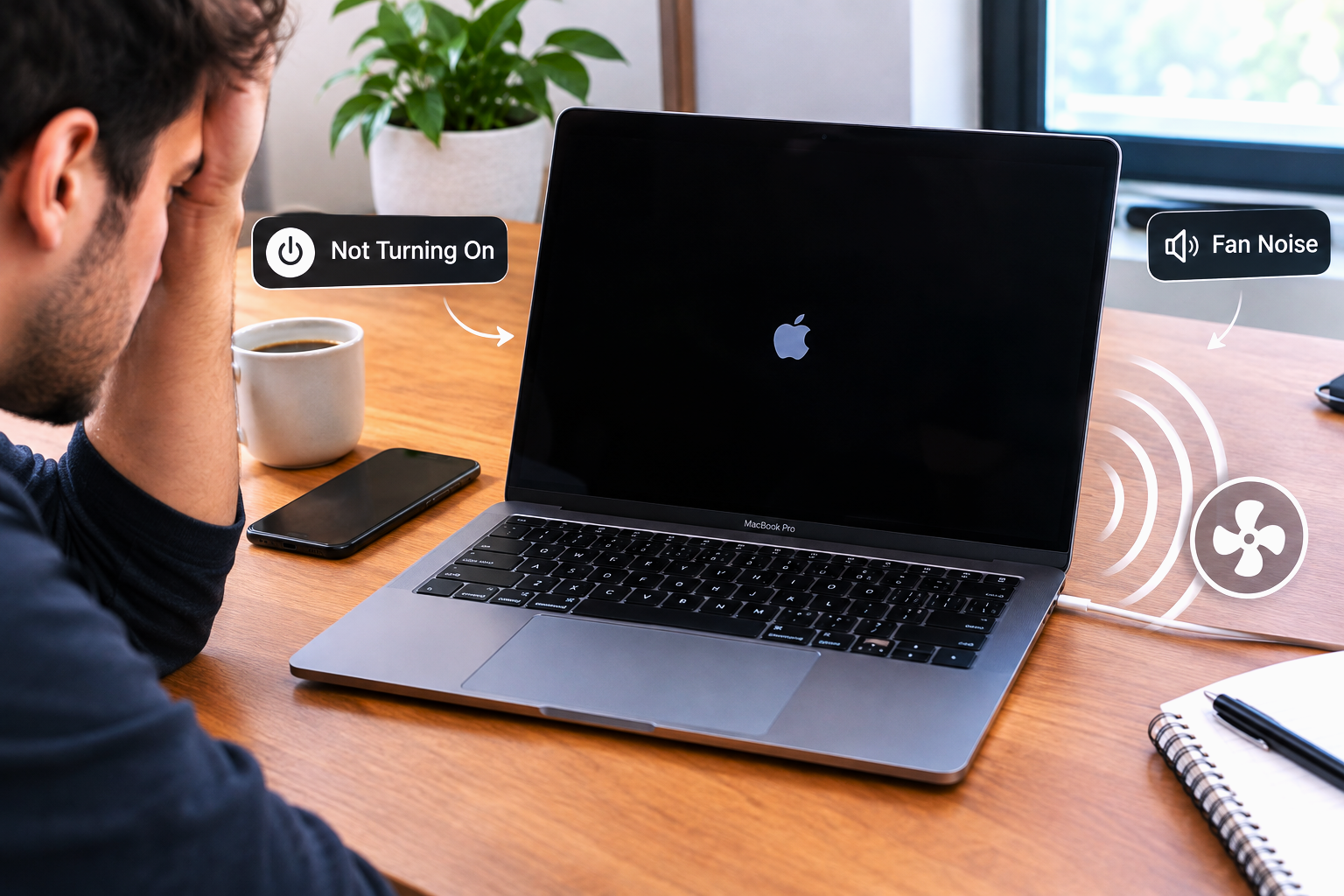
MacBook Pro Making Fan Noise and Not Turning On – 11 Proven Fixes
✅ Quick Answer A MacBook Pro making fan noise but not turning on almost always points to one of three causes: a corrupted System Management Controller (SMC) state that spins fans to maximum while preventing a complete boot, a failed power-on self-test caused by a RAM or storage issue, or a corrupted macOS installation that […]
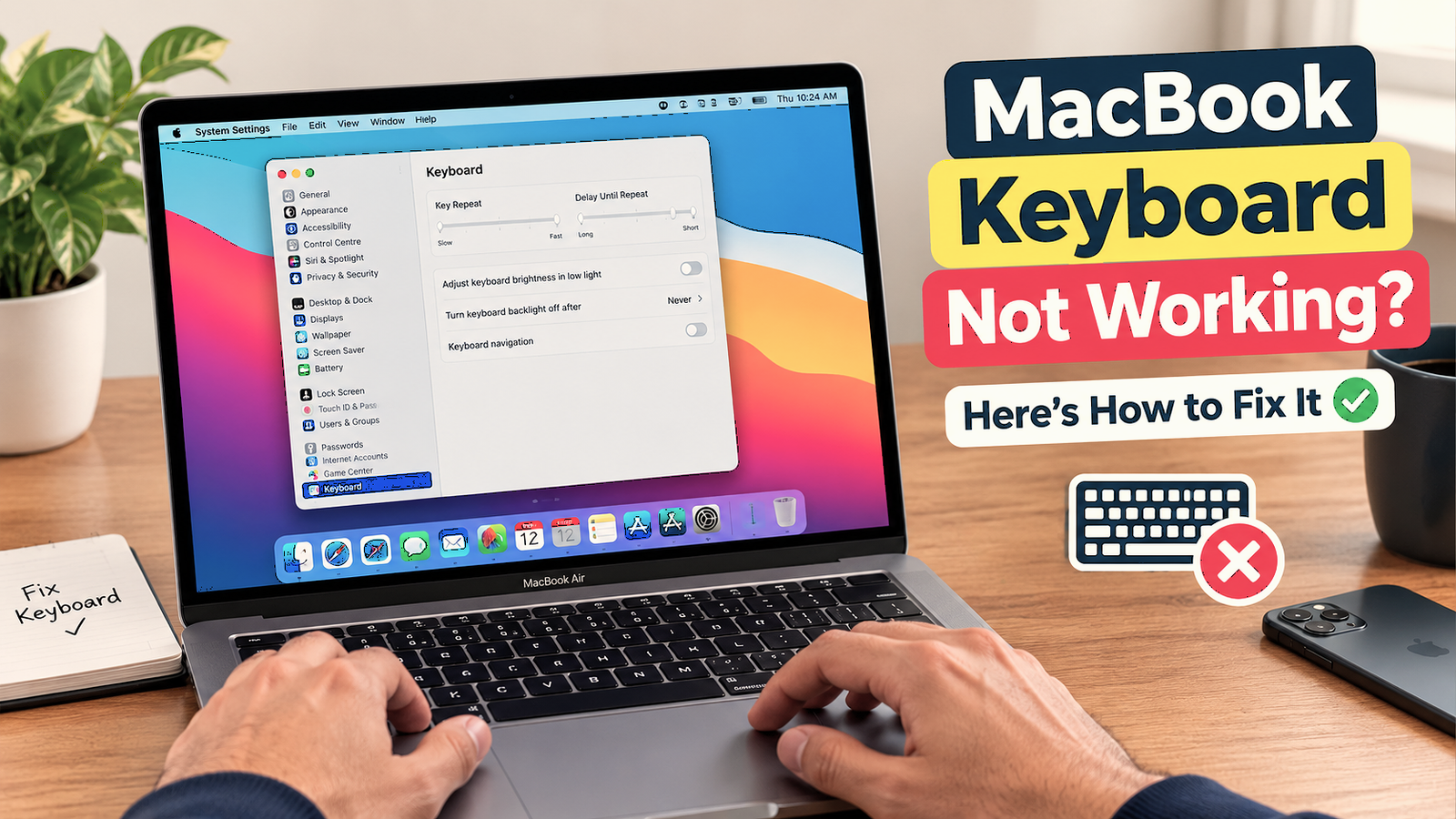
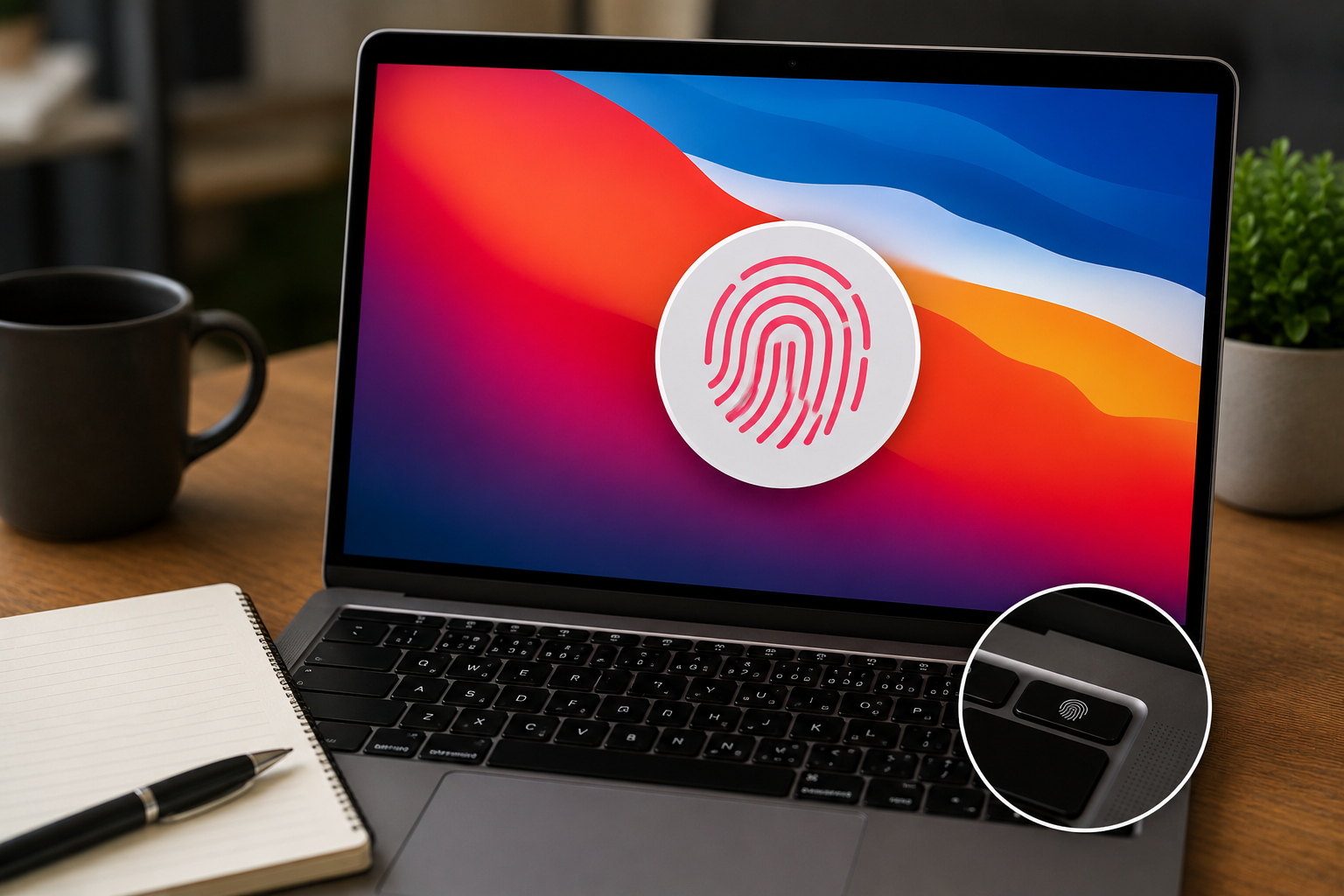
How to Unlock a MacBook Keyboard is Not Working -12 Proven Fixes to Instantly Regain Access
✅ Quick Answer To unlock a MacBook when the keyboard is not working, the fastest method is to use Touch ID — press the fingerprint sensor at the top-right of the keyboard (or in the Touch Bar) to bypass the password screen entirely. If your MacBook doesn’t have Touch ID or it isn’t responding, plug […]
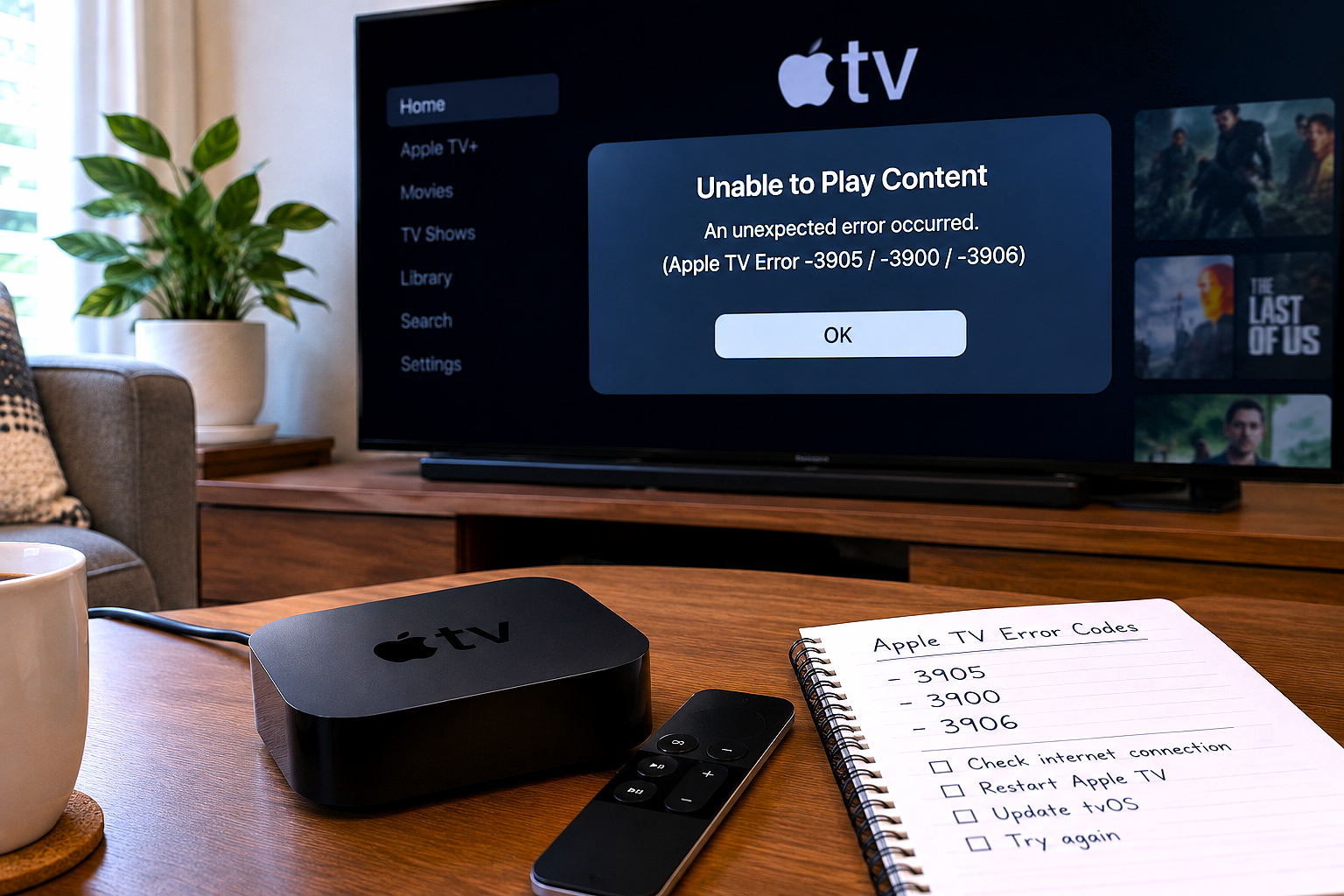
Apple TV Error -3905 / -3900 / -3906 – 12 Proven Fixes to Finally Restore Your WiFi Connection
✅ Quick Answer Apple TV Error -3905, -3900, and -3906 are all WiFi and network connection errors that appear when the Apple TV cannot establish a secure connection to Apple’s servers — for activation, the App Store, software updates, or Apple TV+ streaming. The fastest fix is a two-step restart: hold the Back and TV/Home […]
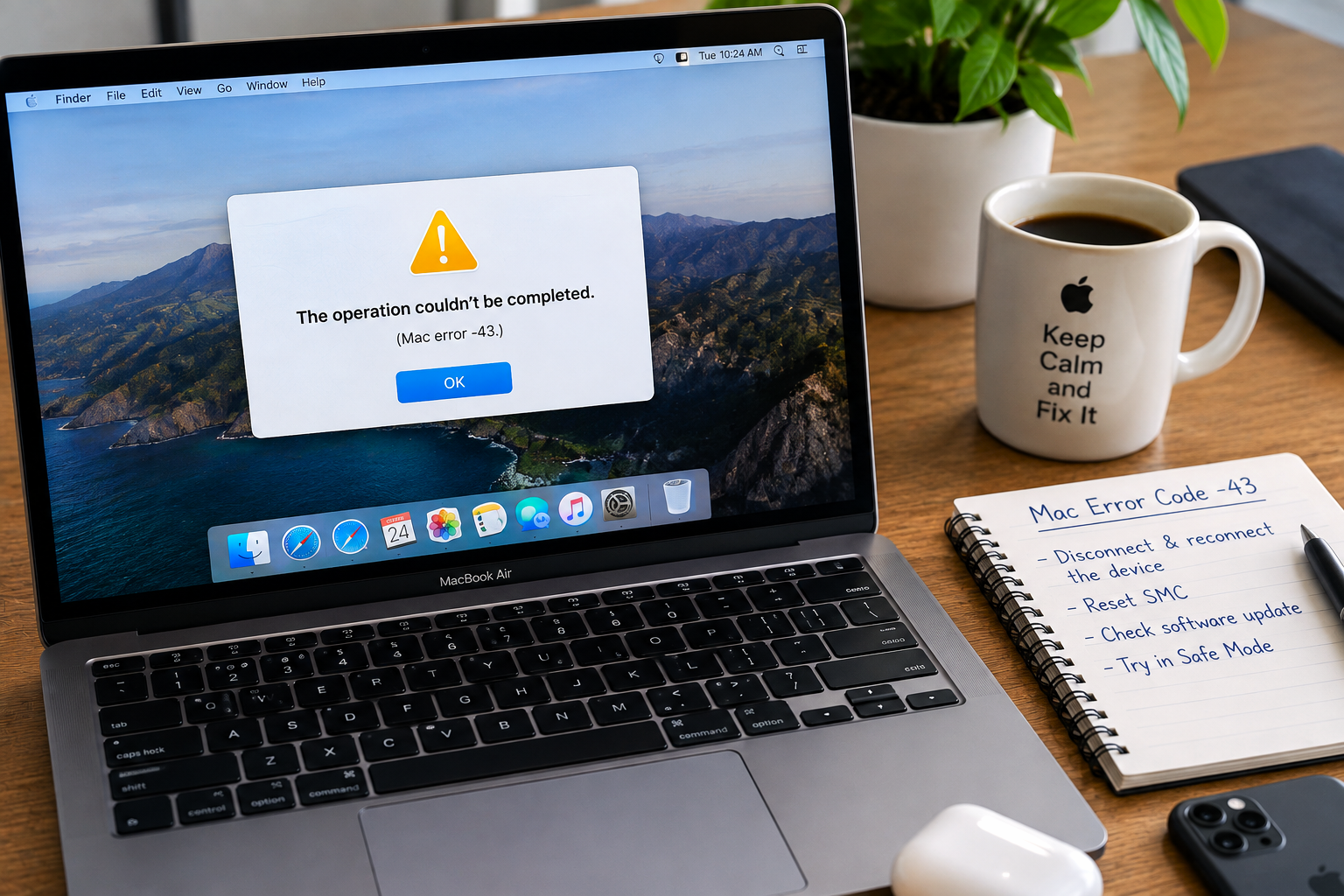
Mac Error Code -43 – 12 Proven Fixes to Finally Delete Files the Finder Can’t Find
✅ Quick Answer Mac Error Code -43 (“The operation can’t be completed because the item can’t be found”) appears most frequently when trying to empty the Trash or delete a file the Finder can no longer locate at its recorded path. The fastest fix is to hold the Option key while clicking Empty Trash — […]
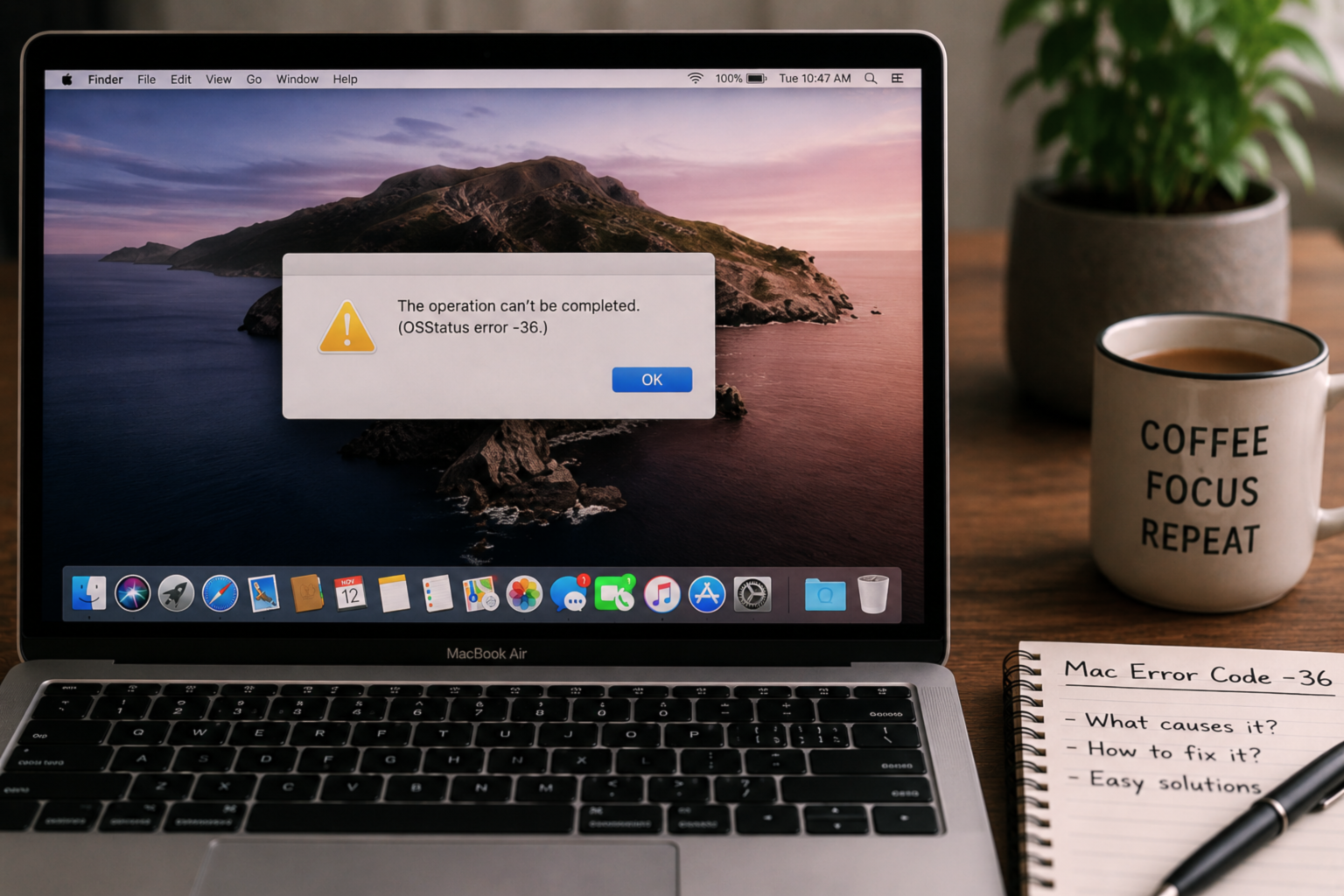
Mac Error Code -36 – The Finder Can’t Complete the Operation Fix
✅ Quick Answer Mac Error Code -36 (“The Finder can’t complete the operation because some data in [file] can’t be read or written”) almost always appears when copying files to or from an external drive formatted as FAT32 or exFAT. The most effective fix is a one-line Terminal command: open Terminal, type dot_clean followed by […]

How To Fix Apple TV APP Not Working on Firestick – 12 Proven Fixes
✅ Quick Answer When the Apple TV app is not working on Firestick, the fastest fix is a three-step sequence that resolves the issue for most users: force-close the app by holding the Home button and selecting the Apple TV app to quit, then restart your Firestick by going to Settings → My Fire TV […]
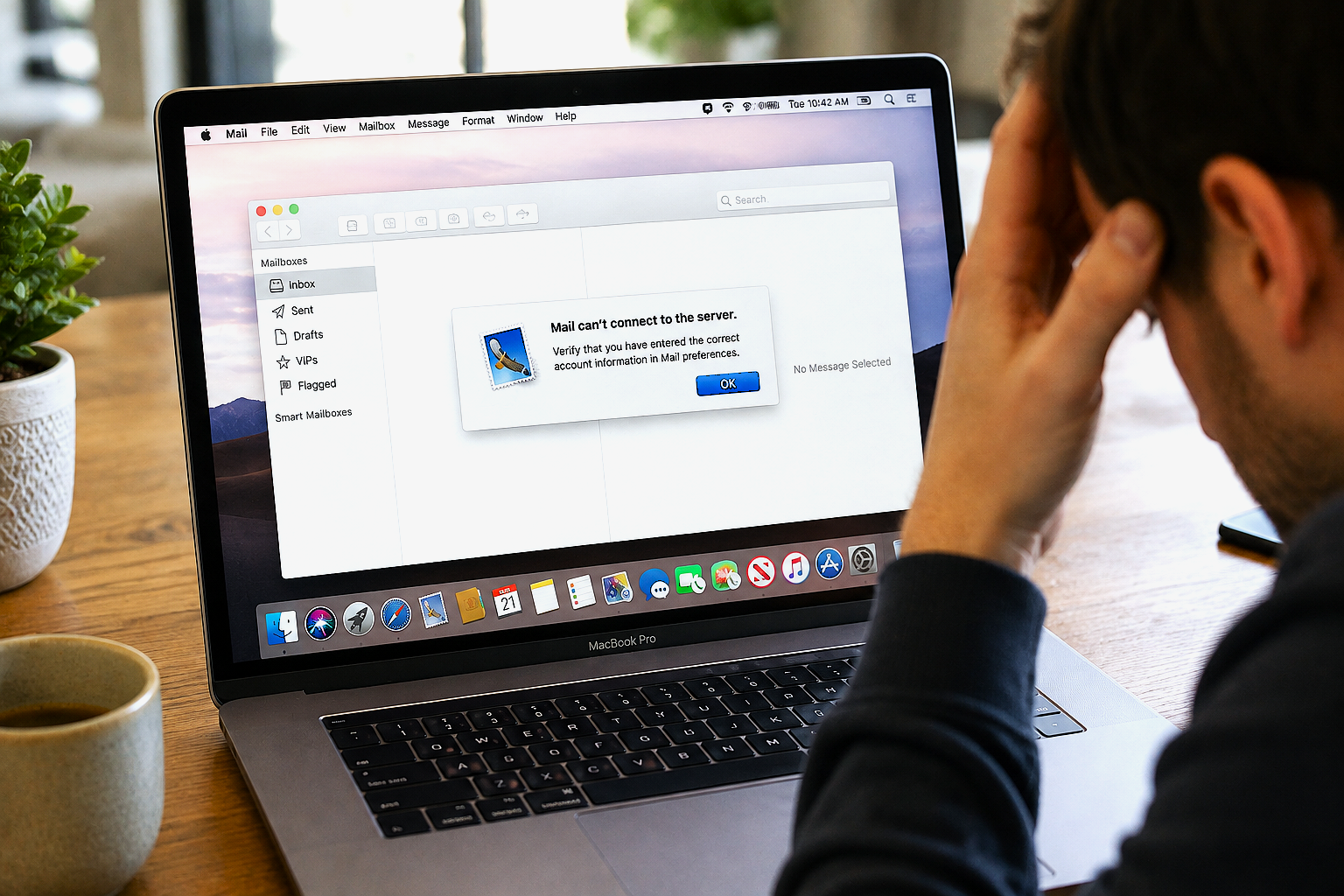
Mac Mail Not Working – Can’t Send or Receive Emails After Tahoe Update Fix
✅ Quick Answer Mac Mail not working after a macOS Tahoe update is most commonly caused by saved email passwords being invalidated in the macOS Keychain, account settings being partially reset during the update, or Mail accounts being set to offline status by the update process. The fastest fix is to open Mail → Settings […]
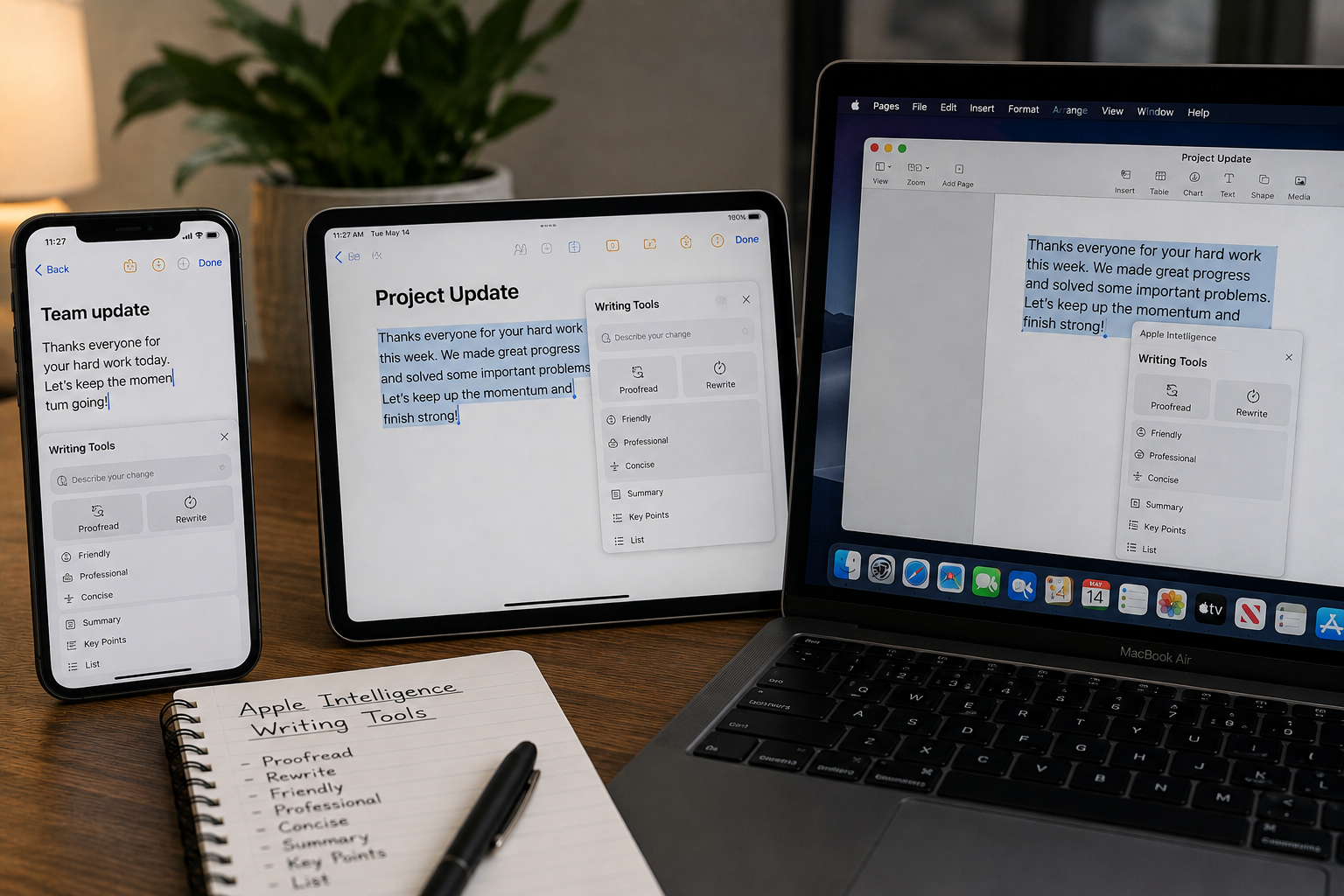
How to Use Apple Intelligence Writing Tools on iPhone, iPad and Mac
✅ Quick Answer To use Apple Intelligence Writing Tools, select any text you’ve typed in a text field — in Mail, Notes, Messages, Pages, or most third-party apps — then tap the Writing Tools button that appears in the formatting toolbar or in the text selection menu. On iPhone and iPad the button appears above […]
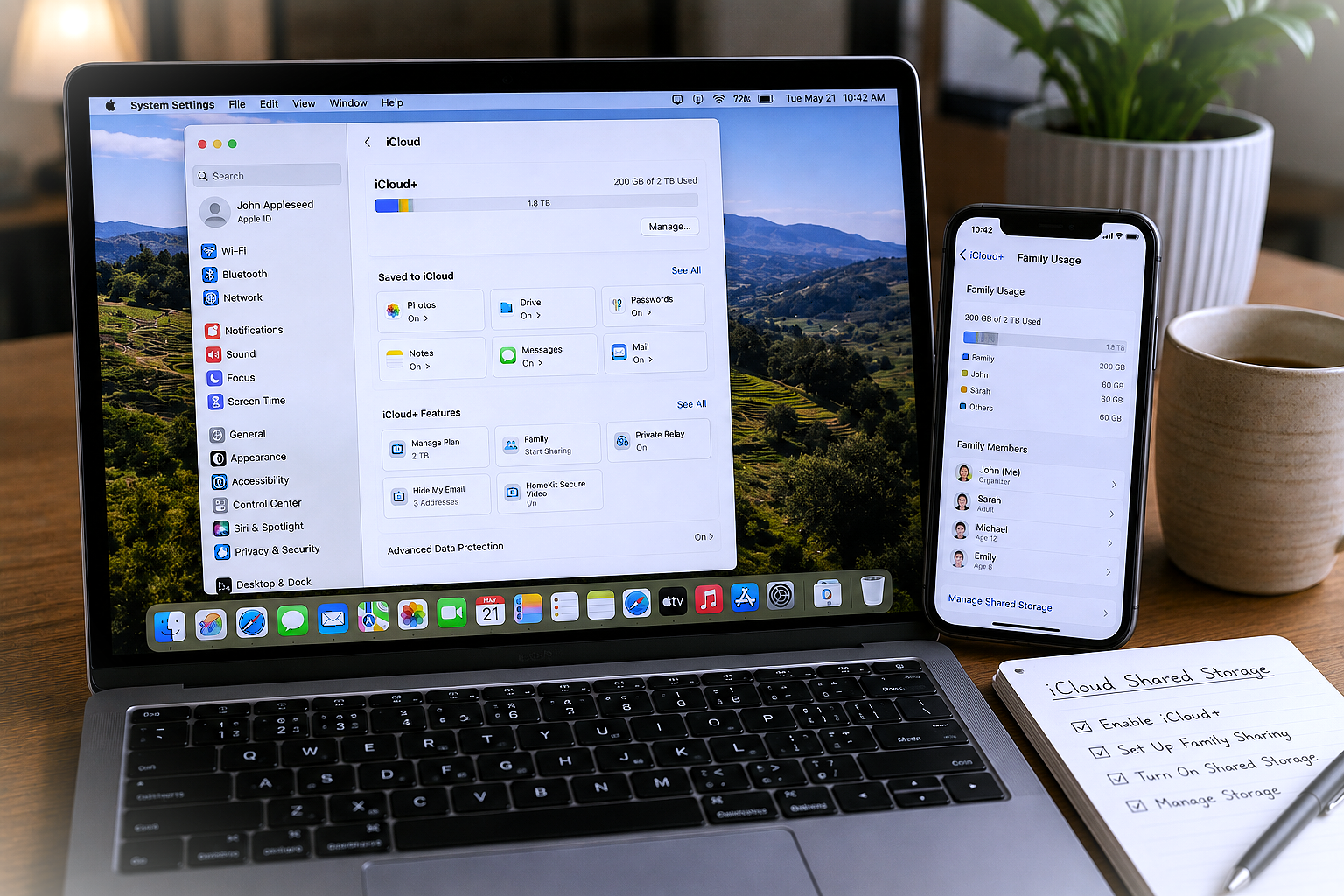
How to Set Up iCloud Shared Storage for Family – Step-by-Step Guide
✅ Quick Answer To set up iCloud shared storage for family, the account organiser goes to Settings → [Your Name] → Family Sharing → Set Up Family on iPhone, or System Settings → [Your Name] → Family Sharing on Mac, then upgrades to an iCloud+ plan of 200 GB or higher and enables storage sharing. […]
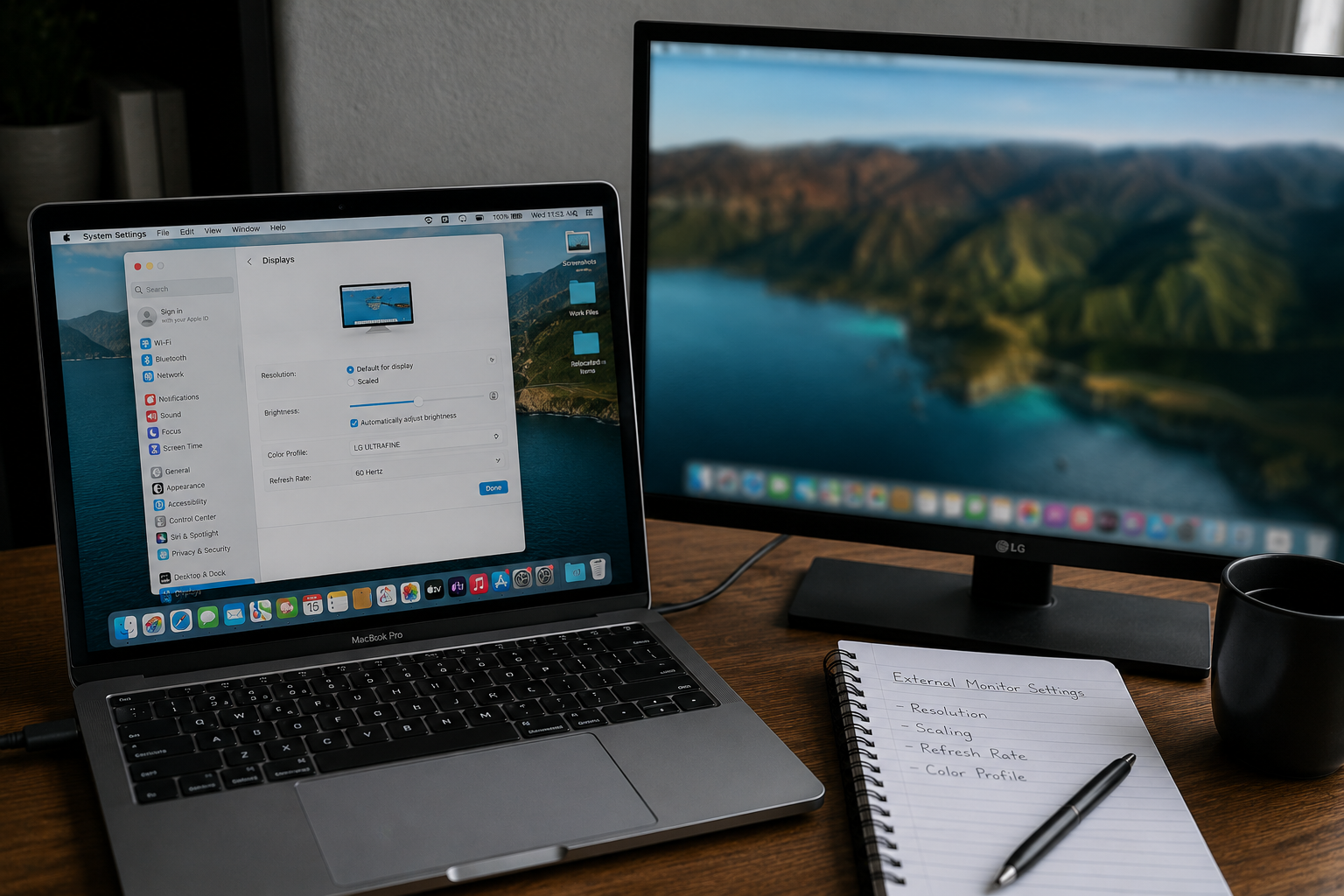
Mac External Monitor Blurry – Resolution and Scaling Settings Fixed
✅ Quick Answer Mac external monitor blurry text and images are almost always caused by macOS not running the display at its native resolution, or HiDPI (Retina-style scaling) not being enabled for a non-Apple monitor. Go to System Settings → Displays, click your external monitor, and select “Default for display” — this applies the monitor’s […]
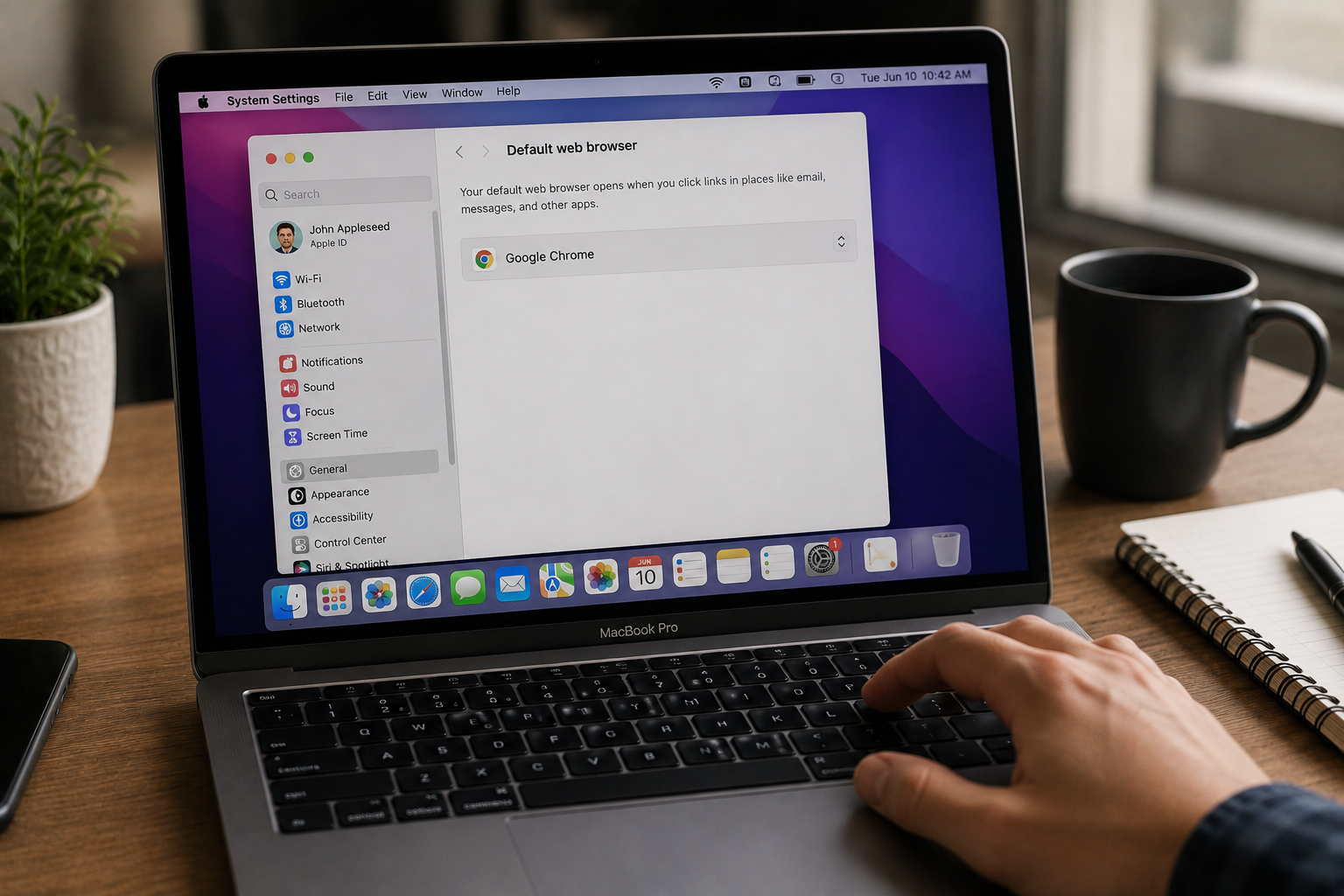
Mac Default Browser Not Changing – Safari Won’t Switch Fix
✅ Quick Answer Mac default browser not changing is most often caused by changing the setting in the wrong place, or a macOS glitch that requires a restart to apply the change. The correct method is to go to System Settings → Desktop & Dock → Default web browser (not inside Safari settings) and select […]
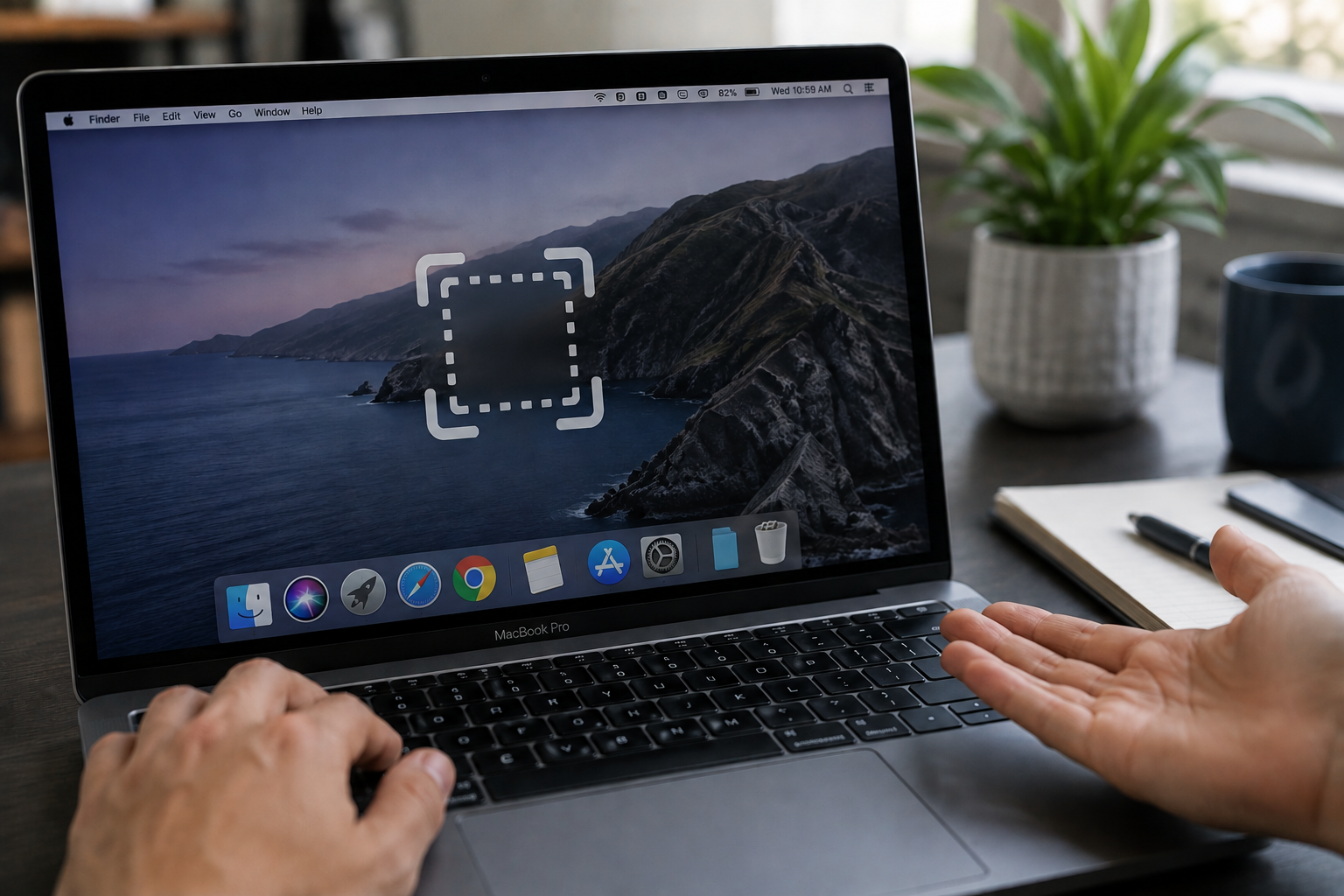
Mac Screenshot Not Working – Cmd+Shift+3 and 4 Fix
✅ Quick Answer Mac screenshot not working with Command + Shift + 3 or 4 is almost always caused by one of three things: the screenshot shortcuts have been reassigned or disabled in System Settings, the Screenshot app is missing Screen Recording permission, or the screenshots are saving to a location you’re not checking (not […]
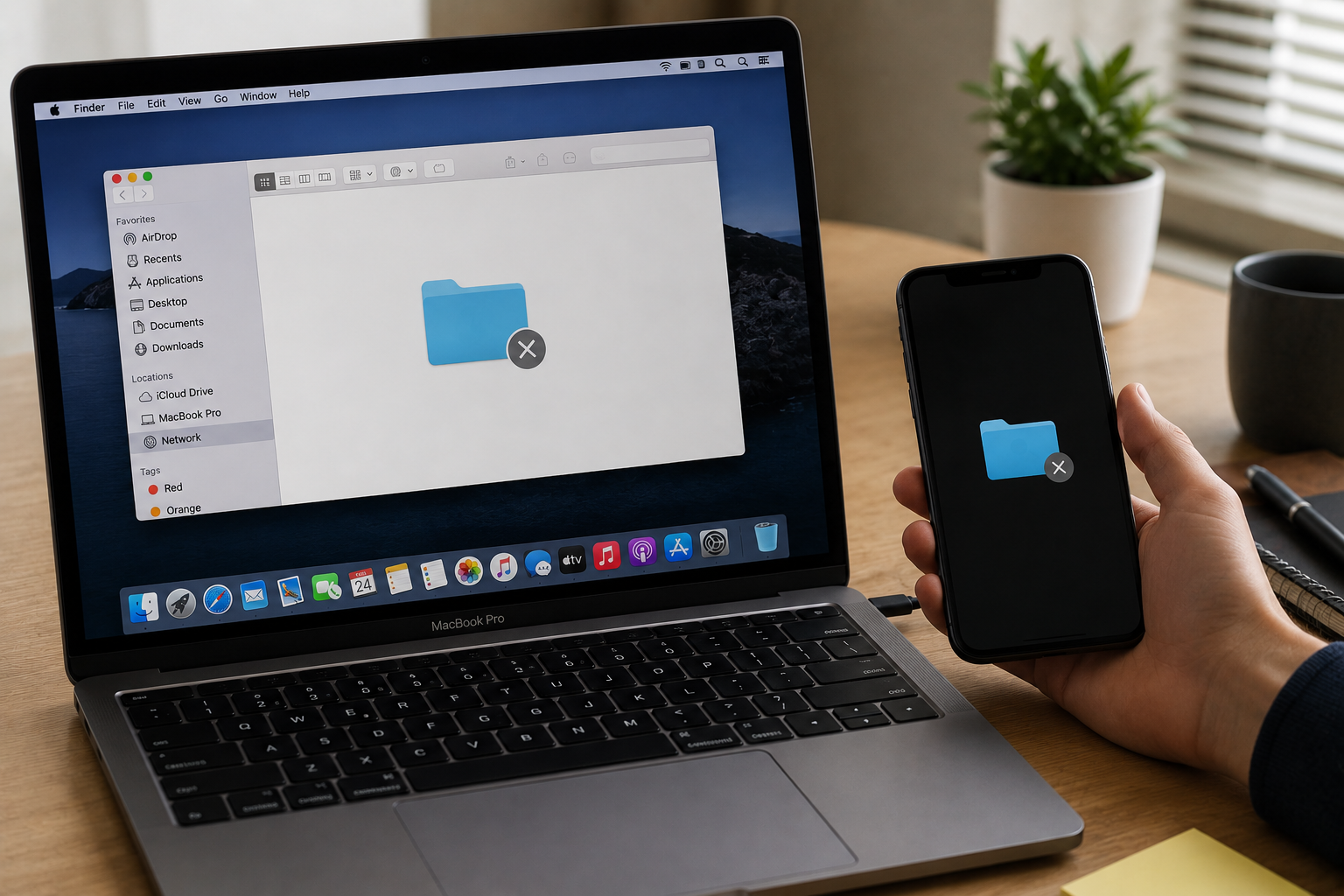
Mac File Sharing Not Working — How to Set Up and Fix
✅ Quick Answer Mac File Sharing not working is almost always caused by File Sharing being turned off in System Settings, both Macs not being on the same local network, or the Mac’s firewall blocking SMB connection requests. Start by going to System Settings → General → Sharing → File Sharing: On on the Mac […]
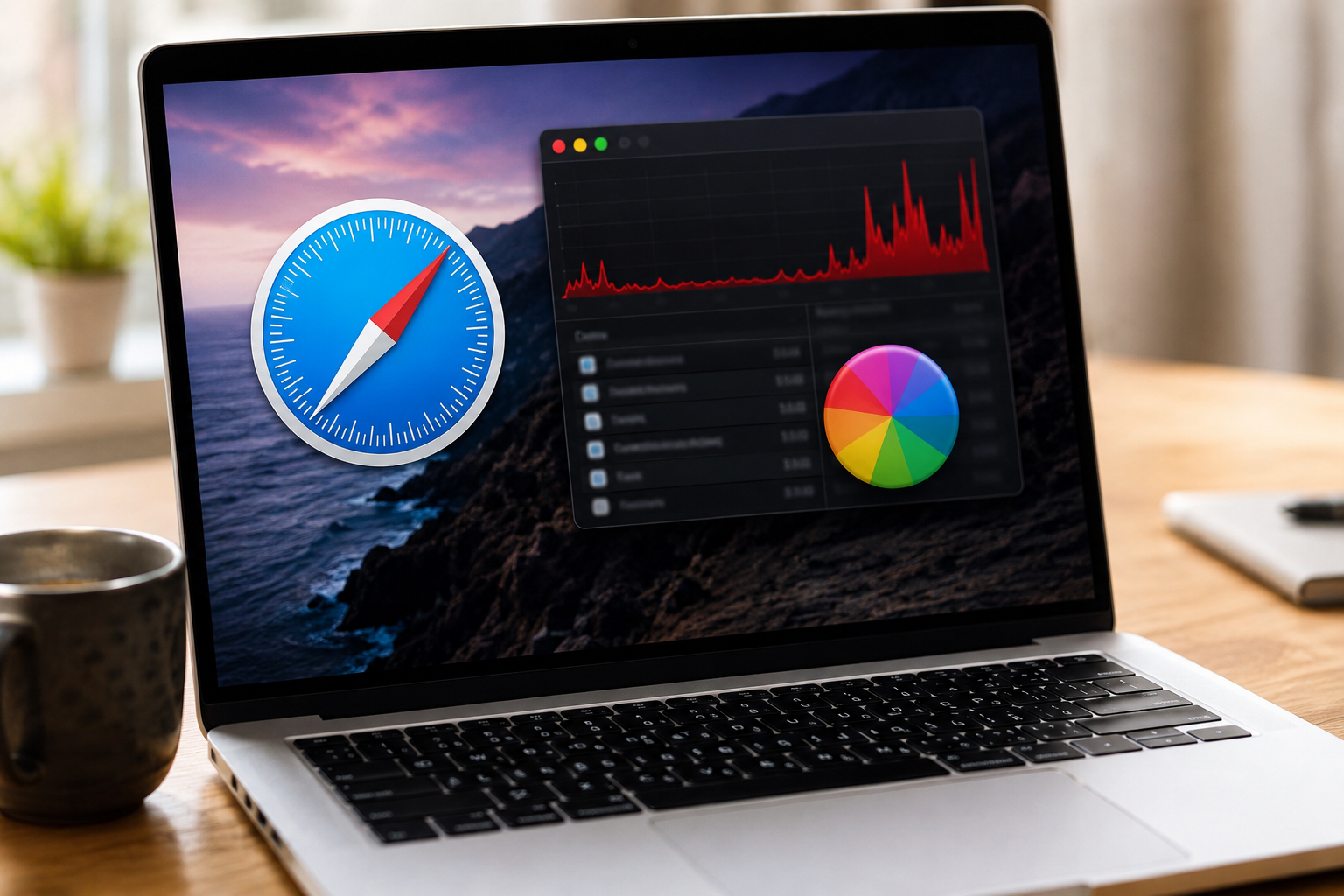
Mac Safari Running Slow — High CPU and Crashing Fix
✅ Quick Answer Mac Safari running slow, spiking CPU, or crashing is most commonly caused by a misbehaving browser extension, an overloaded cache, or a runaway WebKit process tied to a specific tab or website. The fastest fixes are: open Activity Monitor and look for any Safari-related process consuming above 80% CPU, then close the […]
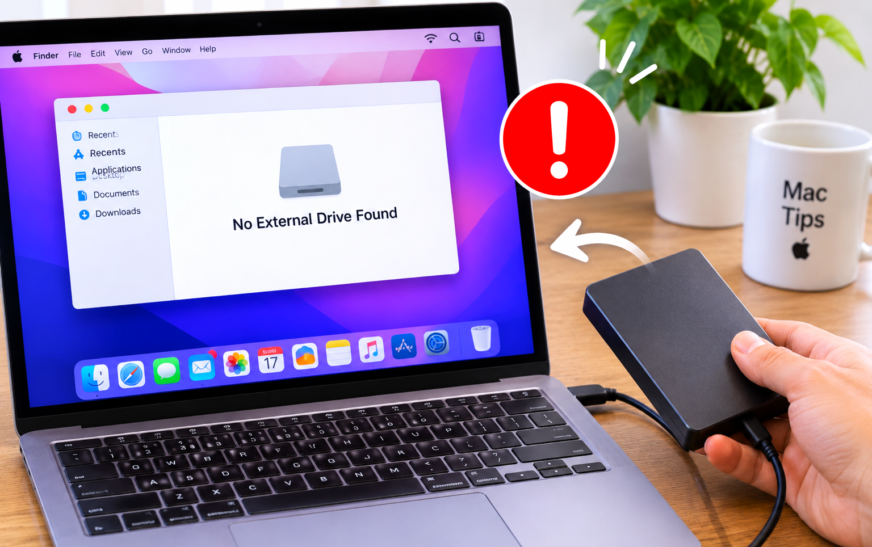
How to Fix an External Drive Not Showing Up on Mac
November 2, 2026
Mac Mouse Left-Click Randomly Not Working — macOS Fix
October 29, 2026
Mac Passwords App Not Accepting Keyboard Input — Can’t Type Fix
October 27, 2026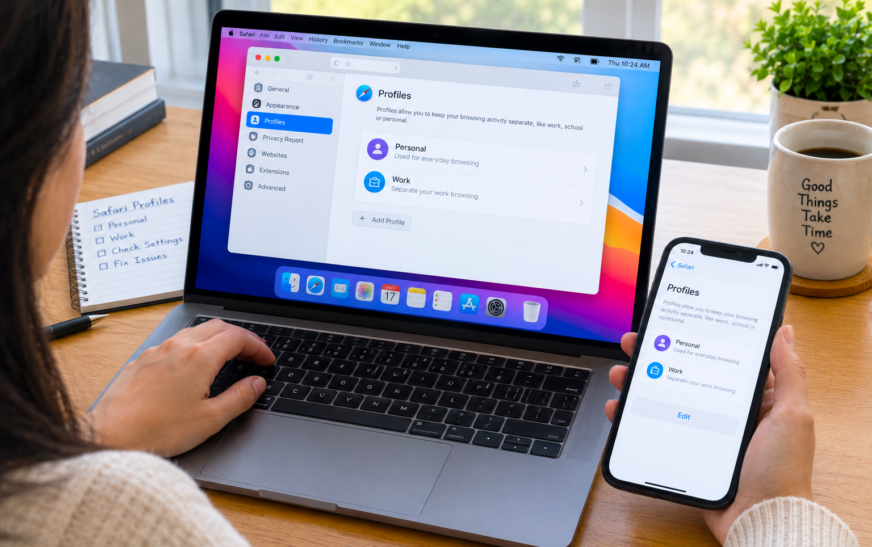
Safari Profiles Not Working on Mac? Empty Profile & Missing Data Fix
October 22, 2026
How to Fix an External Drive Not Showing Up on Mac
November 2, 2026
Mac Mouse Left-Click Randomly Not Working — macOS Fix
October 29, 2026
Mac Passwords App Not Accepting Keyboard Input — Can’t Type Fix
October 27, 2026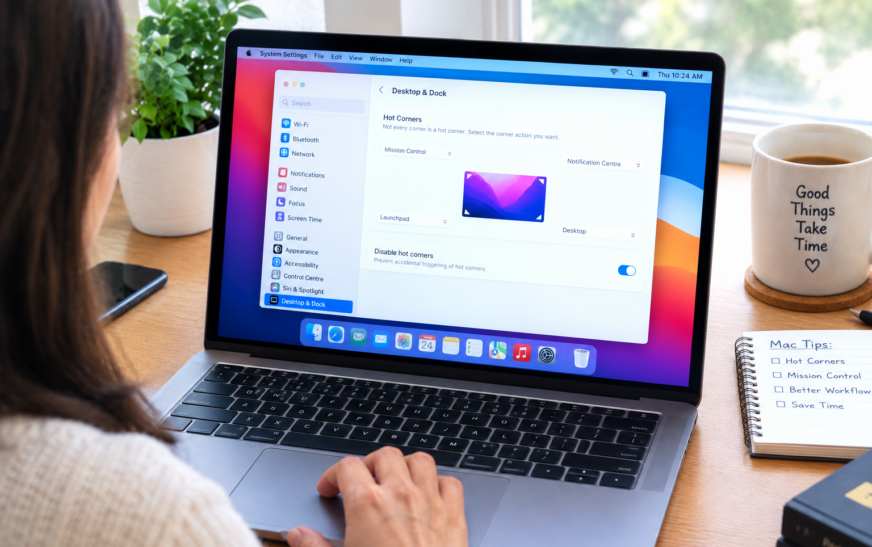
How to Stop Mac Hot Corners From Activating Accidentally (macOS Fix)
October 20, 2026
Video Sent via iCloud Not Loading – 12 Proven Fixes to Finally Watch Your Shared Videos
✅ Quick Answer When a video sent via iCloud is not loading, the issue is almost
How to Turn Off Notifications on MacBook but Not iPhone
✅ Quick Answer To turn off notifications on MacBook but not iPhone, use Do Not Disturb

How to Fix an External Drive Not Showing Up on Mac
✅ Quick Answer When an external drive isn’t showing up on Mac, first check Finder
Mac Mouse Left-Click Randomly Not Working — macOS Fix
✅ Quick Answer When a Mac mouse left-click randomly stops working, the fastest fix is
How to Fix an External Drive Not Showing Up on Mac
✅ Quick Answer When an external drive isn’t showing up on Mac, first check Finder →
Mac Mouse Left-Click Randomly Not Working — macOS Fix
✅ Quick Answer When a Mac mouse left-click randomly stops working, the fastest fix is to
Mac Passwords App Not Accepting Keyboard Input — Can’t Type Fix
✅ Quick Answer When the Mac Passwords app won’t accept keyboard input, the fastest fix is
Safari Profiles Not Working on Mac? Empty Profile & Missing Data Fix
✅ Quick Answer When Safari Profiles show as empty or missing data on Mac, the most
How to Stop Mac Hot Corners From Activating Accidentally (macOS Fix)
✅ Quick Answer To stop Mac Hot Corners from triggering accidentally, add a modifier key requirement
How to Fix Mac FaceTime Not Working – Camera, Audio & Connection?
✅ Quick Answer When FaceTime is not working on Mac, the most common fix is checking
Mac iCloud Optimize Storage Not Working – Optimise Mac Storage Fix
✅ Quick Answer When iCloud Optimize Storage is not working on Mac, the most common cause
How to Turn Off Notifications on MacBook but Not iPhone
✅ Quick Answer To turn off notifications on MacBook but not iPhone, use Do Not Disturb
How to Delete or Uninstall Apps on Mac – 8 Proven Methods for a Complete Clean Removal
✅ Quick Answer To delete or uninstall apps on Mac, the fastest methods are: open Launchpad,
Video Sent via iCloud Not Loading – 12 Proven Fixes to Finally Watch Your Shared Videos
✅ Quick Answer When a video sent via iCloud is not loading, the issue is almost